Enhanced trip display
• Trip distance — shows the accumulated trip distance
• Average fuel economy — shows the average fuel economy for a given
trip.
• Estimated amount of fuel consumed — shows the amount of fuel used
for a given trip.
• Elapsed trip time — timer stops when the vehicle is turned off and
restarts when the vehicle is restarted.
Press OK to pause the Trip 1 or 2 screen. Press again to un-pause.
Press and hold OK to reset the currently displayed trip information.
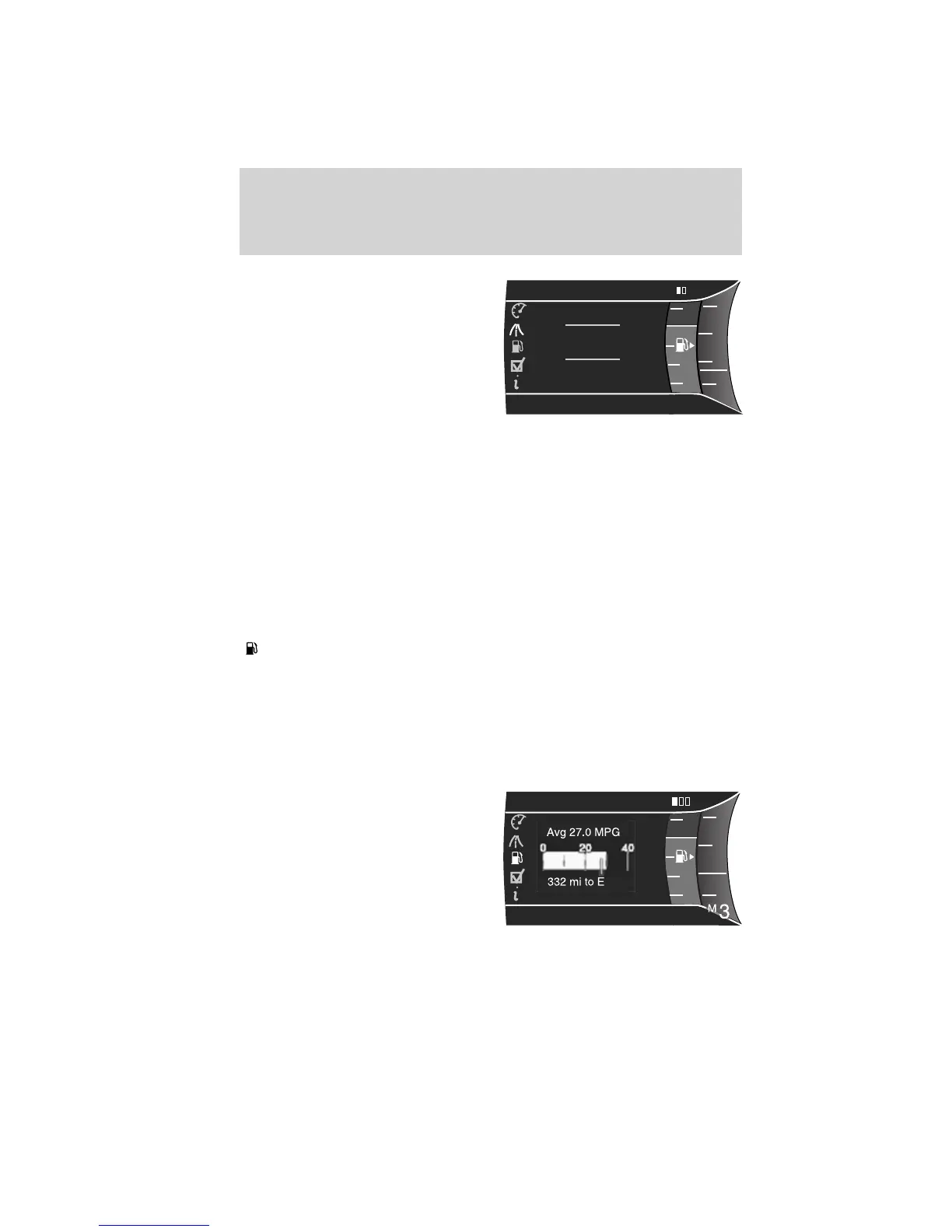
Fuel Economy
Press the right arrow on the left steering wheel mounted button when
fuel economy is selected. The boxes in the upper right corner of the
screen indicate that there are multiple screens that you can navigate
through. Each press of the right arrow will navigate to the next screen
until the last screen is reached. The white highlighted box indicates
which of the screens you are currently viewing:
Instant fuel economy
Shown with vertical bar tachometer
enabled
• This display shows a visual graph
of your instantaneous fuel
economy. Press the right arrow to
reach the other fuel displays and
press the left arrow once to
return to the previous display.
F
6
4
139.5 mi
Trip 1
28.5
MPG
300.5 GAL
00:58:44
RPM
1000
+
2
0
01234.5mi
E
F
6
4
RPM
1000
+
2
0
01234.5mi
Inst. Fuel Economy
E
Inst
Instrument Cluster
38
2011 Explorer (exp)
Owners Guide, 1st Printing
USA (fus)













 To Next Page