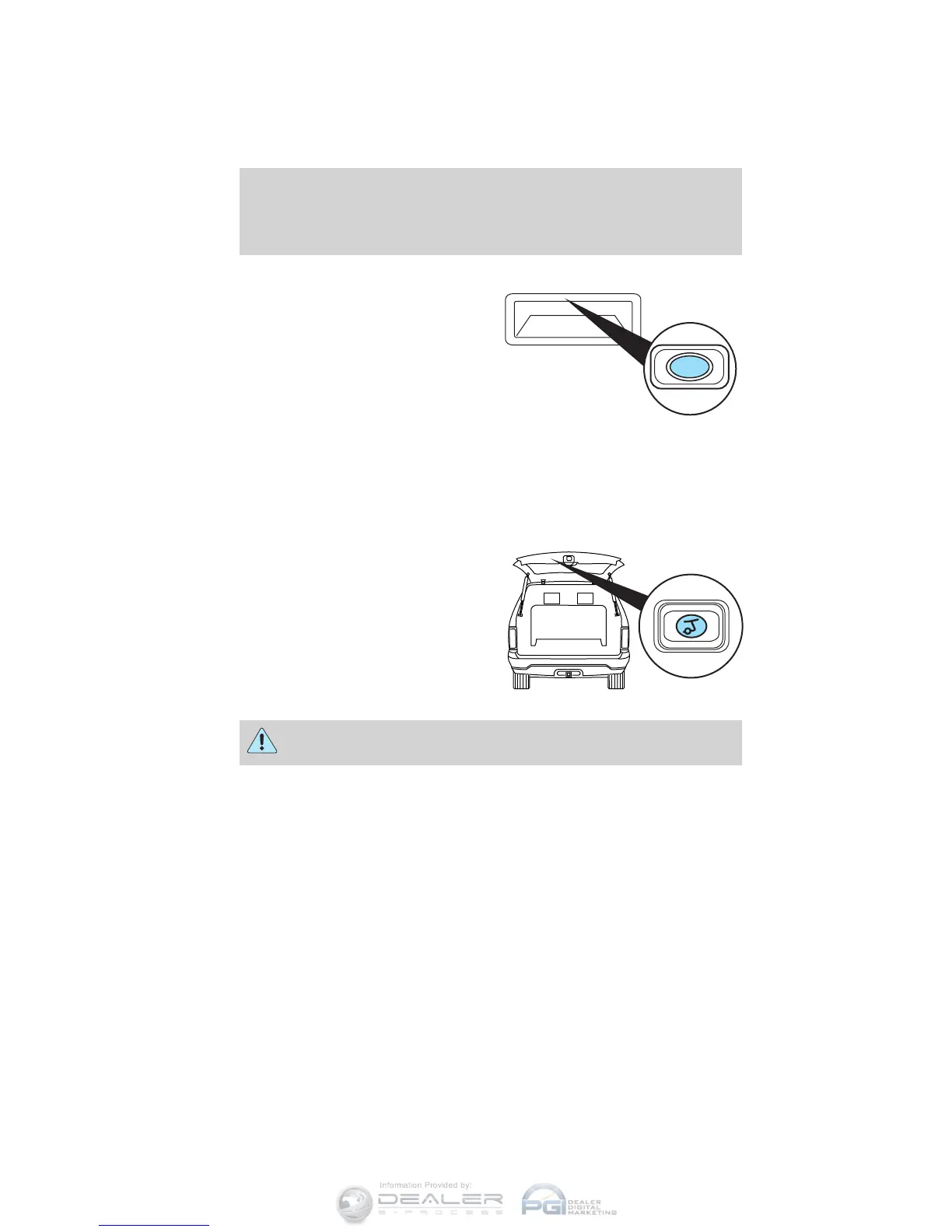
To power open the liftgate with
outside liftgate control button:
1. Unlock the liftgate with the
transmitter or power door unlock
control. If the intelligent access
transmitter (if equipped) is within
3 feet (1 meter) of the liftgate, the
liftgate will unlock when you press
the liftgate release button.
2. To open the liftgate, press the
control button located in the top of the liftgate pull-cup handle.
Note: For the best performance allow the power system to open the
liftgate after pressing the control. Manually pushing or pulling the liftgate
may activate the system’s obstacle detection feature and stops the power
operation.
To power close the liftgate with
the control button on the
liftgate:
Press and release the control on the
liftgate.
WARNING: Keep clear of the liftgate when activating the rear
switch.
Note: The liftgate movement direction can be reversed with a second
press of the instrument panel, or the control button on the liftgate, or a
second double press of the transmitter button.
Driver Controls
122
2012 Explorer (exp)
Owners Guide, 2nd Printing
USA (fus)











 To Next Page