DRIVER ALERT (If Equipped)
WARNING
The system is designed to aid the
driver. It is not intended to replace
your attention and judgment. You are
still responsible to drive with due care and
attention.
Note: The system will store the on or off
setting in the information display menu
through ignition cycles.
Note: If enabled in the menu, the system
will be active at speeds above 40 mph
(64 km/h). When below the activation
speed, the information display will inform
you that the system is unavailable.
Note: The system works as long as one lane
marking can be detected by the camera.
Note: If the camera is blocked or if the
windshield is damaged, the system may not
function.
Note: The system may not be available in
poor weather or other low visibility
conditions.
The system automatically monitors your
driving behavior using various inputs
including the front camera sensor.
If the system detects that your driving
alertness is reduced below a certain
threshold, the system will alert you using
a chime and a message in the information
display.
Using Driver Alert
Switching the system on and off
You may switch the system on or off
through the information display. See
General Information (page 89). When
activated, the system will monitor your
alertness level based upon your driving
behavior in relation to the lane markings,
and other factors.
System Warnings
Note: The system will not issue warnings
below approximately 40 mph (64 km/h).
The warning system is in two stages. At
first the system issues a temporary warning
that you need to take a rest. This message
will only appear for a short time. If the
system detects further reduction in driving
alertness, another warning may be issued
which will remain in the information display
for a longer time. Press OK on the steering
wheel control to clear the warning.
System Display
When active the system will run
automatically in the background and only
issue a warning if required. You can view
the status at any time using the
information display. See General
Information (page 89).
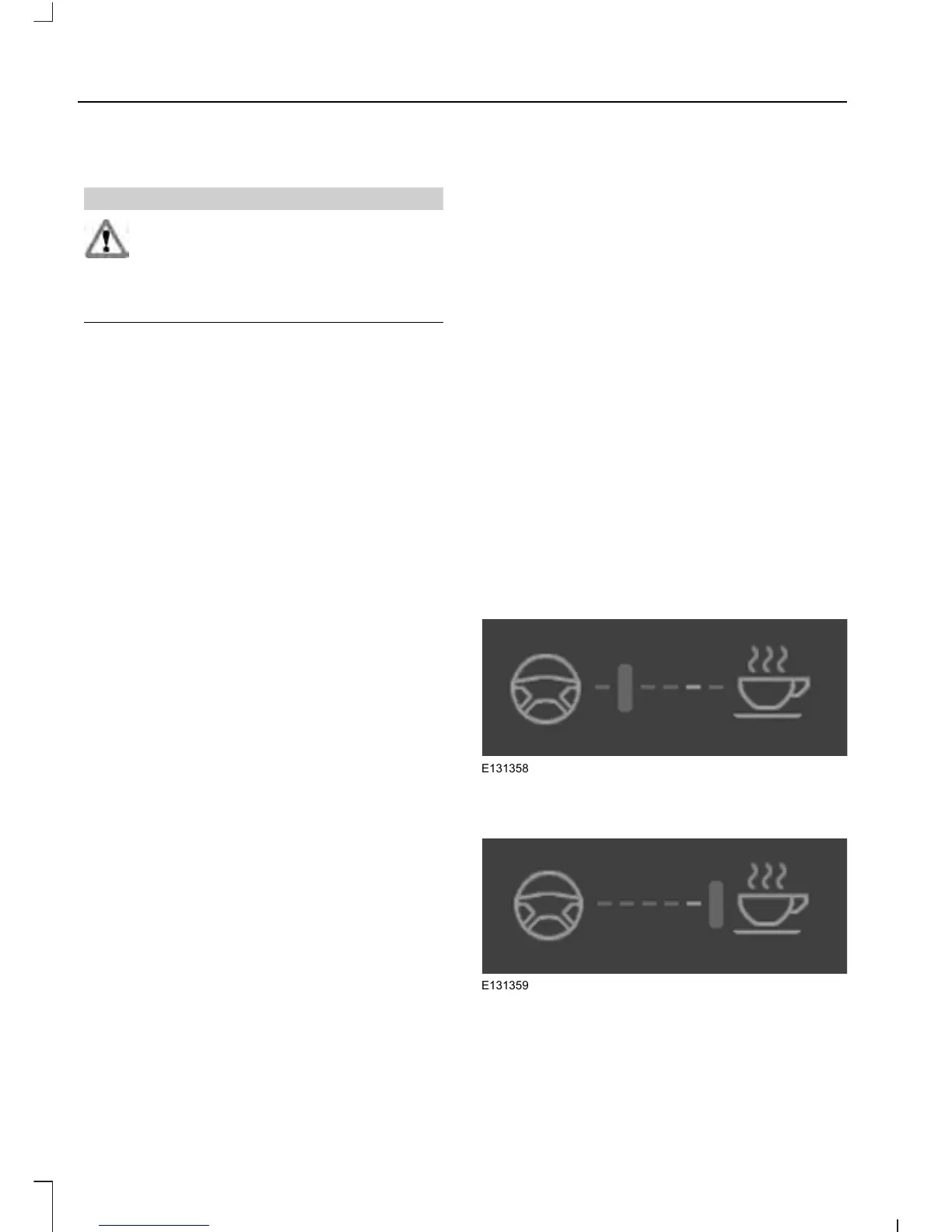
The alertness level is shown by six steps
in a colored bar.














 To Next Page