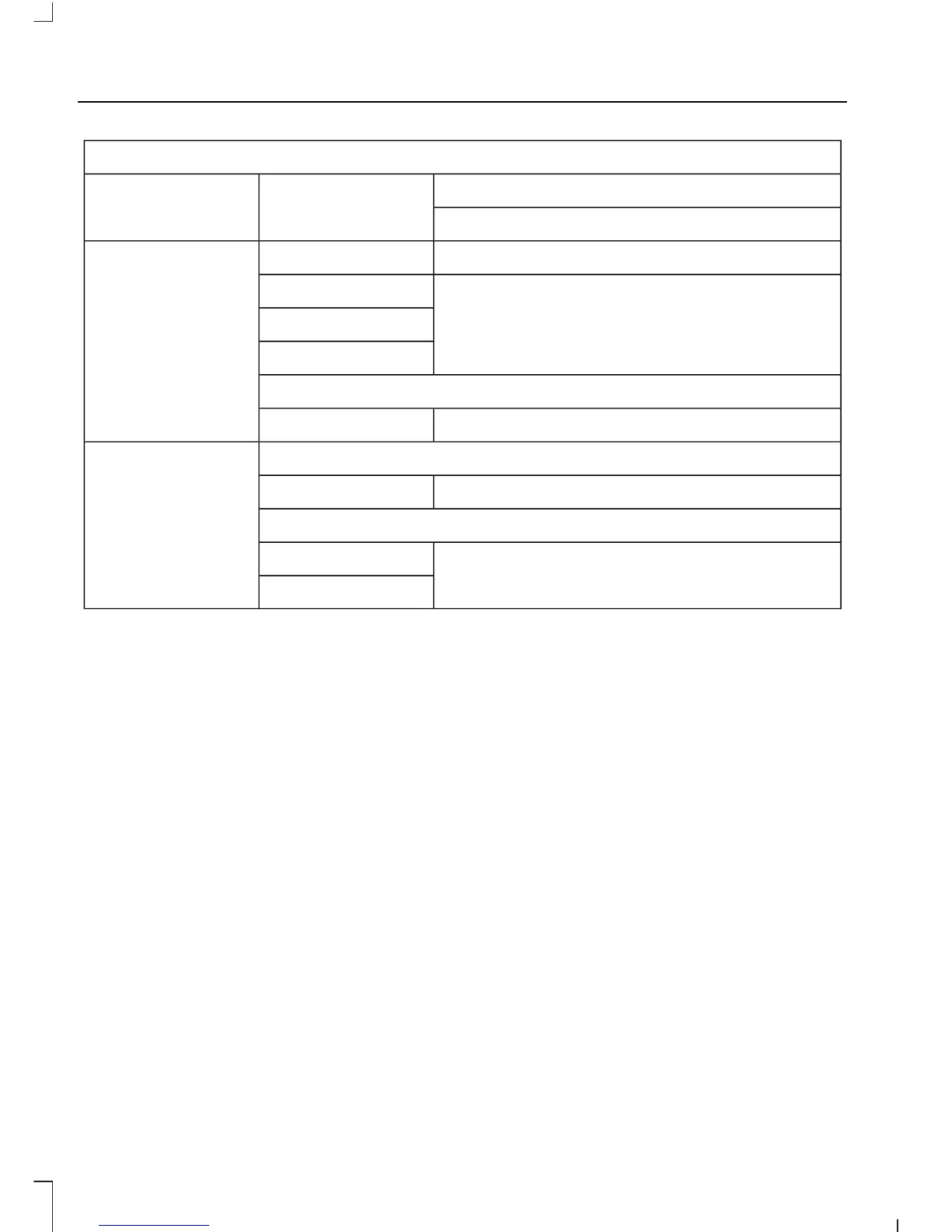
Settings
Courtesy WipeWipers
Rain Sensing
Hold OK to Create MyKeyCreate MyKeyMyKey
Select Your SettingTraction Ctrl
Max Speed
Speed Warning
Volume Limiter
Hold OK to Clear All MyKeysClear MyKeys
Navigation infoDisplay
Select Your SettingLanguage
Vehicle graphic
Select Your SettingDistance
Temperature
System Check
All active warnings will display first if
applicable. The system check menu may
appear different based upon equipment
options and current vehicle status. Use the
up/down arrow buttons to scroll through
the list.
TRIP COMPUTER
Resetting the Trip Computer
Press and hold OK on the current screen
to reset the respective trip, distance, time
and average fuel information.
Distance to E
Indicates the approximate distance the
vehicle will travel on the fuel remaining in
the tank. Changes in driving pattern may
cause the value to vary.
Trip Odometer
Registers the distance traveled of
individual journeys.
Trip Timer
Registers the time of individual journeys.
Instantaneous Fuel (If Equipped)
Shows your instantaneous fuel usage.
Average Fuel
Indicates the average fuel consumption
since the function was last reset.
Digital Speedo
Shows a digital display of your vehicle
speed.
92
Escape/Kuga (TM2), enUSA, First Printing
Information Displays











 To Next Page