• To program position three, push buttons 1 and 2 simultaneously.
A position can only be set or recalled when the transmission gearshift is
in P (Park) or N (Neutral). A memory seat position may be programmed
at any time.
The memory seat positions are also recalled when you press your remote
entry transmitter UNLOCK control.
The third position is recalled when both buttons are depressed.
To program the memory seat to remote entry transmitter, refer to
Memory seat/adjustable pedals/easy entry-exit feature (if equipped)
in the Locks and Security chapter.
The easy entry/exit feature automatically moves the drivers seat
backwards slightly (if room is available) when the key is removed from
the ignition. It will automatically move the seat forward to the original
position when the key is inserted into the ignition.
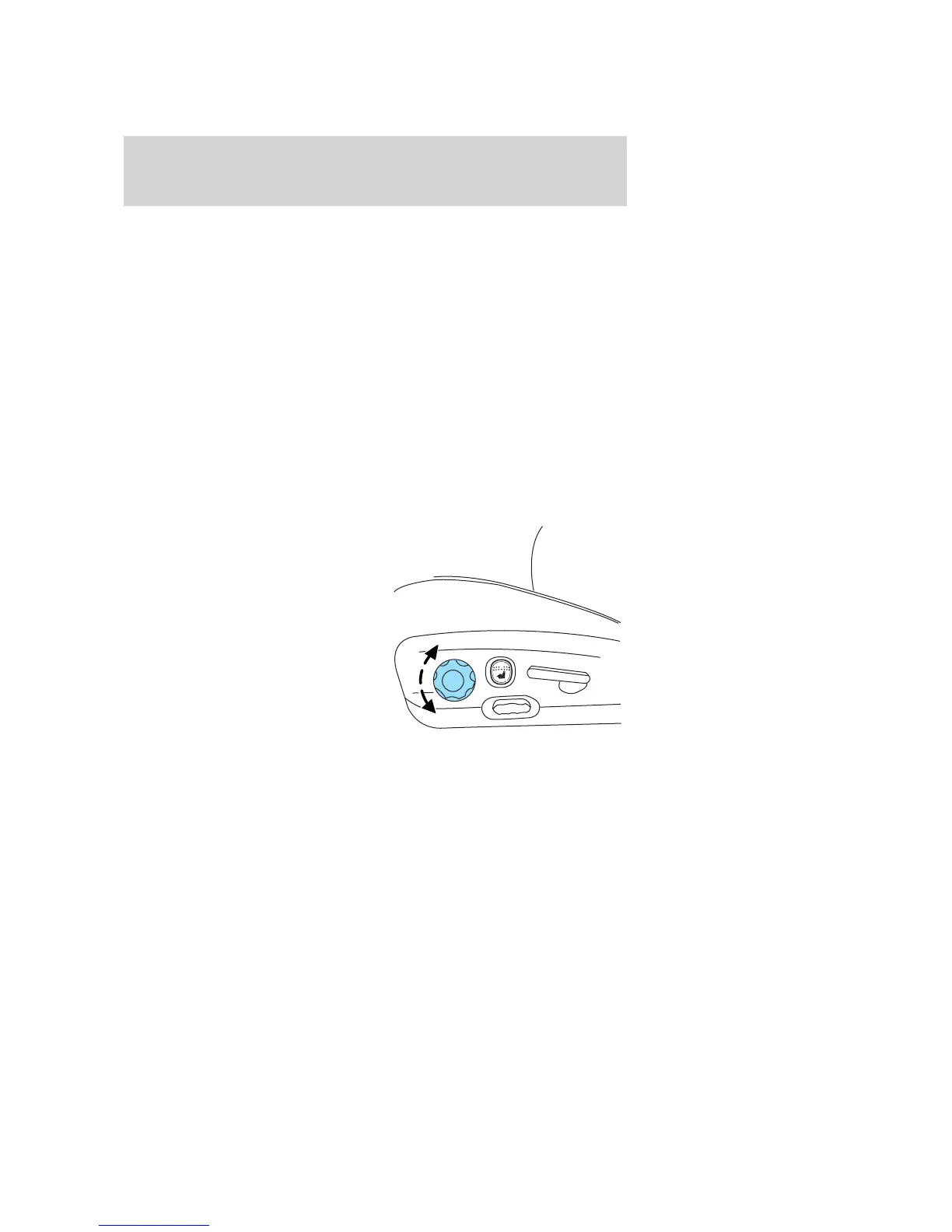
Using the manual lumbar support
For more lumbar support, turn the
lumbar support control toward the
front of vehicle.
For less lumbar support, turn the
lumbar support control toward the
rear of vehicle.
2005 Explorer (exp)
Owners Guide (post-2002-fmt)
USA (fus)
Seating and Safety Restraints
115














 To Next Page