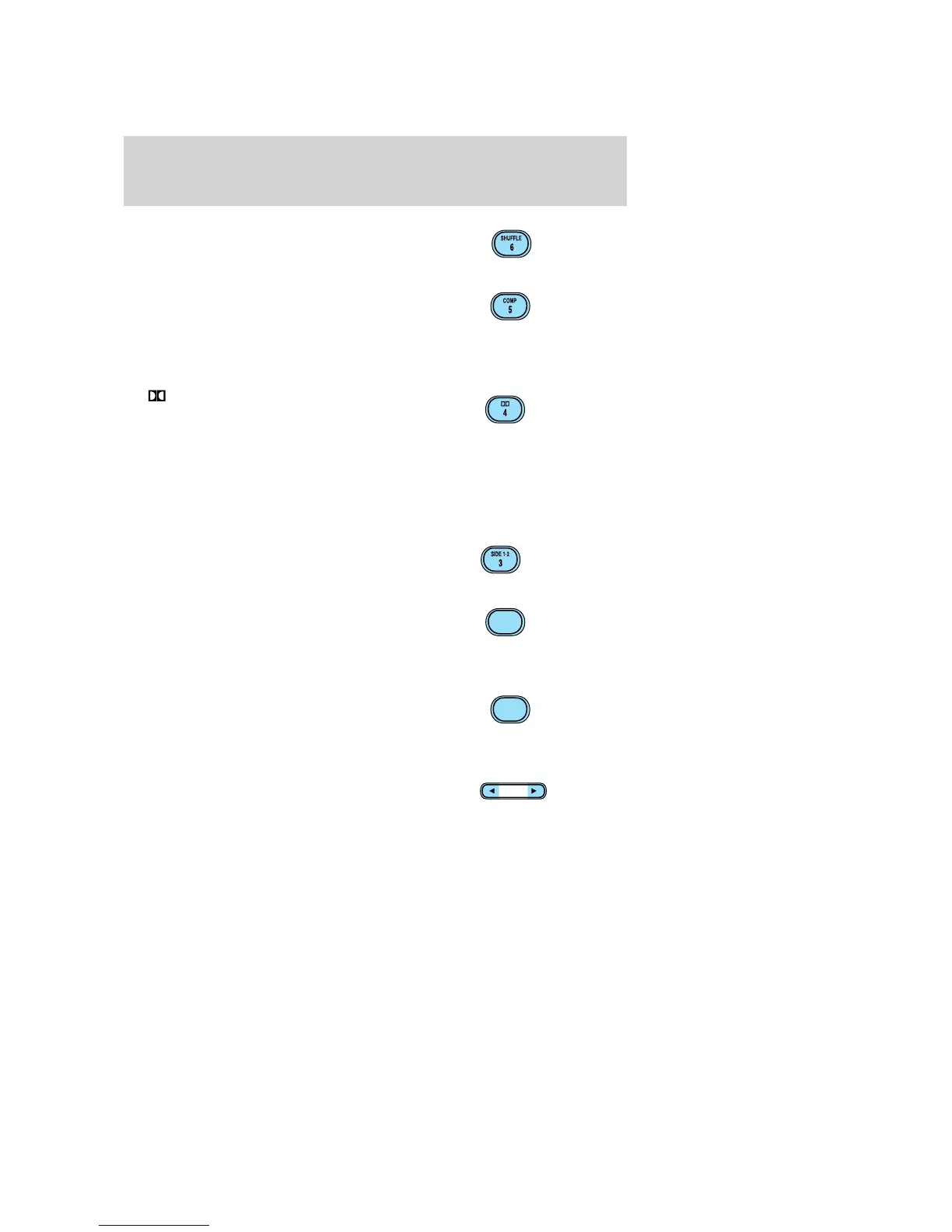
12. SHUFFLE: Works in CD mode.
Press to play tracks in random
order. Press again to disable.
13. COMP (Compression): Works
in CD mode. Press to bring soft and
loud passages together for a more
consistent listening level. A small “c”
will appear in the display to indicate that compression is enabled. Press
again to disable.
14.
Dolby威 noise reduction:
Works in tape mode only. Reduces
tape noise and hiss; press to
activate/deactivate.
The Dolby威 noise reduction system is manufactured under license from
Dolby Laboratories Licensing Corporation. Dolby威 and the double-D
symbol are registered trademarks of Dolby Laboratories Licensing
Corporation.
15. SIDE 1–2: Works in tape mode
only. Press to play reverse side of
the tape.
16. FF (Fast Forward): In CD
mode, press for a slow advance,
press and hold for a fast advance. In
TAPE mode, press FF to enable
Fast Forward feature. Press FF or TAPE to resume tape play.
17. REW (Rewind): In CD mode,
press for a slow reverse, press and
hold for a fast reverse. In TAPE
mode, press REW to enable the
rewind feature. Press REW or TAPE to resume tape play.
18. SEL (Select): Use with Bass,
Treble, Balance and Fade controls.
FF
2
REW
1
SEL
2005 Explorer (exp)
Owners Guide (post-2002-fmt)
USA (fus)
Entertainment Systems
28













 To Next Page