Settings (cont’d)
*MyKey MyKey Status MyKeys / Admin Keys
Create
MyKey
Hold OK to Create MyKey
911 Assist Always On / User Selectable
Traction
Control
Always On / User Selectable
Max Speed Choose desired speed or off
Speed
Warning
Choose desired speed or off
Volume
Limiter
On/Off
Do Not
Disturb
Always On / User Selectable
Clear MyKeys Hold OK to Clear All MyKeys
*Some MyKey items will only appear if a MyKey is set.
Settings (cont’d)
Display Distance Miles & GAL, l/100km or km/l
Gauge
Display
Fuel Gauge / Fuel + Tach
Language Select your applicable language
Temperature Fahrenheit (°F) / Celsius (°C)
INFORMATION MESSAGES
Note: Depending on the vehicle options equipped with your vehicle, not
all of the messages will display or be available. Certain messages may be
abbreviated or shortened depending upon which cluster type you have.
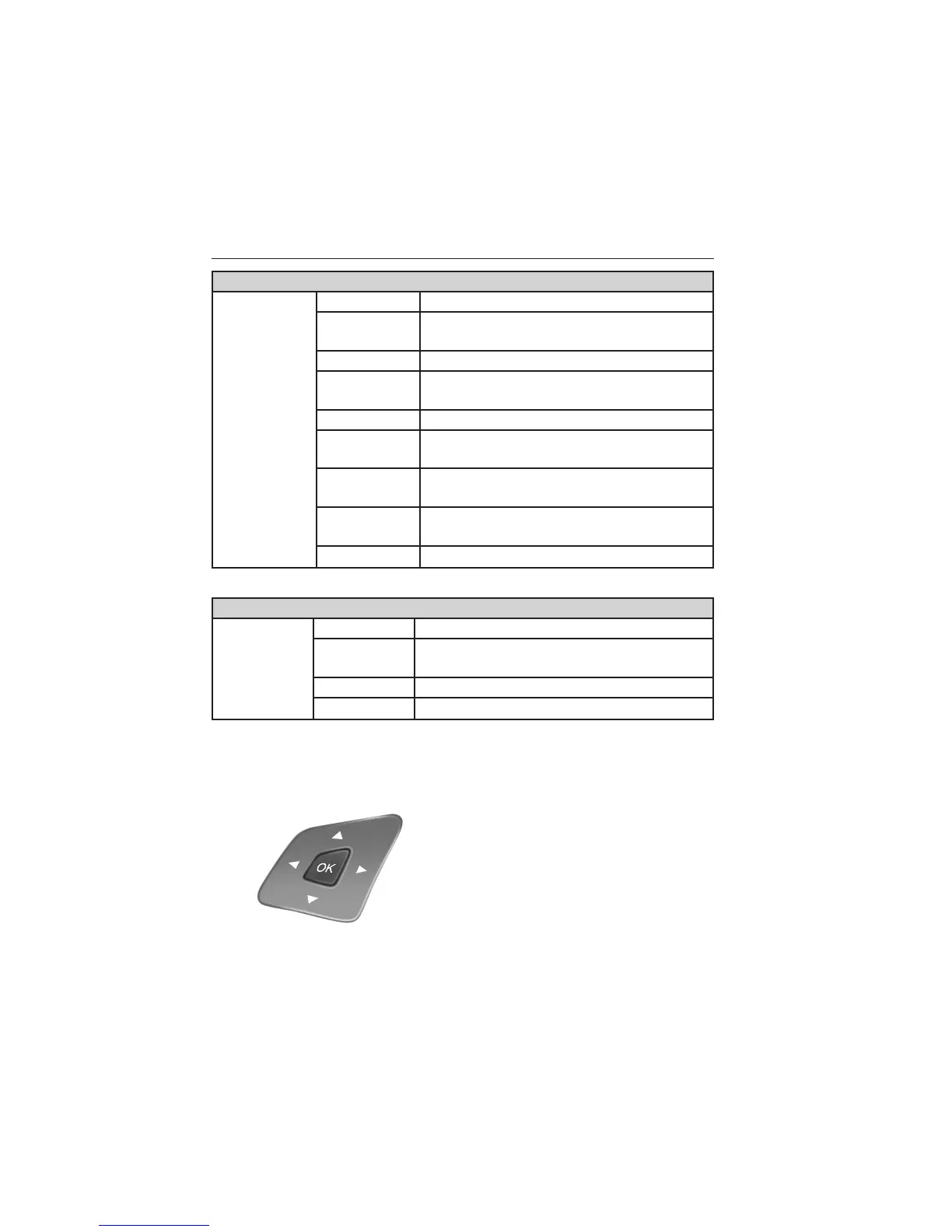
Press the OK button to
acknowledge and remove some
messages from the information
display. Other messages will be
removed automatically after a short
time. Certain messages need to be
confirmed before you can access
the menus.
Information Displays 133
2014 Explorer (exp)
Owners Guide gf, 3rd Printing, September 2013
USA (fus)















 To Next Page