Sirius troubleshooting tips
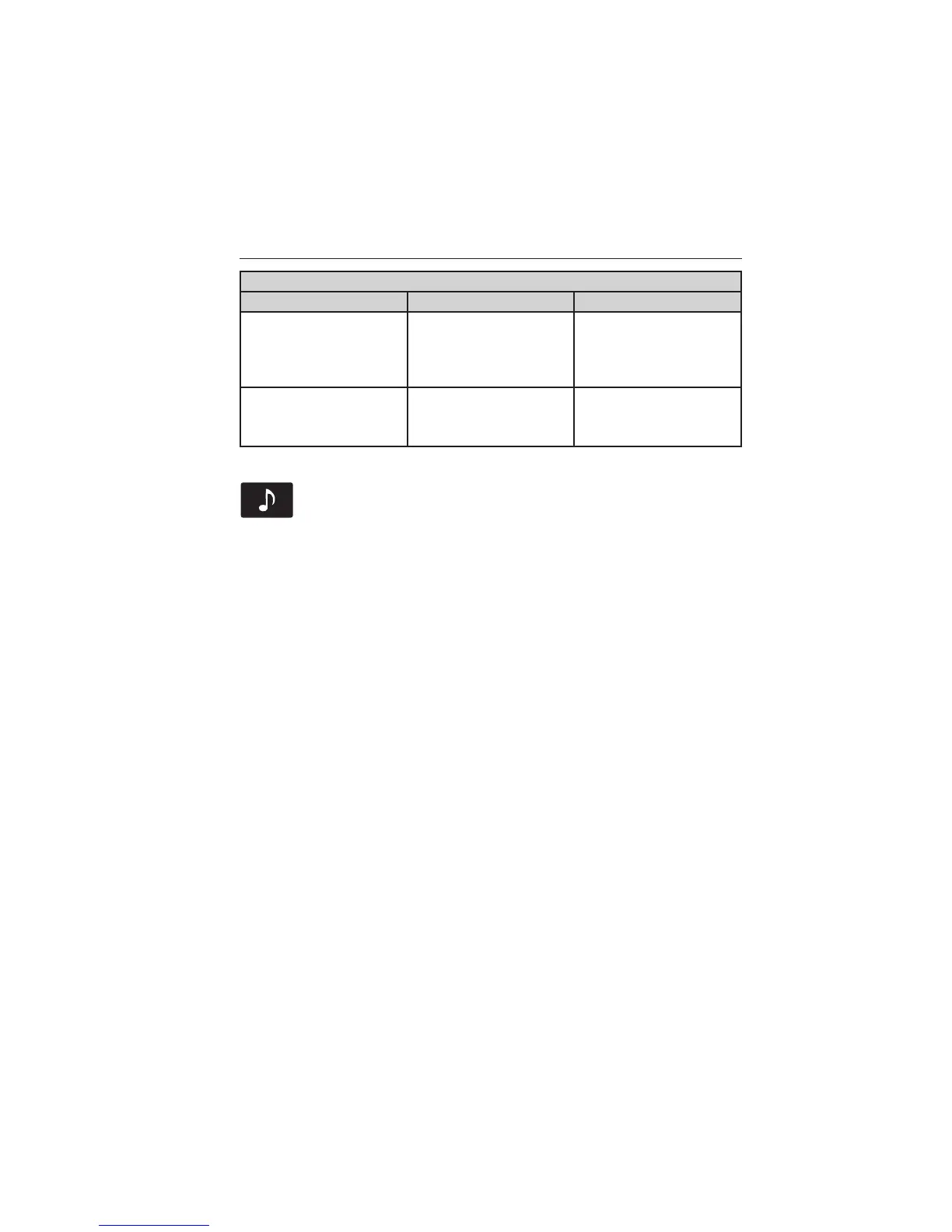
Radio display Condition Possible action
None Found. Check
Channel Guide.
All the channels in the
selected channels are
either skipped or
locked.
Use the channel guide
to turn off the Lock
or Skip function on
that station.
Subscription Updated. Sirius has updated the
channels available for
your vehicle.
No action required.
CD
Press the lower left corner of the touchscreen, and then select
the CD tab.
You can also advance and reverse the current track or current folder, if
applicable.
Repeat
Touch this button to repeat the currently playing track, all tracks on the
disc or turn the feature off if already on.
Shuffle
Touch this button to play the tracks or entire albums in random order, or
turn the feature off if already on.
Scan
Touch this button to hear a brief sampling of all available tracks.
More Info
Touch this button to see disc information.
Options
Sound Settings allows you to adjust settings for:
• Bass
• Midrange
• Treble
• Balance and Fade
• DSP (Digital Signal Processing)
• Occupancy Mode
• Speed Compensated Volume.
Note: Your vehicle may not have all these sound settings.
494 MyFord Touch® (If Equipped)
2014 Explorer (exp)
Owners Guide gf, 3rd Printing, September 2013
USA (fus)















 To Next Page