56
Driver controls
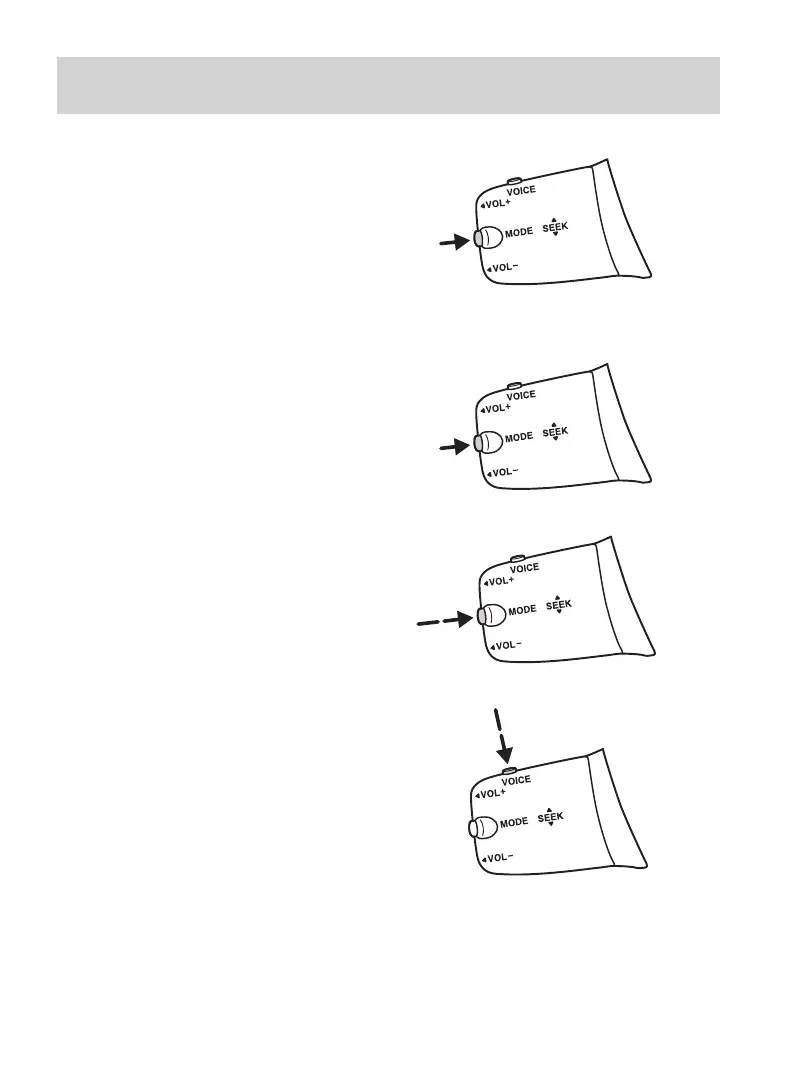
Memory seek or change CD
Briefly press the button on the
side:
In radio mode, this will locate the
next pre-set radio station.
In CD mode, it will select the next
CD if a CD changer is fitted.
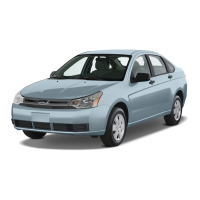
Waveband select
In radio mode, press and hold the
button on the side to change the
waveband.
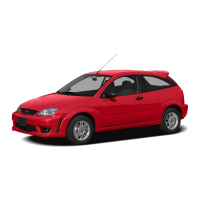
Voice control
To select or deselect voice control,
press the button on the top.
For details on operating your audio
system, please refer to the Audio
Guide.
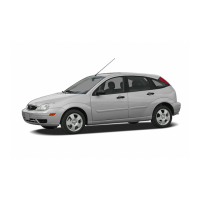
Aborting a traffic message
Briefly press the button on the
side in all modes to abort a traffic
message during broadcasting.
•
•


 To Next Page