58
Driver controls
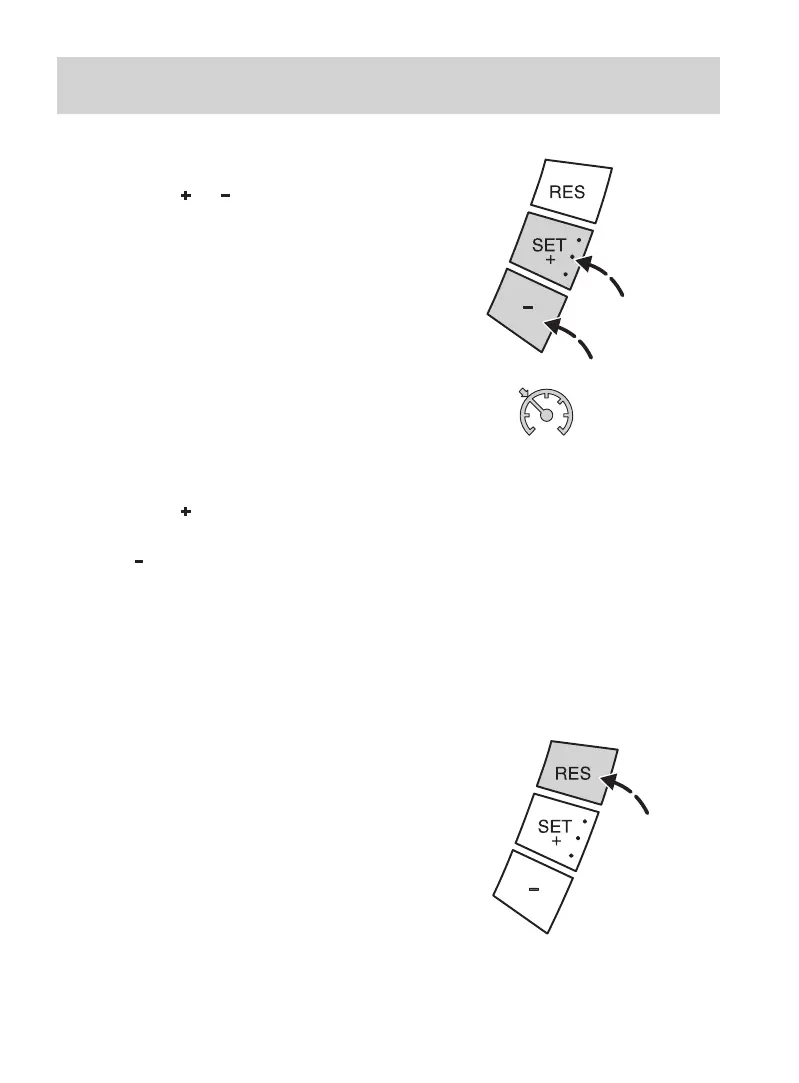
To store a speed
Press the SET
or switch. The set
speed becomes the new stored
speed.
The indicator light in the
instrument cluster will illuminate.
To change speed
Press the SET
switch to
accelerate.
Press the
switch to decelerate.
The vehicle speed will change
without the need to depress the
accelerator pedal.
The set speed becomes the new
stored speed.
To cancel or resume
The automatic speed control
system will disengage as soon as the
brake or clutch pedal is depressed,
or if the traction control system
(where fitted) is active.
Press the RES switch to resume
automatic speed control at the last
stored speed setting.



 To Next Page