SYSTEM CONTROLS
SYNC will interact with your audio system, steering wheel controls, and
DVD system (if equipped).
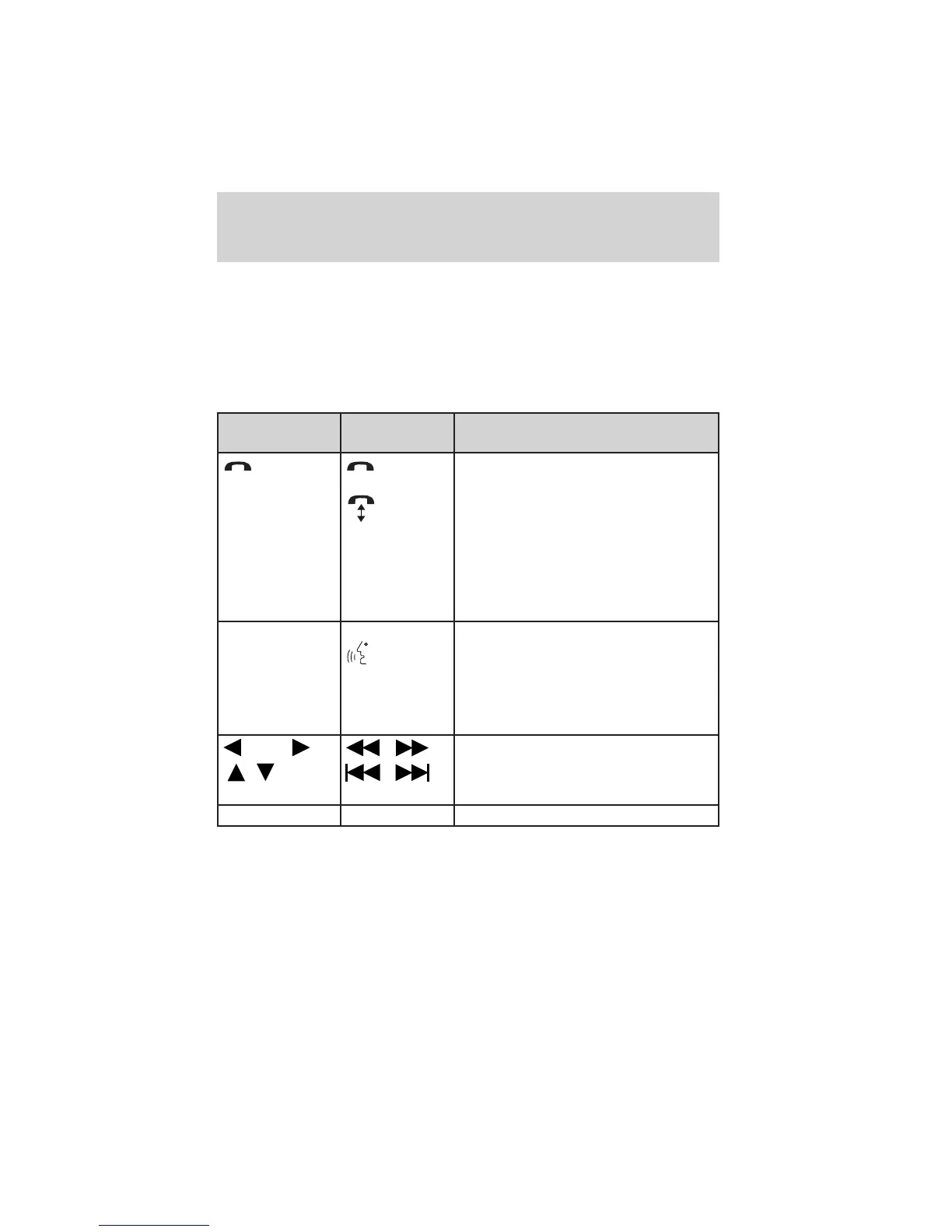
QUICK REFERENCE CHART
The following chart is a quick summary of your radio and steering wheel
controls as well as their respective function(s).
Radio control
Steering
wheel control
Function
Press to activate SYNC hands-free
calling or to answer an incoming call.
When in phone mode, press to send
a call, text message, to put a call on
hold and answer another call, or to
initiate a multi-party call.
Press and hold to end a call.
Press and hold to exit phone mode
when not in an active call.
N/A VOICE
Press to activate Voice Recognition.
Press and hold to end an active
voice session.
Refer to the Voice recognition
system overview chapter for further
information.
SEEK
/
TUNE knob
,
,
Press / turn to scroll through various
menus and selections.
OK OK Press to confirm your selection.
SYNC system controls
10
See
End User License Agreement
at the end of this book



 To Next Page