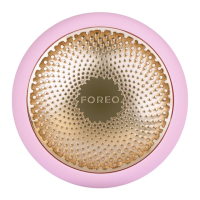
UFO™ 2 BASICS
1. WHAT SHOULD I DO AFTER I RECEIVE MY UFO™ 2 DEVICE?
Congratulations on discovering smarter skincare! First things first - download the FOREO For You app for free, to unlock
and register your device. (For more information, please refer to the section below titled ‘THE APP’).
2. HOW DO I START MY FIRST TREATMENT?
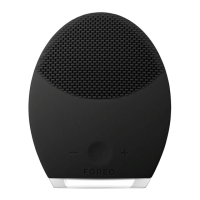
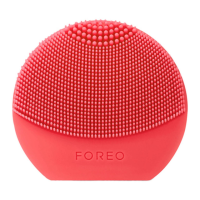
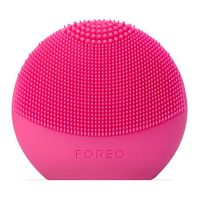
First, clean and dry your face and neck carefully - we recommend cleaning with LUNA™ first for best results. Then attach a
UFO™ Power Activated Mask to your UFO™ 2 device. Finally, activate your UFO™ 2 mask routine via the app, or follow
the step-by-step How To Use guide, which can be found above or in the User Manual that came with your UFO™ 2
device.
3. HOW DO I TURN MY UFO™ 2 DEVICE ON / OFF?
Press the universal power button on your UFO™ 2 device to turn it on. To turn your device off, press and hold the
universal power button for 3 seconds. After completing a pre-programmed mask routine, the device will turn off
automatically.
4. WHAT COMES WITH MY UFO™ 2 DEVICE?
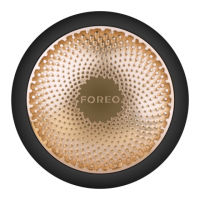
1 UFO™ 2 Device, 1 USB Charging Cable, 1 Make My Day Mask, 1 User Manual, 1 Quick Start Guide, & 1 Stand.


 To Next Page