THE APP
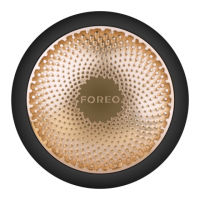
15. WHY DO I NEED TO DOWNLOAD THE FOREO APP BEFORE USING MY UFO™ 2 DEVICE?
All app-enabled FOREO products need to be activated and unlocked via the FOREO For You app the first time they are
turned on. This helps protect against fake/copied FOREO products, and makes it easier to register the warranty and protect
your investment.
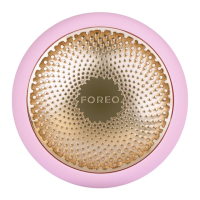
16. HOW DO I PAIR MY UFO™ 2 DEVICE WITH THE FOREO APP?
Download the FOREO For You app to your smartphone or tablet and turn on Bluetooth. Press the universal button on your
device once to turn on. A blinking white light indicates your device is in pairing mode. Follow the instructions in the app to
register and pair your UFO™ 2 device.
17. DOES MY UFO™ 2 DEVICE WORK WITHOUT THE APP?
Yes, you can manually use both devices and they do not require use of the FOREO For You app. However, to unlock your
device for your first use, you must register your device through the FOREO For You app and select your preferences. The
Make My Day and Call It a Night treatments are pre-programmed into UFO™ 2 and do not require use of the FOREO app.
However, to unlock all remaining UFO™ Power Activated Masks, you must either select your treatment or scan the barcode
on the back of each UFO™ Power Activated Mask sachet via the app to activate the treatments - the mask will then
automatically sync with your device so it can be accessed manually next time. To customize your power mask routine, you
must go directly through the app.


 To Next Page