4
FOREO FOR YOU MOBILE APP
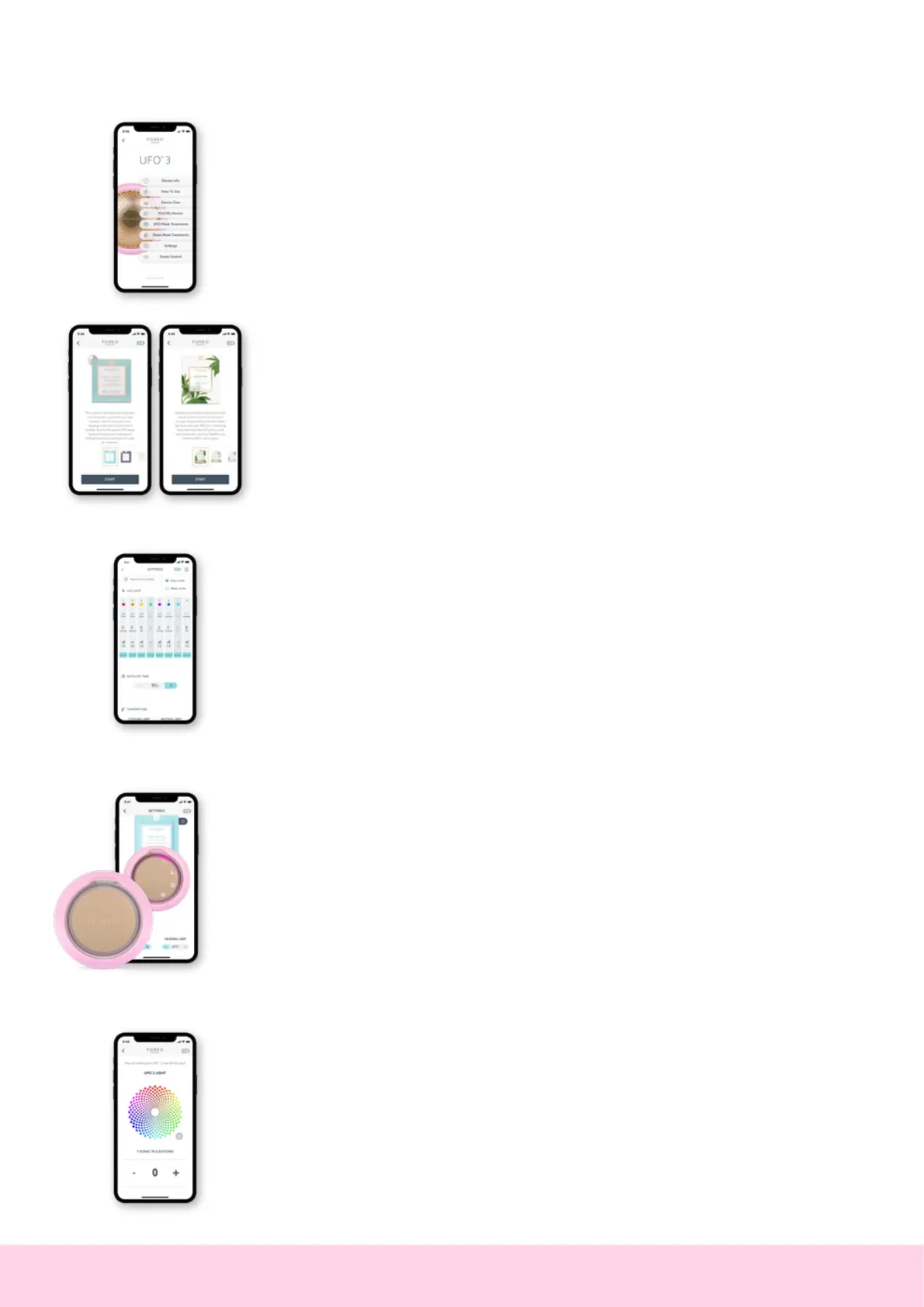
FOREO For You mobile app offers instructions on how to use and take care of your
UFO
™
3, control settings, access guided treatments, and find your device in case you’ve
misplaced it.
TREATMENTS
Choose between 14 pre-programmed mask treatments that correspond with each UFO
™
mask or FOREO Sheet Mask. Treatments last for 90 seconds or 2 minutes, depending
on the mask you choose. All you need to do is relax and enjoy while the App guides you
through the treatment explaining the benefits of each technology.
If one UFO
™
3 treatment wasn’t enough, press the universal button again within 30
seconds after the end of the treatment to start it over again!
SETTINGS
Your device’s default setting allows you to access 8 pre-set treatments at the push of a
button. However, you can switch to ‘mask mode’ if you prefer, by clicking the menu button
in the top right corner of the screen.
EASY MODE
Customize the 8 pre-set treatments on your device according to your preferences. For each
LED color, you can choose to:
• Add heating Thermo-Therapy, cooling Cryo-Therapy or no temperature.
• Adjust the T-Sonic
™
massage intensity.
• Adjust the Auto-Off Time to make your treatment duration longer or shorter.
MASK MODE
Mask mode allows you to save 7 pre-programmed mask treatments and 1 customized
treatment to your device for offline use.
• Make My Day and Call It a Night pre-programmed mask treatments are already saved in
the first two slots.
• The third slot is reserved for your customized treatment.
• Add any other UFO
™
pre-programmed mask treatment by pressing the plus button.
The treatments can be accessed offline by pressing the universal button. For example,
if you want to access the treatment you have saved on the 5th slot, turn the device
on and press the universal button 5 times (all 5 indicator slots will light up), and the
pre-programmed treatment will start immediately.
SMART CONTROL
Try out all UFO
™
3 features, using your phone as a remote control - including full spectrum
LED, T-Sonic
™
pulsations, cooling or warming!


 To Next Page