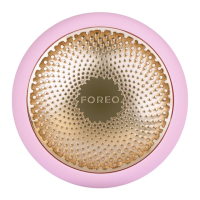
3
1
2 3 4
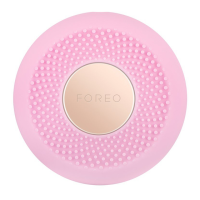
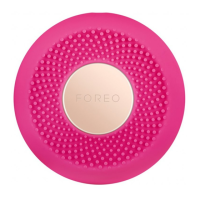
Remove the attachment ring
from UFO
™
mini 2.
Remove UFO
™
Power
Activated Mask from sachet.
Secure mask on device by
clipping the attachment ring
in place, with FOREO logo
facing up.
Enjoy your power mask
treatment!
FOREO SHEET MASKS
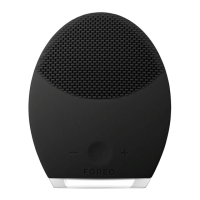
Start with clean, dry skin. We recommend cleansing with LUNA
™
first
for best results.
1. With a mask secured to your device, gently glide UFO
™
mini 2 across
your skin, distributing the mask essence evenly.
2. Using the UFO
™
mini 2 device, massage the formula into your skin
with a circular motion. Move the device in a clockwise circle around
the face, starting on the chin, then moving up to the right cheek
and the forehead. Continue down the left cheek to the chin and
neck. Repeat this movement until the treatment ends.
3. Gently pat any remaining essence into your skin, or remove excess
with a cotton pad. Apply a moisturizer of your choice, if desired.
1. Gently unfold your FOREO sheet mask and place it on your face, adjusting around the eyes and
mouth.
2. Using the UFO
™
mini 2 device, massage the formula into your skin with a circular motion. Move
the device in a clockwise circle around the face, starting on the chin, then moving up to the right
cheek and the forehead. Continue down the left cheek to the chin. Repeat this movement until
the treatment ends.
3. Leave the sheet mask on for another 10 minutes, or dispose of it as you prefer. Gently pat any
remaining essence into your skin, or remove excess with a cotton pad. Apply a moisturizer of your
choice, if desired.
UNLOCK YOUR DEVICE
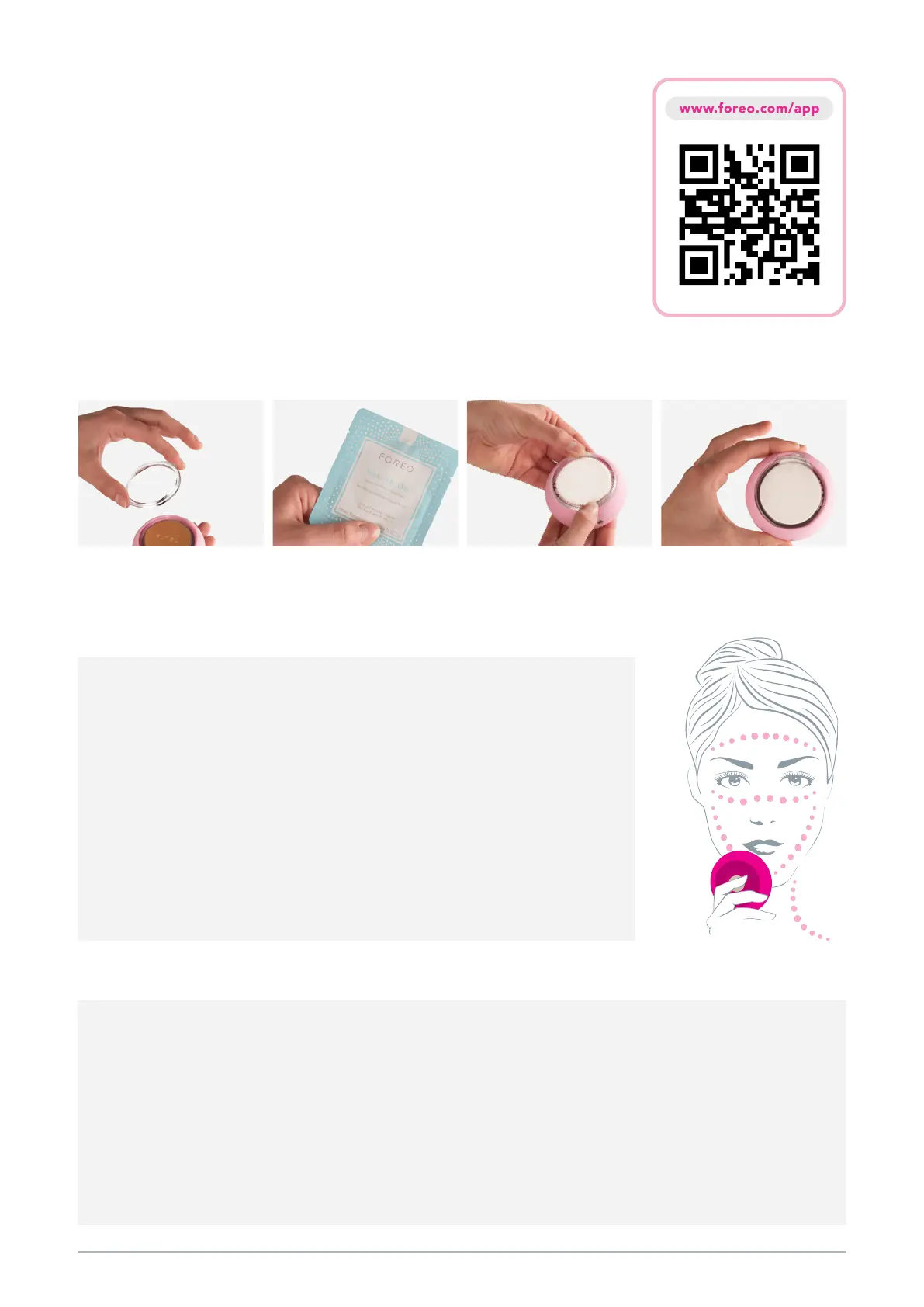
Before first use, download the FOREO For You mobile app to unlock and
register your device. Follow these simple steps;
1. Download the FOREO For You app on your mobile phone
2. Log in to your account or sign up for a new one
3. Add device (on the top of your screen)
4. Choose device series
5. Press and hold the Power button to connect your device to the mobile app
6. Fill in the purchase information
And your device is ready to use!
HOW TO USE
UFO
™
POWER ACTIVATED MASKS


 To Next Page