07/2016 WDOC Diamond remote www.forestgroup.nl v1.4
FOREST MULTI RECEIVER CLICK ON – 5201001362
TECHNICAL SPECIFICATION:
powered by Shuttle M
connect to port 1 of the Forest Shuttle M
working temperature -10°C - +50°C
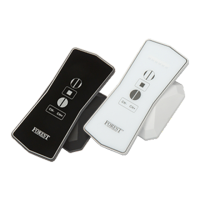
controlled by Forest Multi Remote and Forest Multi Wall Switch RF
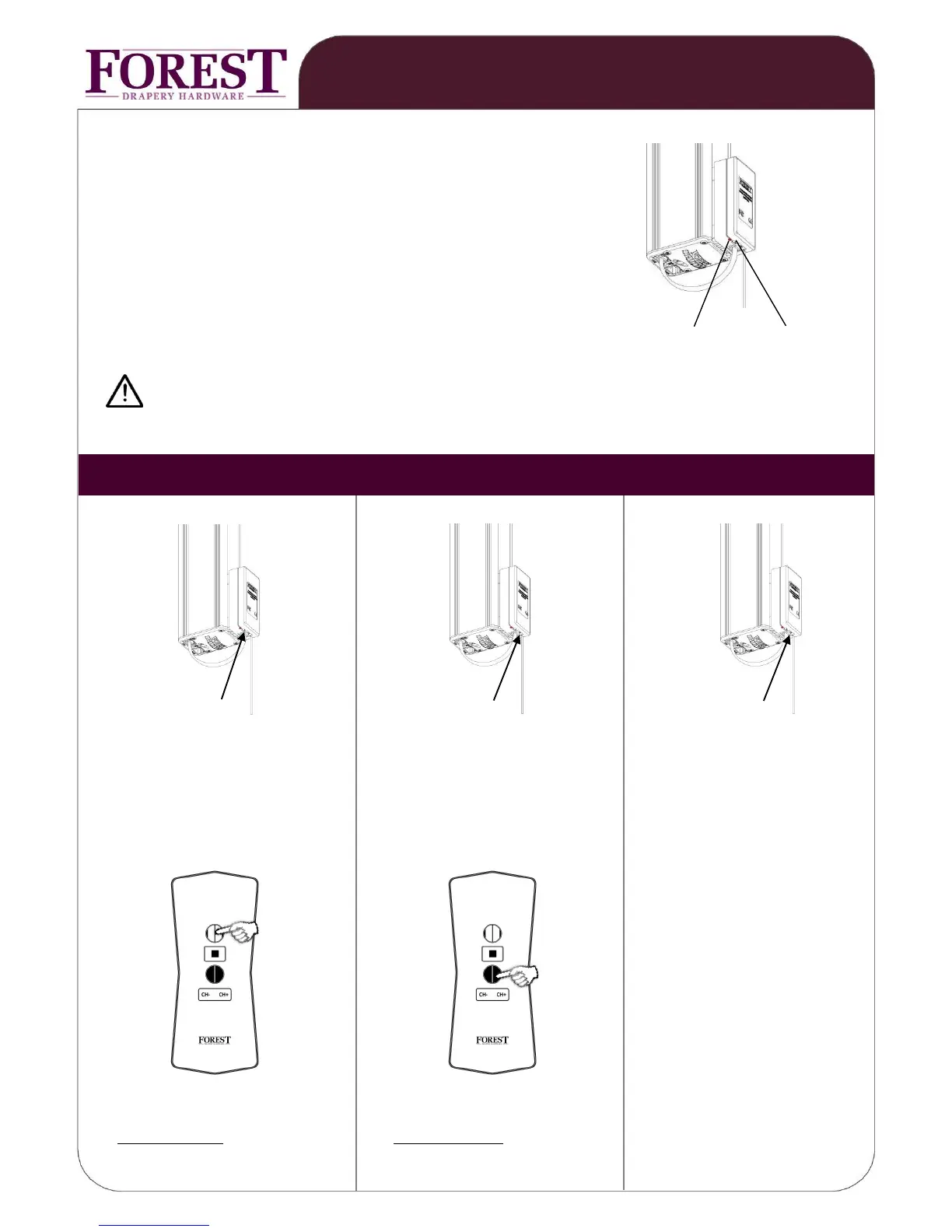
control led program button
Do not mount within 1 meter from other equipment and receivers.
This will interfere with the receiver.
press program button, press program button, press and hold the program
led will light up led will light up button for 10 seconds until
control led starts blinking
hold the wall switch within 2 mtr select (to be cancelled) channel
from receiver. Select channel and press CLOSE button
and press OPEN button
1x OPEN
1x CLOSE
on receiver: on receiver:
led blinks 3 times and will go off led will blink once and will go off
PROGRAMMING WALL SWITCH REMOVE PROGRAMMED CHANNEL: DELETE ALL PREVIOUS
TO CLICK-ON RECEIVER: PROGRAMMED CHANNELS:


 To Next Page