Functions
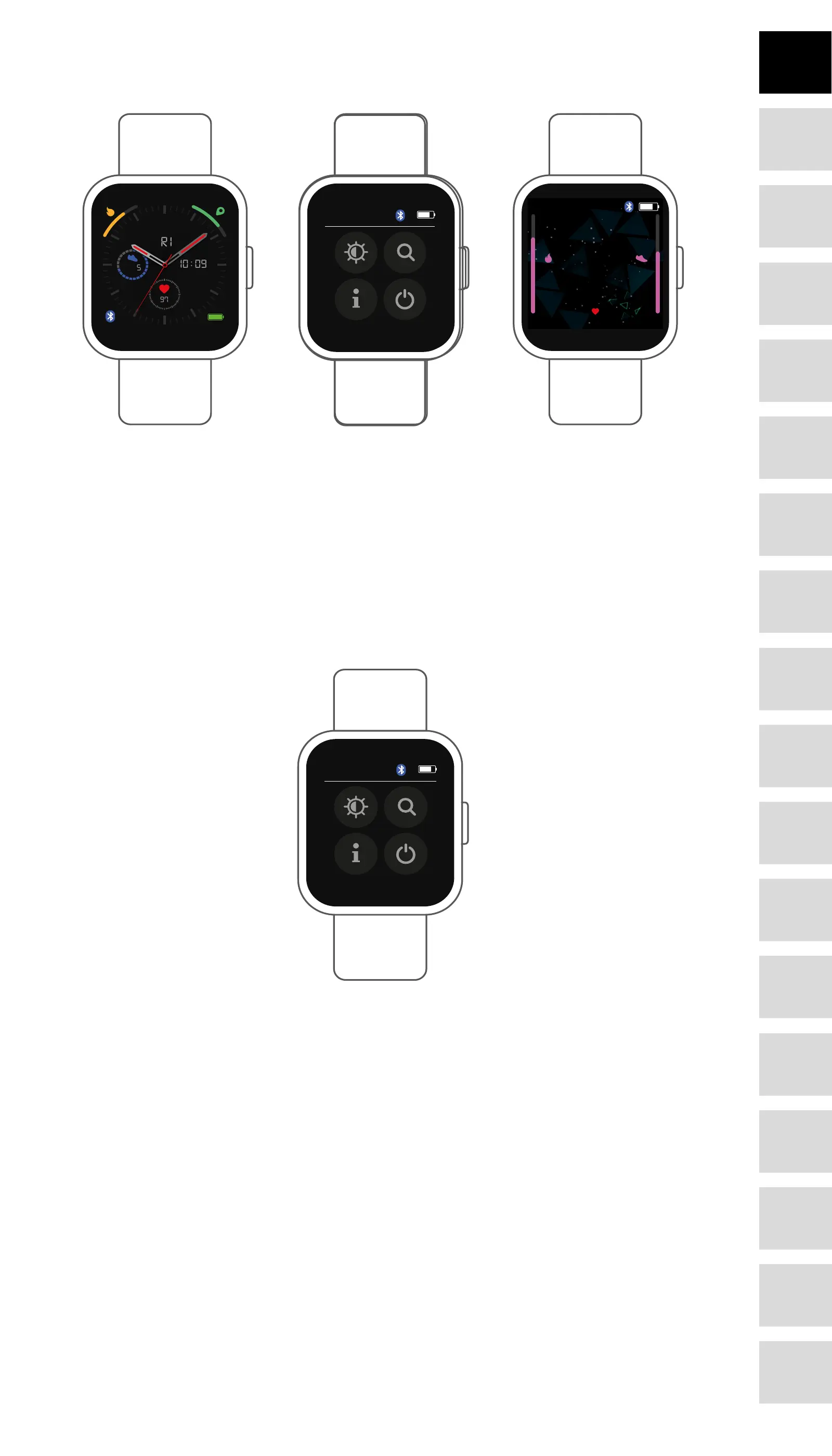
Watch face interface
10:09
19/10
FRI
97
7645
1010
0909
MONDAY
MAY 20
120
30
AM
328 7645
10
09
97
7645328
19 FRI
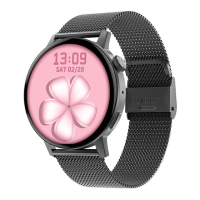
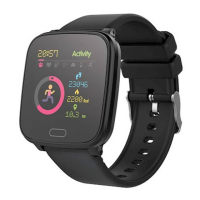
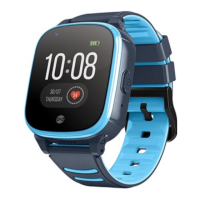
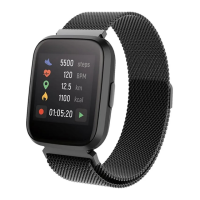
You can press the function button to go to the watch face interface quickly.
If you want to change the watch face of your smart watch, press and hold the current watch face
for 3 seconds, then slide left or right to go through the dierent watch faces and choose the one
you like.
Shortcut
• Interface brightness
You can tap the brightness icon to adjust (+/-) the interface brightness.
• Find phone
If your smart watch is connected with Forever Smart app, you can nd your phone by tapping
this icon and yourShut down
You can shut down your smart watch by tapping this icon.
• Settings
You can go to settings of your smart watch quickly by tapping this icon.
Raise hand to activate display
You can turn on or o function of raise hand to activate display by tapping this icon.
5
DE
FR
IT
EE
GR
ES
PL
CZ
SK
RU
LT
BG
RO
PT
HU
LV
EN
NL








 To Next Page