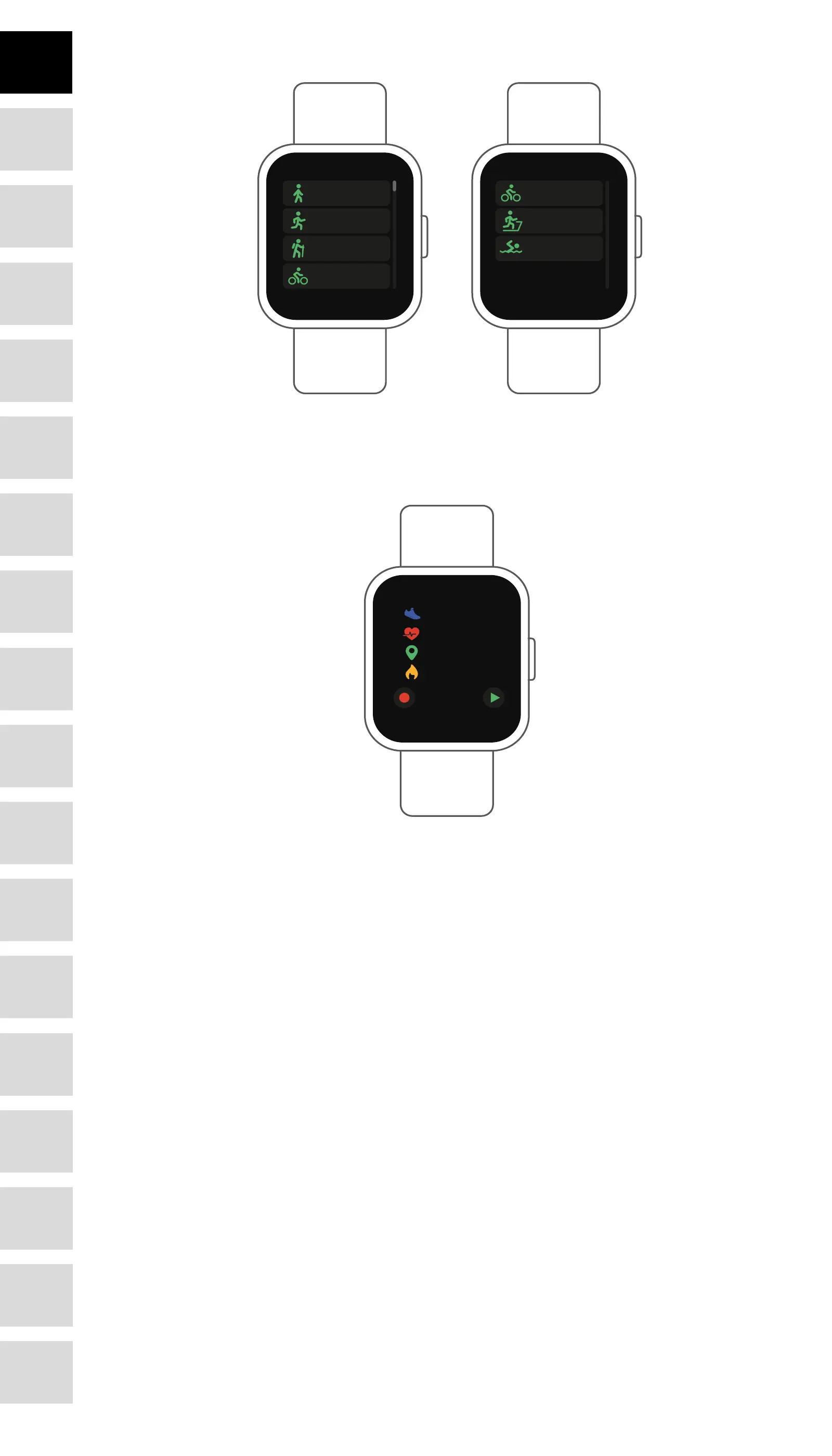
Multi-Sport
Walking
Running
Hiking
Cycling
Cycling
Indoor running
Swimming
Tap this icon to enter the multi-sport mode. The smart watch has 6 sports modes: walking, run-
ning, cycling, indoor run, hiking and swimming. Choose a sport mode you want, and then do
sports. The smart watch records your exercise data.
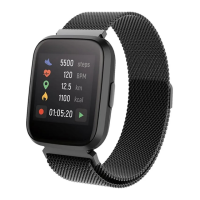
5500
20:20:20
120
12.5
1100
steps
BPM
km
kcal
If you want to end the sports, slide the interface to right and tap the “√” icon to nish your sports
and save the data. The smart watch displays your exercise data. If you’ve connected your smart
watch with the “Forever Smart” app via Bluetooth, you can also check your exercise data in the
app.
Note: Exercise time should be more than 5 mins, distance should be more than 0.1km and calo-
ries should be more than 1 Kcal, otherwise, the data cannot be saved.
6
DE
FR
IT
EE
GR
ES
PL
CZ
SK
RU
LT
BG
RO
PT
HU
LV
EN
NL








 To Next Page