17
¡
ł
1. DISCONNECT POWER – INSTALL ELECTRICAL LOCKOUTS
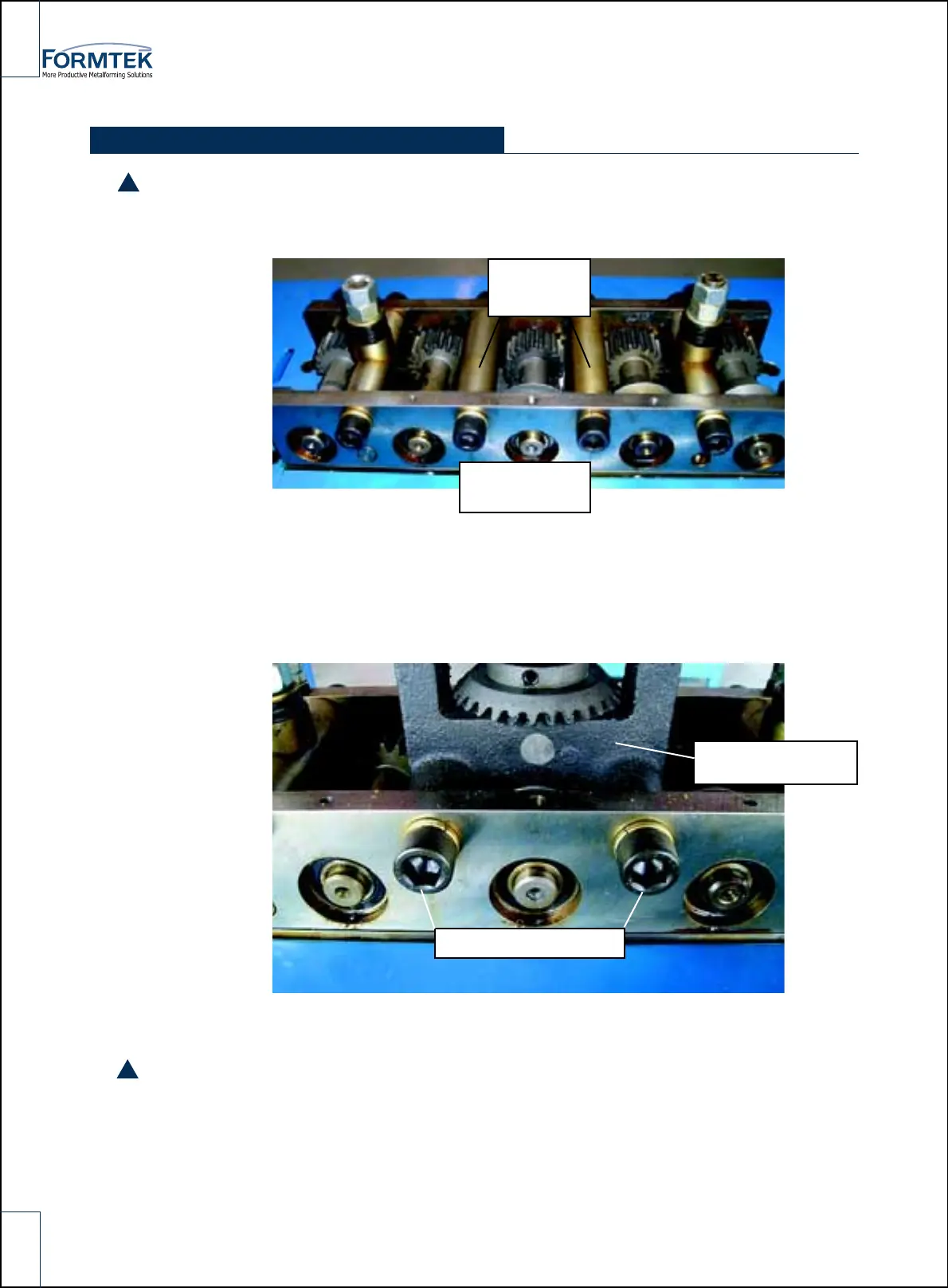
2. Remove the top cover from the2. Loosen the front mounting screws on spacers # 1 and # 4
3. Remove spacers #2 and # 3 by removing their mounting screws. Install Auto Guide power
Flanger (AGF)
Loosen #1, #2
spacer screw
¡
ł
Remove
spacer #2
Tigjten screw completely
INSTALLATION AND OPERATION
Installed Auto Guide
power Flanger(AGF)
*Be sure to allighn and mesh the gears !
4. Replace the top cover.
5. Remove electrical lockouts
6. Restore Power
!
!



 To Next Page