http://iptv-rivesud.com http://tv-diablo.com iptv.rivesud@gmail.com
20
Live TV
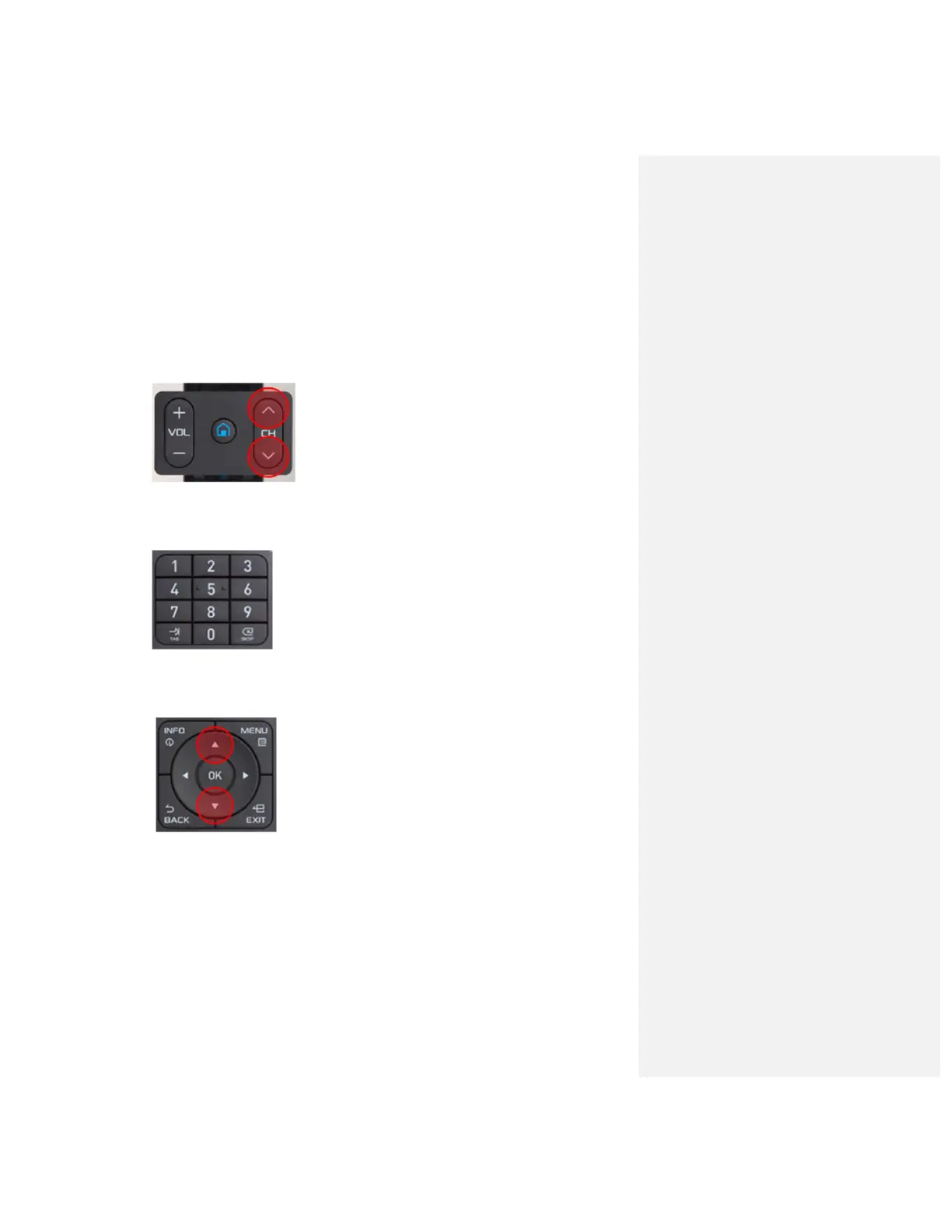
Here you have some different ways to change channels using Mytvonline.
By pressing ‘Up’ or ‘Down’ Channel buttons, users can navigate through the
channel
By pressing corresponding numbers on the remote, users can directly change
the channel
Press ‘Ok' button to open TV channels while watching the program. Use ‘Up’
or ‘Down’ arrow buttons on D-pad and press ‘OK’ button to change the channel
Press ‘INFO’ button, then press ‘Left’ arrow buttons twice to change channel
groups. Also press ‘Green’ button in the remote to open up ‘Search’ option
Press ‘Group’ button to view groups
To go back to the previous channel, Show a list of channel history


 To Next Page