http://iptv-rivesud.com http://tv-diablo.com iptv.rivesud@gmail.com
28
Recording a program
With the formuler TB box it is possible to record one or several TV programs
You will need a USB key or an external hard drive.
We strongly recommand to use USM key with minimal storage space of 64 GB.
See the following video
https://www.youtube.com/watch?v=Z9ErAzmJYtE
Rapid procedure for recording
To record a program
Go to the TV channel you are interested to record
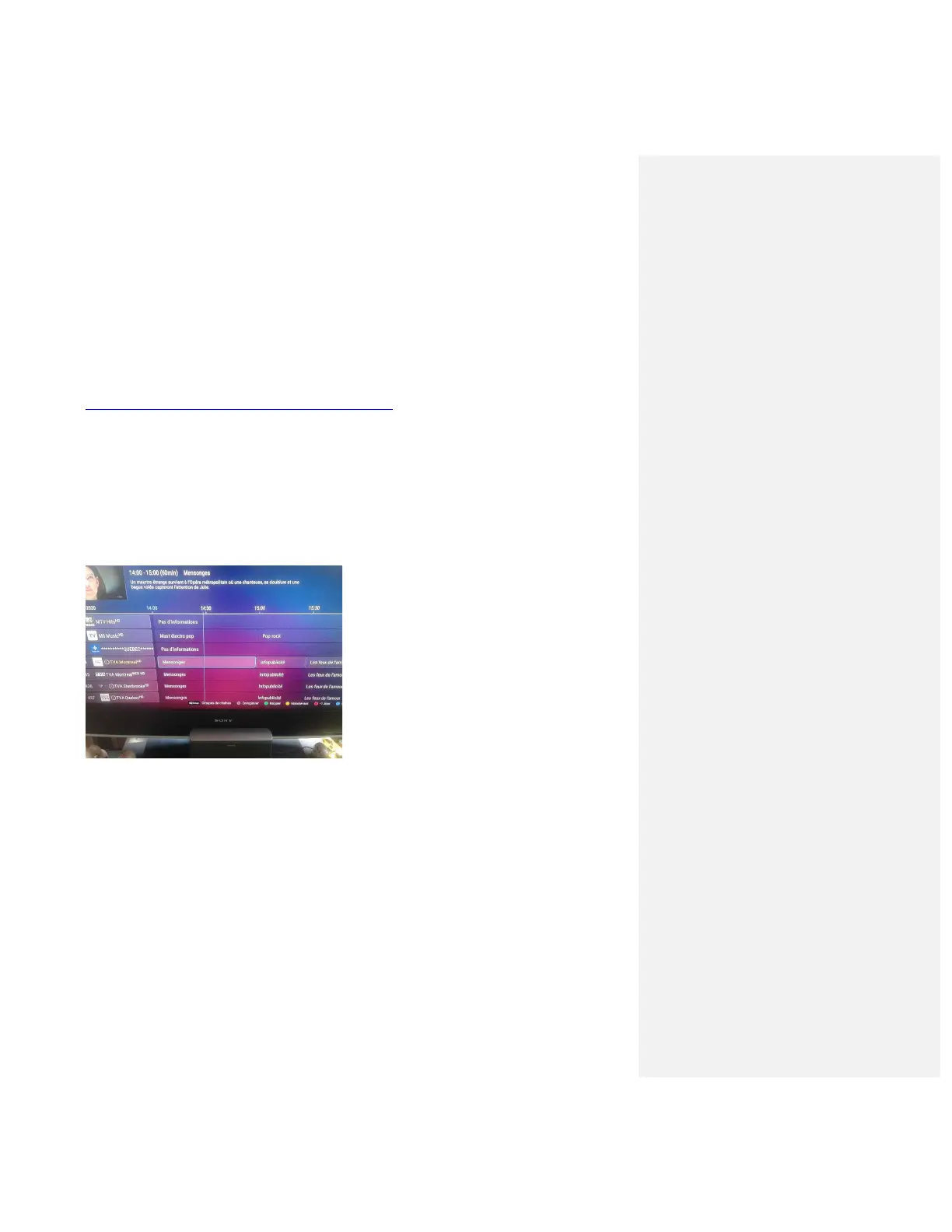
Click on EPG button
This will give you the possibility to advance in the time by using the arrow
Use right arrow to advance on time and once you are on the selected program click OK.
You can use the blue button ton the box controller to go 1 day up
On the program you are interested to record click on RECORD button. Or click on the
Record on the bottom of the TV screen.
Set up scheduled recording


 To Next Page