http://iptv-rivesud.com http://tv-diablo.com iptv.rivesud@gmail.com
9
To change the Wifi connection
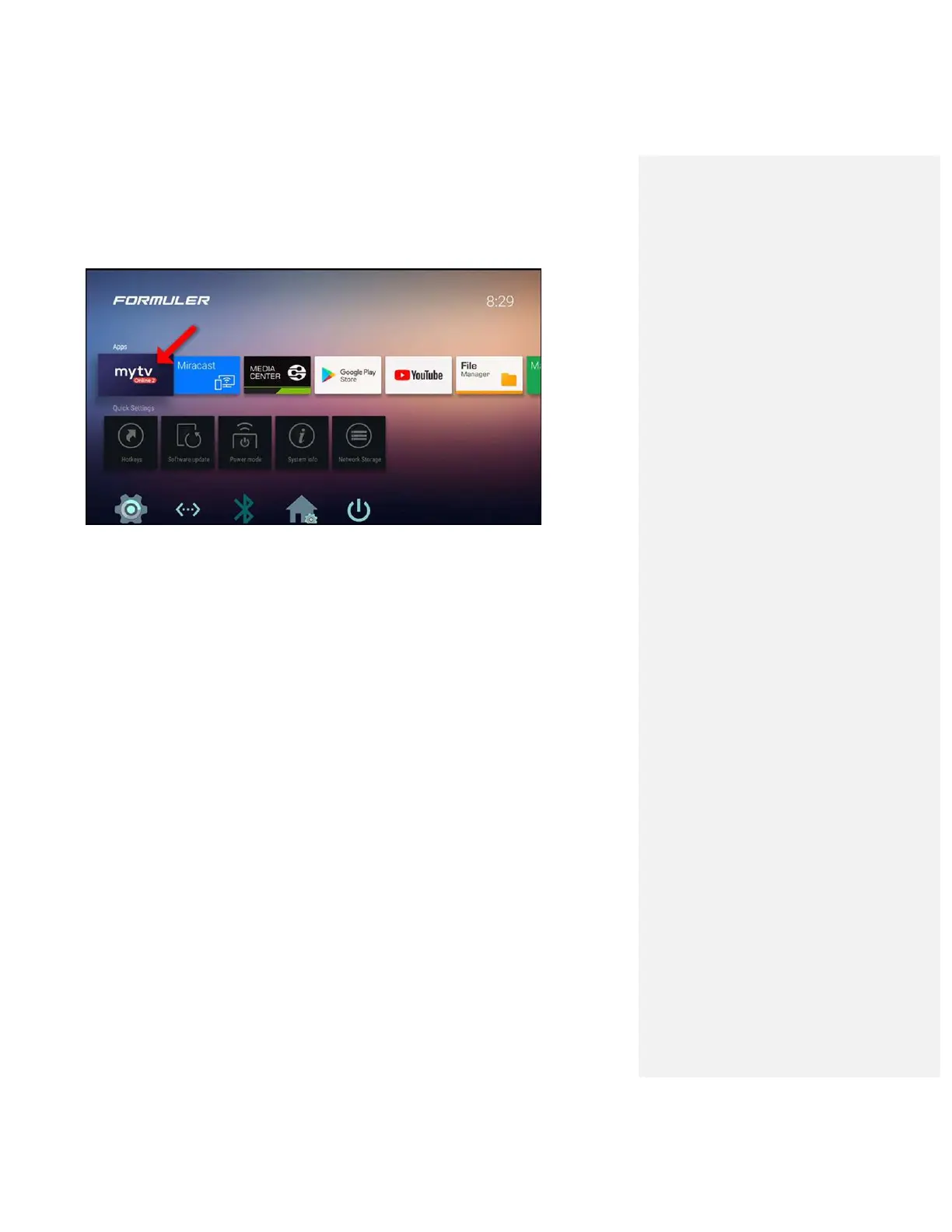
On third line click on the second icon <
…
> and you will see the list of wifi connection
that are available, select your connection and enter the password and click on enter
1. Turn on your Formuler device
2. Go to Home > Settings > Network(WiFi)
3. Turn on WiFi if it is turned off
4. Find and select your WiFi network from the list
5. Enter your WiFi password if necessary
6. Press ENTER on the on-screen keyboard
Connect your Formuler to a mobile hotspot
1. Turn on the mobile hotspot on your mobile phone
2. Turn on your Formuler device.
3. Go to Home > Settings > Network(WiFi)
4. Turn on WiFi if it is turned off
5. Find and select your hotspot network from the list
6. Enter your hotspot password if necessary
7. Press ENTER on the on-screen keyboard


 To Next Page