http://iptv-rivesud.com http://tv-diablo.com iptv.rivesud@gmail.com
24
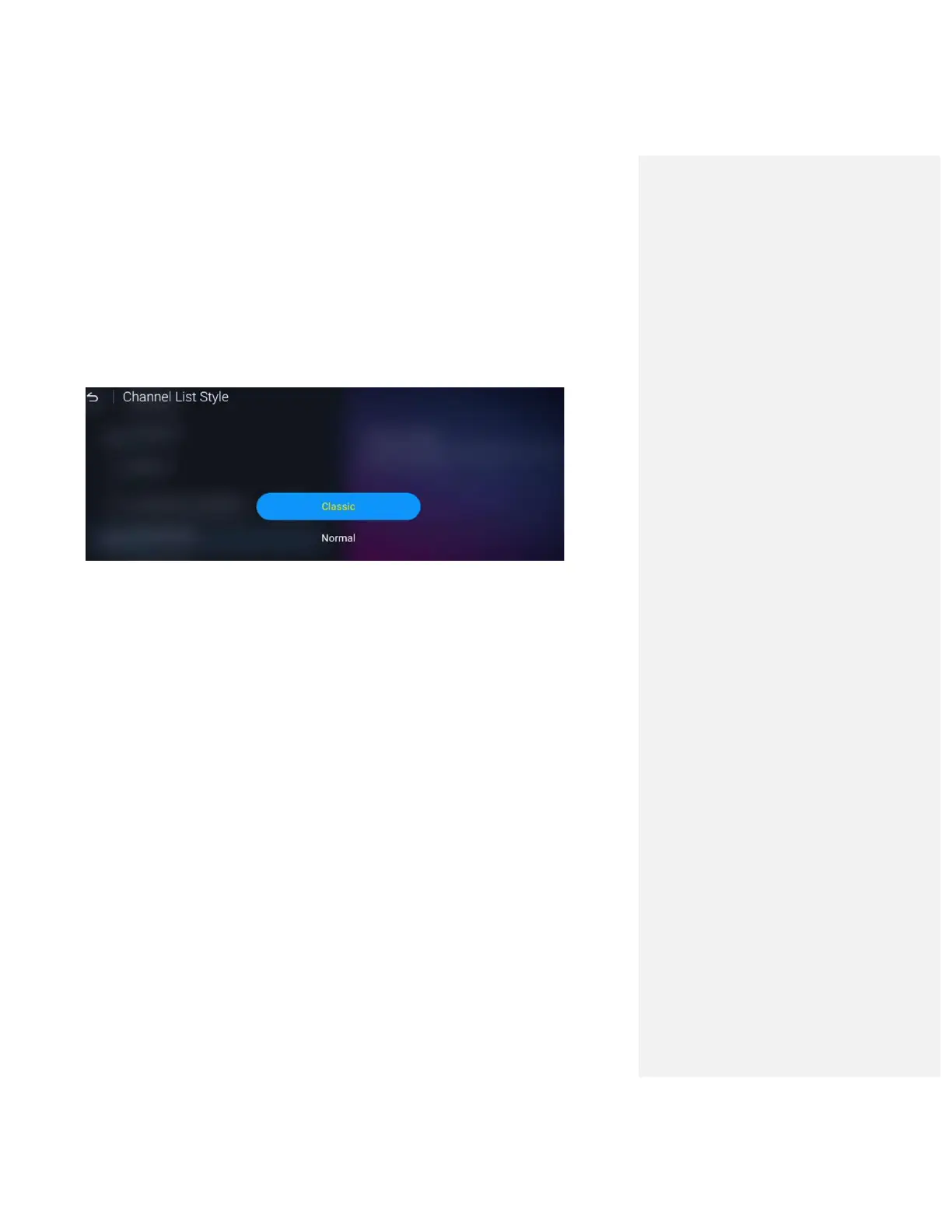
1. Press ‘MENU’ button on your remote and navigate to ‘Settings’
2. Navigate to ‘Channel List Style’ and change to appropriate style, then press
‘OK’ button
3. Navigate back to the TV screen
4. Press ‘OK’ button to view different Channel list styles


 To Next Page