29
13
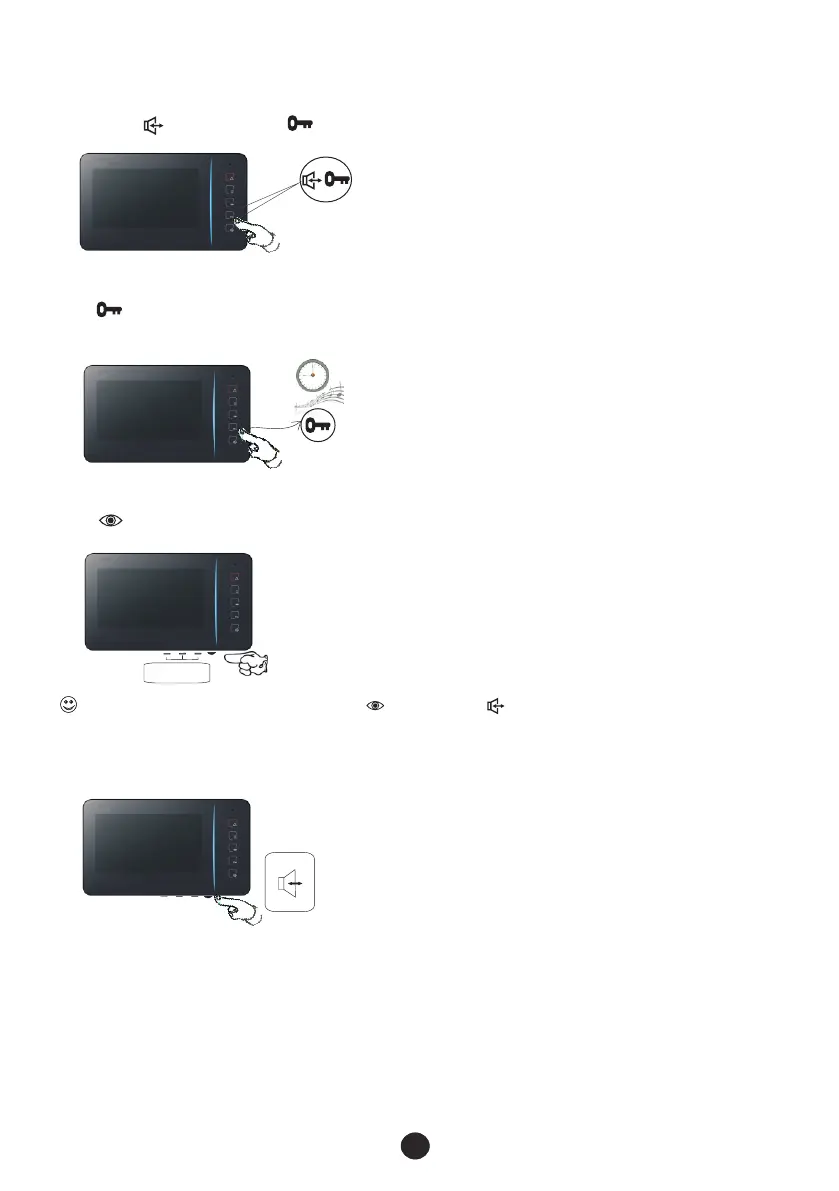
4.2.7 Adjust speech volume
Turn the wheel as the following figure.
+
-
MEN U
4.2.6 Adjust image quality
Push button to show the image, then push “MENU”, “+” and “-” buttons to get a good quality image.
4.2.5 Change ring tone
Push button for more than 2 seconds when the indoor phone is idle, and then push the button again
and again until you get a favourite ring tone. There are more than 10 melody ring tones.
2"
+
-
4.2.4 Family intercom
If there are 2 or more indoor phones in your family, you could use an indoor phone to call another
by pushing button and then button.
For longer time to adjust image quality, you may push button, then push button to be in communication status.


 To Next Page