Need help?
Do you have a question about the Forza FX-1500LCD and is the answer not in the manual?
General warnings regarding hazardous voltage, non-serviceable parts, and electrical shock risks associated with the UPS.
Specific instructions for safely handling, maintaining, and the risks associated with the internal lead-acid battery.
Precautions for installing and operating the UPS in a suitable environment to prevent damage or hazards.
Introduction to the Forza FX Series UPS, highlighting its protection features and benefits for office and home equipment.
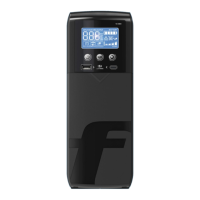
Description of the front panel elements, including the LCD display and power switch.
Identification and description of various ports and connectors on the back panel of the UPS.
Instructions for inspecting the UPS for shipping damage and selecting a suitable installation environment.
Steps for charging the UPS battery and connecting home theater or server PC equipment.
Guidance on connecting network, USB data, and coaxial lines for protection.
Instructions for turning the UPS on/off, DC start function, and understanding the LCD display modes.
Step-by-step instructions for safely removing and replacing the UPS batteries.
Instructions for downloading, installing, and accessing the UPS monitoring software.
Guide to resolving common UPS operational problems like no display, alarms, or communication loss.
Detailed technical specifications for different Forza FX models, including capacity, input/output, and battery.
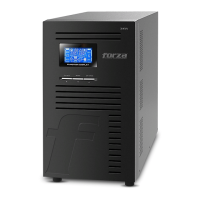
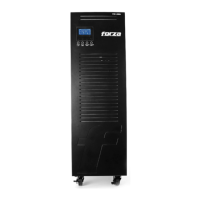
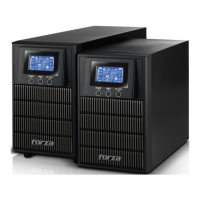
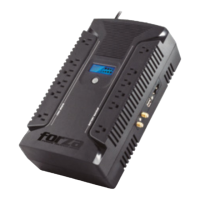
Overview of special features, protection ratings, environmental operating conditions, and physical appearance.

 To Next Page
 General