EasyManua.ls Logo

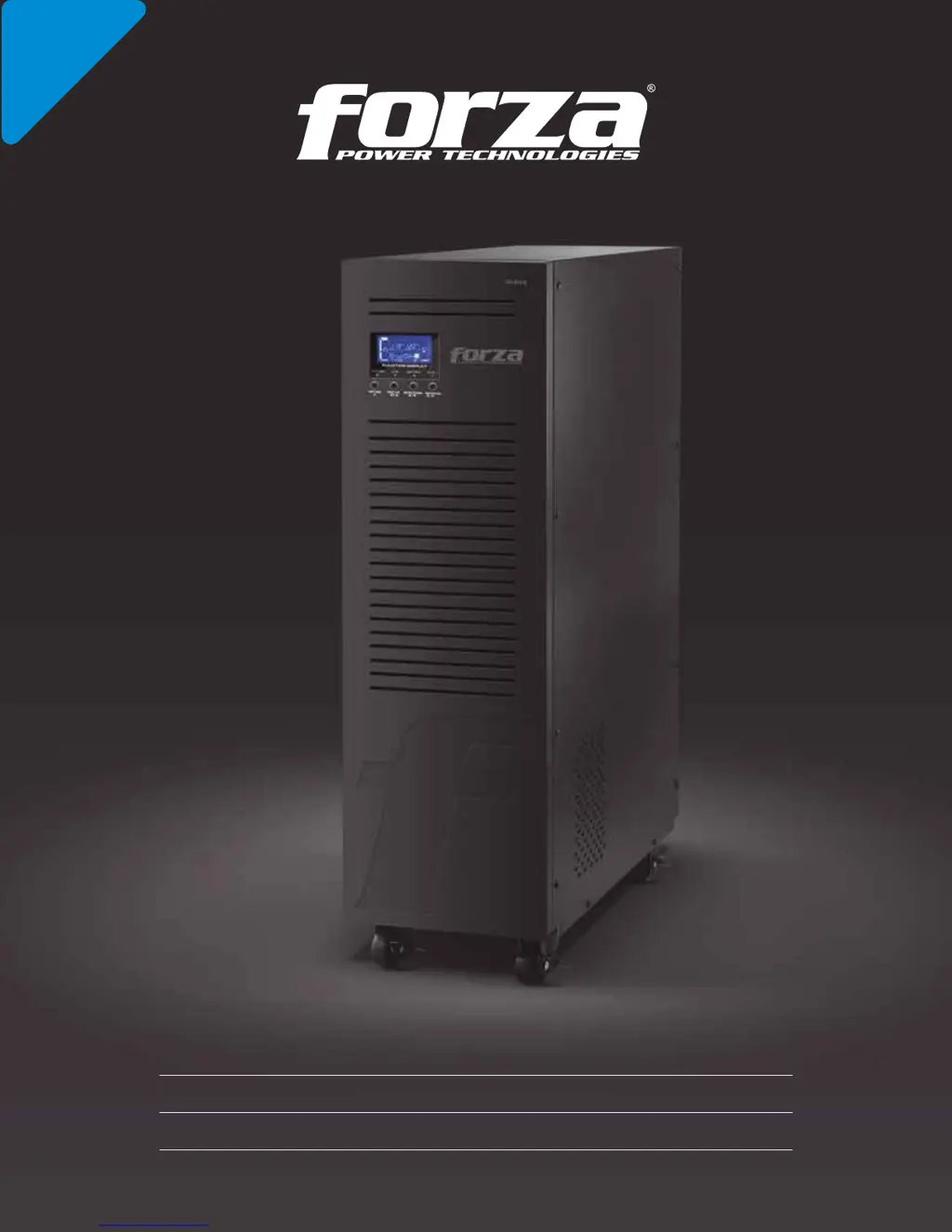
Forza FDC-106K - User Manual

Forza FDC-106K
15 pages
Print Icon
To Next Page IconTo Next Page
Loading...
2-year
Warranty
User Manual
Uninterruptible Power Supply System
FDC-106K / FDC-110K

Questions and Answers

  • F
    Francisco LopezAug 12, 2025
    What to do if Forza UPS displays fault codes and beeps?
    • S
      Sara GreenAug 12, 2025
      When fault codes 01, 02, 03, 04, 11, 12, 13, 14, 1A, 21, 24, 35, 36, 41, 42, or 43 appear on the LCD display accompanied by continuous beeping, it indicates an internal fault within the UPS. There are two possible causes: either power continues to be supplied to the load directly from the AC grid via a bypass, or power is no longer supplied to the load. In this case, please contact the dealer or service center.
  • T
    thomas40Aug 16, 2025
    Why is my Forza UPS beeping twice every second?
    • R
      Robin Campos DDSAug 16, 2025
      If the and icons are blinking on the LCD display, and the alarm is beeping twice every second, it means the Forza UPS is overloaded. To resolve this, remove some of the devices connected to the UPS. If devices connected to the UPS are fed directly by the electrical network via the bypass, remove excess loads from the UPS output. If the UPS is locked in Bypass mode after repetitive overloads, remove excess loads, then shut down the UPS and restart it.
  • D
    donald66Aug 20, 2025
    Why is the Forza UPS battery backup time so short?
    • M
      Michelle HumphreyAug 20, 2025
      If the battery backup time is shorter than expected, there are two possible reasons. First, the batteries might not be fully charged. Charge them for at least 7 hours and then check their capacity. If the problem persists, it could be due to defective batteries. Contact your dealer for a replacement.
  • M
    Mario StephensAug 23, 2025
    What does fault code 14 mean on my Forza UPS?
    • D
      David StewartAug 25, 2025
      If fault code 14 is illuminated along with the icon on the LCD display, and the alarm is beeping continuously, the UPS has detected a short circuit on its output. Check the output wiring and the connected devices for any short circuits.
  • J
    Jason WilsonAug 27, 2025
    How to fix fault code 43 on Forza FDC-106K UPS?
    • B
      Bryan GallegosAug 27, 2025
      If fault code 43 is illuminated along with the icon on the LCD display, and the alarm is beeping continuously, it means the UPS has shut down automatically due to an overload on the UPS output. Remove some of the devices connected to the UPS and restart the unit.
  • E
    Emily SimpsonAug 31, 2025
    Why are the fan icons illuminated on my Forza FDC-106K UPS?
    • V
      Victor HuangAug 31, 2025
      If the and icons are illuminated on the LCD display, and the alarm is beeping once every second, it indicates that the fan is either locked, has stopped working, or the UPS temperature is too high. Check the fans and notify your dealer.
  • D
    Daniel WhitakerSep 4, 2025
    What to do if Forza FDC-106K UPS beeps and icons are blinking?
    • K
      Kelly GreenSep 4, 2025
      If the and icons are blinking on the LCD display, and the alarm is beeping once every second, it indicates that the external or internal battery is incorrectly connected. Check if all batteries are properly connected.
  • H
    hsmithSep 7, 2025
    Why is my Forza UPS beeping with a blinking icon?
    • S
      smithcarlSep 7, 2025
      If the icon and the warning code are blinking on the LCD display, and the alarm is beeping once every second, it means the EPO (Emergency Power Off) function is enabled. Set the circuit in the closed position to disable the EPO function.

Forza FDC-106K Specifications

General IconGeneral
Capacity1000 VA / 600 W
Frequency50/60 Hz
Typical Recharge Time4-6 hours
Transfer Time4-8 ms
Communication InterfaceUSB
Operating Temperature0°C to 40°C
Battery TypeSealed Lead Acid

Related product manuals