Need help?
Do you have a question about the Forza FX-2200LCD and is the answer not in the manual?
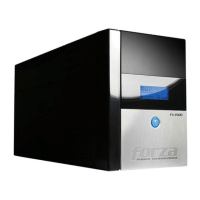
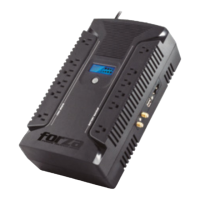
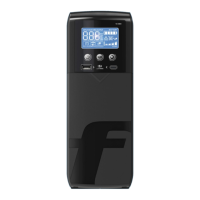
Details the components and indicators on the front of the UPS unit, including the LCD display and power switch.
Details the various ports and connectors available on the back of the UPS unit for protection and connectivity.
Instructions on how to charge the UPS battery before initial use for optimal performance and capacity.
Guides on connecting home theater or server PC equipment to the UPS power receptacles.
Procedure for connecting network, modem, or phone lines to the UPS for surge protection.
Instructions for connecting the UPS to a computer via USB for power monitoring and management software.
Steps for connecting coaxial or cable/antenna lines to the UPS for surge protection.
Details on how to power the UPS unit on and off using the front panel power switch.
Explanation of the DC start function, allowing UPS to power on without AC utility power.
Information on the UPS LCD display, its indicators, and how it shows operational status, voltage, and battery levels.
 General
| LCD Display | Yes |
|---|---|
| Communication | USB |
| Topology | Line Interactive |
| Waveform | Simulated Sine Wave |
| Communication Interface | USB |
| Output Power (Alternative) | 1200 W |
| Outlets | 8 |
| Transfer Time | 4 ms |
| Frequency | 60 Hz |
| Power Capacity | 2200VA/1320W |


 To Next Page