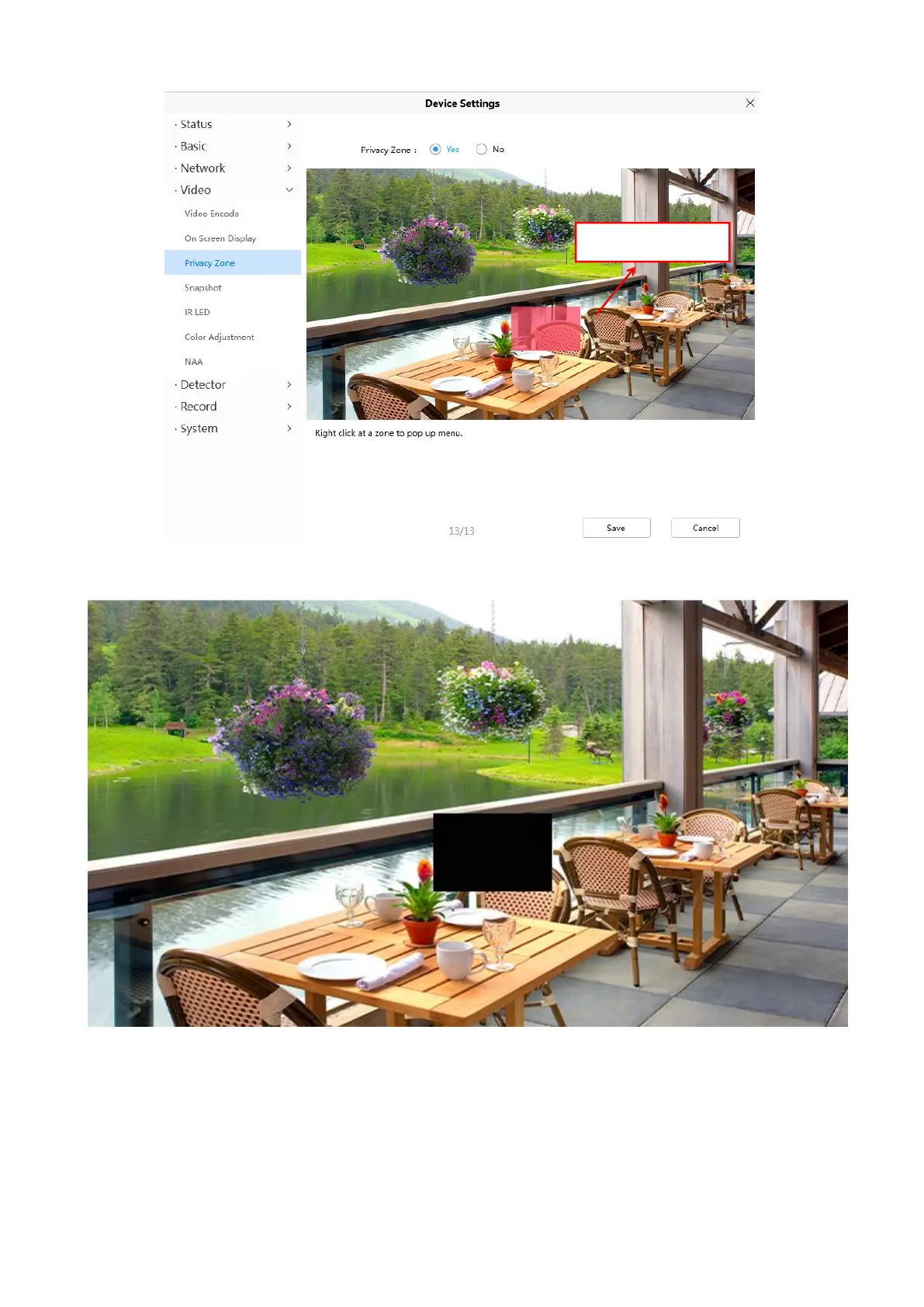
Click Save button and return to the Privacy Zone page, click Save to take effect.
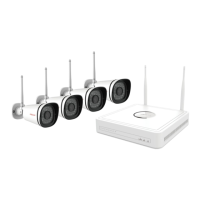
Back to the surveillance window, you can see the mask area as the following picture.
4.6.3.3 Light Settings
There are three modes to set the Night vision.
Auto: When this mode is selected, in the night vision state, the live broadcast will be black and
white night vision, and the alarm video will be color night vision;


 To Next Page