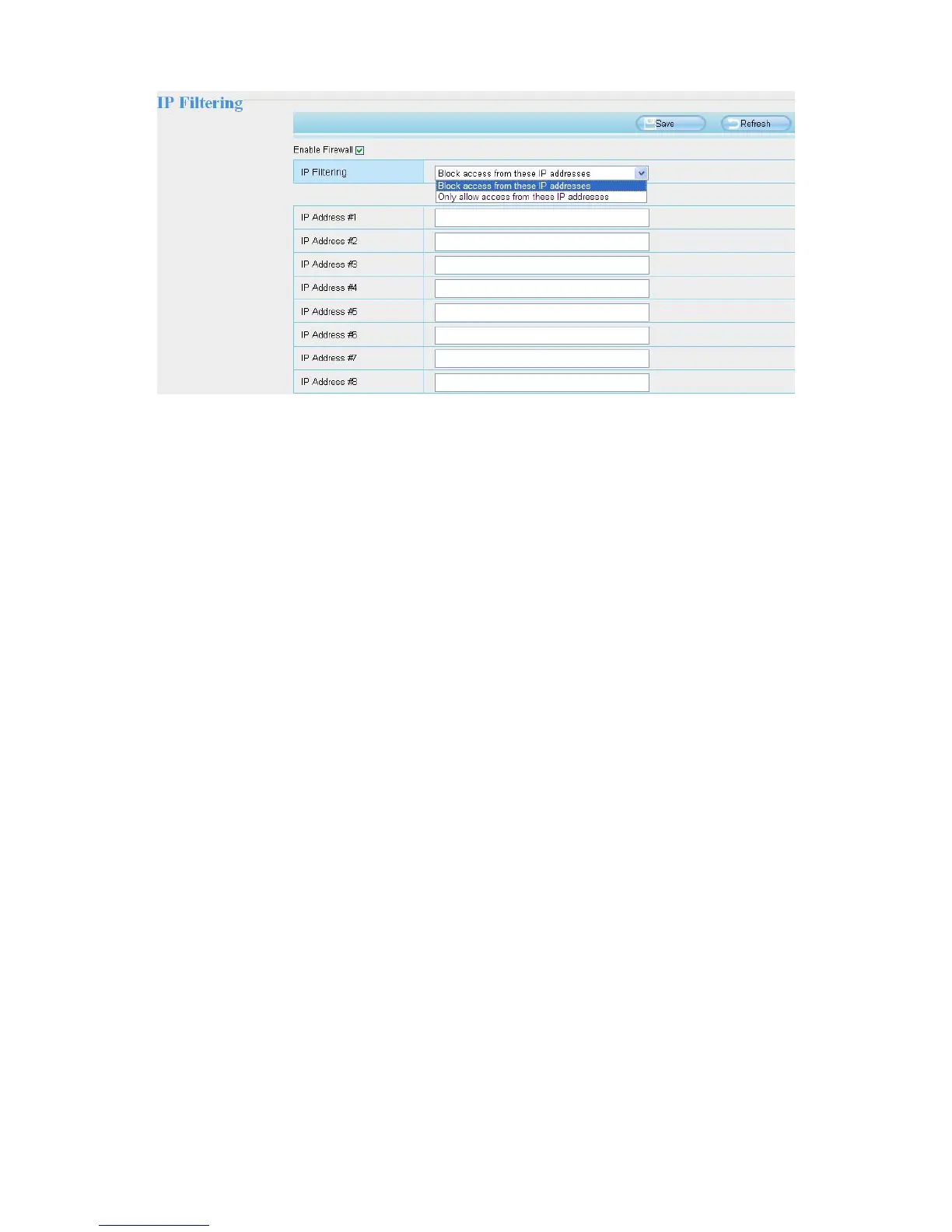
Enable firewall, If you select Only allow access from these IP addresses and fill in 8 IP addresses at most, only
those clients whose IP addresses listed in the Only allow access from these IP addresses can access the
Network Camera. If you select Block access from these IP addresses, only those clients whose IP addresses
are in the IP list cannot access the Network Camera.
Click Save to take effect.
4.10 System
In this panel, you can back up / restore your camera settings, upgrade the firmware to the latest version,
restore the camera to default settings and reboot the device.
4.10.1 Back-up & Restore
Click Backup to save all the parameters you have set. These parameters will be stored in a bin file for future
use.
Click Browse and select the parameters file you have stored, then click Submit to restore the restore the
parameters.



 To Next Page