6
Other Ways to Access Your Camera
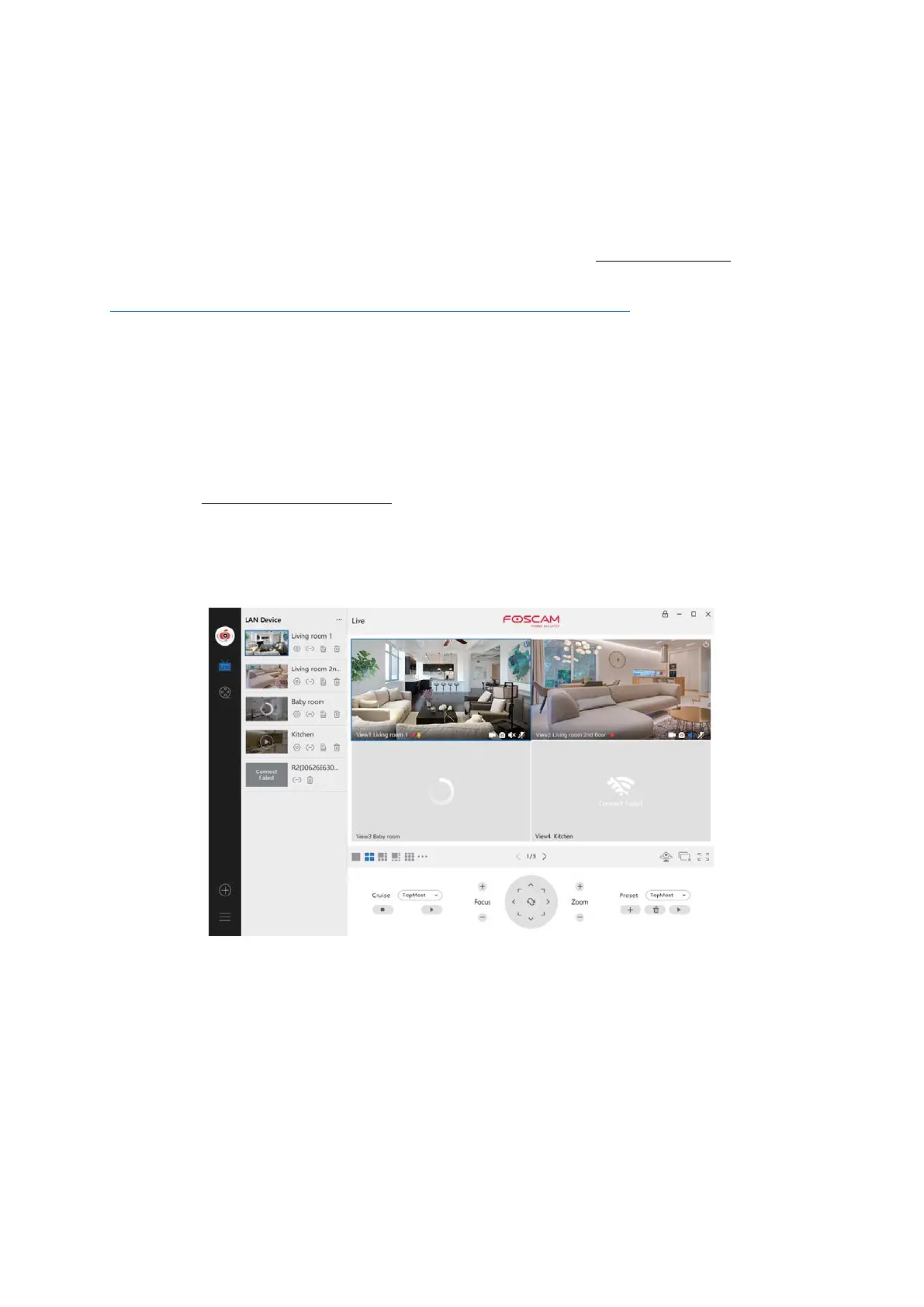
Foscam VMS
Foscam VMS is a new tool for PCs. It does not require plug-ins and is compatible with
Windows & Mac, supporting all Foscam HD cameras and up to 36 cameras at the same
time. If you would like to manage multiple cameras, we suggest you install Foscam VMS.
You can download the “Foscam VMS ” Windows version from foscam.com/vms,
and can
download the "Foscam VMS" Mac version from the APP store:
https://apps.apple.com/cn/app/foscamvms/id1521202507?mt=12
Add the IP Camera
1. Run Foscam VMS, then create a local administrator account and login.
2. Tap the "+" icon on the Foscam VMS and follow the setup wizard to add your
camera.
Please visit foscam.com/downloads to view the user manual and for additional detailed
steps.
Note: For the best experience, please update Foscam VMS to the latest version!



 To Next Page