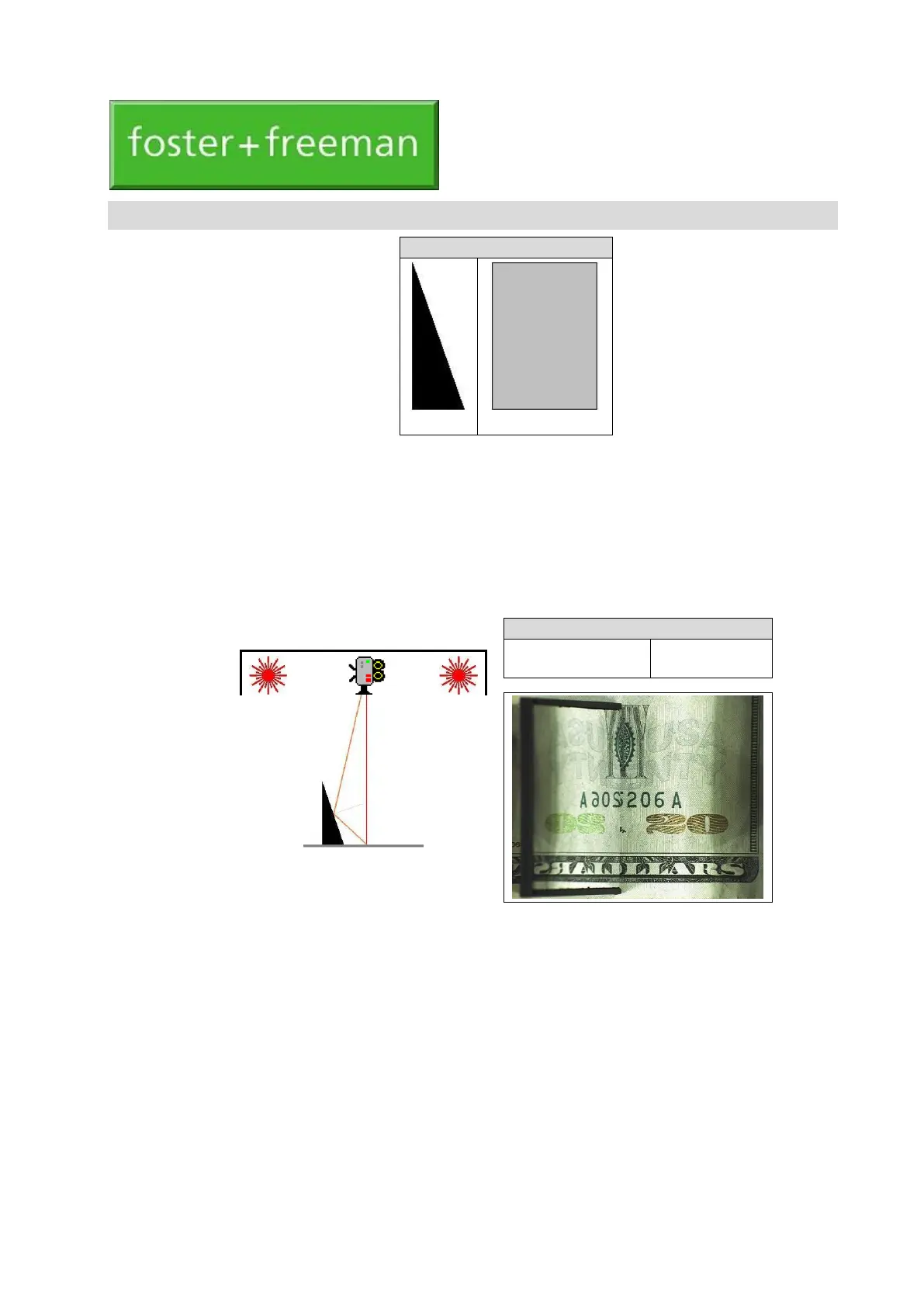
The Optically Variable Ink Viewer is a mirrored accessory that can be used with any type of Video
Spectral Comparator. It allows the detection and assessment of document features that have been printed
using optically variable inks (OVI).
The OVI Viewer takes the form of an angled mirror which allows direct side-by-side comparison of the
appearance of an OVI feature as viewed by the VSC
®
camera:
1.
Normally, at an angle of 90
o
to the document;
2.
By reflection, at an angle of about 50
o
.
Using the equipment
1.
Place the document on the VSC
®
platen and display an image of the OVI feature at an appropriate
magnification.
2.
Place the Viewer on the document, with the mirrored face adjacent to the feature.
3.
Adjust the position and orientation of the Viewer so that the required direct and reflected images of
the feature are obtained.


 To Next Page