9
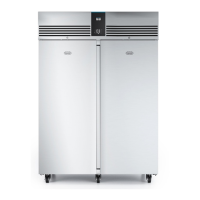
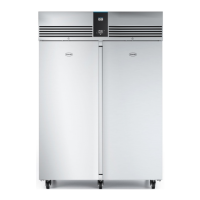
G3 Cabinets - User Manual
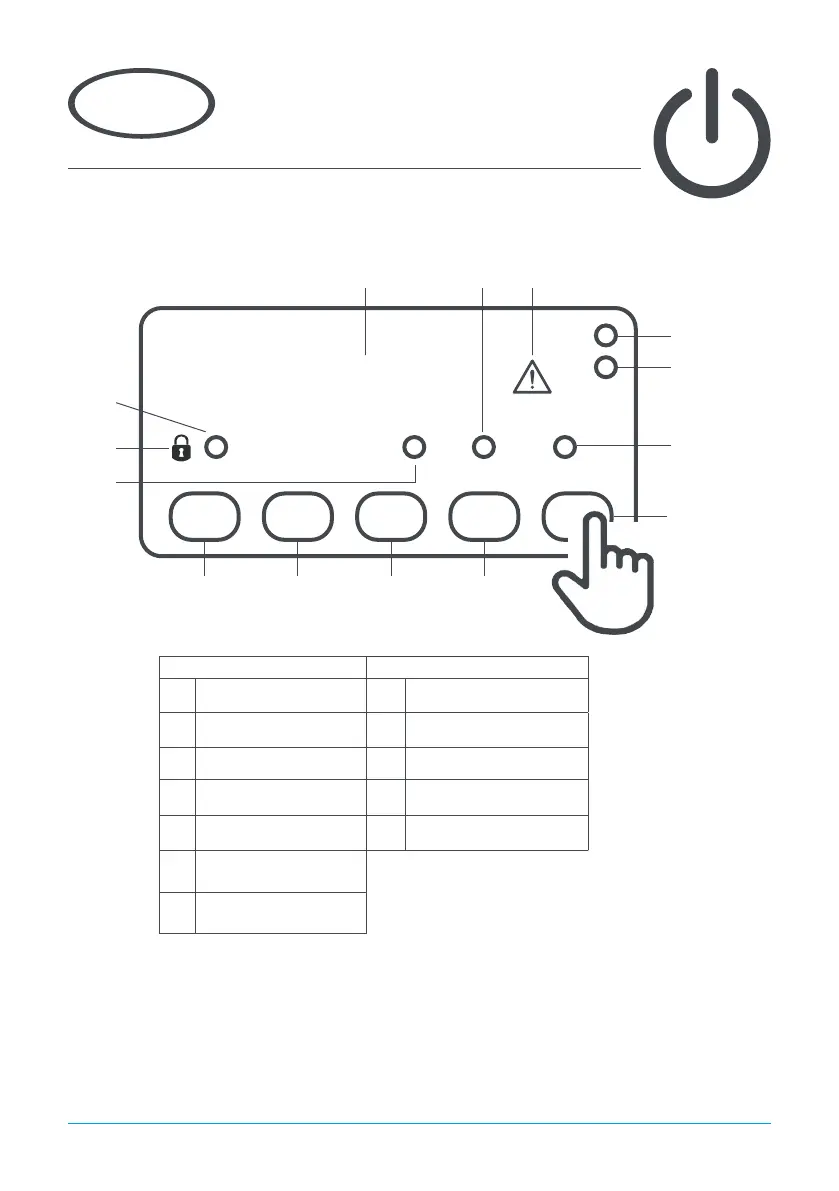
Display Icons and Buttons
Using the appliance
3
Standby
Pressing button 3 for 3 seconds will turn the unit on or into standby. When in standby, only button 3
will be displayed. The remainder of the display will be blank. When operating normally, the display
will show the internal temperature and button 3.
Icon Button
1 Compressor running 1 Information menu
2 Keypad locked 2 Increase value
3
Evaporator fans running
3 Standby/Exit/Conrm
4
Defrost in progress
4 Decrease value
5 Alarm 5 Light (If tted)
6/7
Display units Centigrade
or Fahrenheit
8
Auxillary output
operation
+2
Icon 2
Icon 3
Icon 1
Icon 6
Button 1 Button 2 Button 3 Button 4
Button 5
Icon 7
Icon 8
Icon 5Icon 4
Appliance internal
temperature
Note - Buttons 1, 2, 4 and 5 are only visible after pressing button 3



 To Next Page