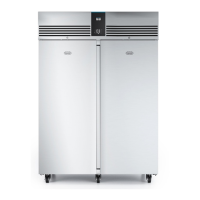
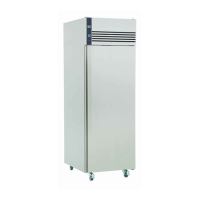
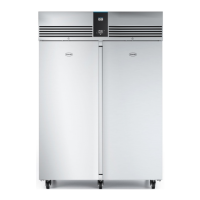
7G3 Cabinets - Service Manual
Controller Menu’s
The controller contains 2 menu levels, user level and service level.
User Level Menu
To access user level settings, press button 3 and then press button 1. The display will show ‘SP’. Use buttons 2 and 4 to display the parameter
required. Press button 3 to display the current value. If it is required to amend the value use buttons 2 and 4 followed by button 3 to save the new
value.
User Level Parameters
Mnemonic
Description
SP Appliance Set Point
Loc Keypad Lock
tA Actual air probe value
tE Actual evaporator probe value (Not enabled on all models)
tLo Minimum air temperature during previous 24 hours
tHi Maximum air temperature during previous 24 hours
dEF Time until next scheduled defrost. Displayed in tenths of hours. For example 05.4 = 5 hours 40 minutes
tdy Display resolution
Service Function
2



 To Next Page