9
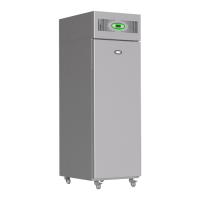
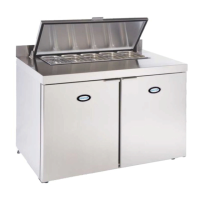
FMPRO & FMSLIM Multideck - User Manual
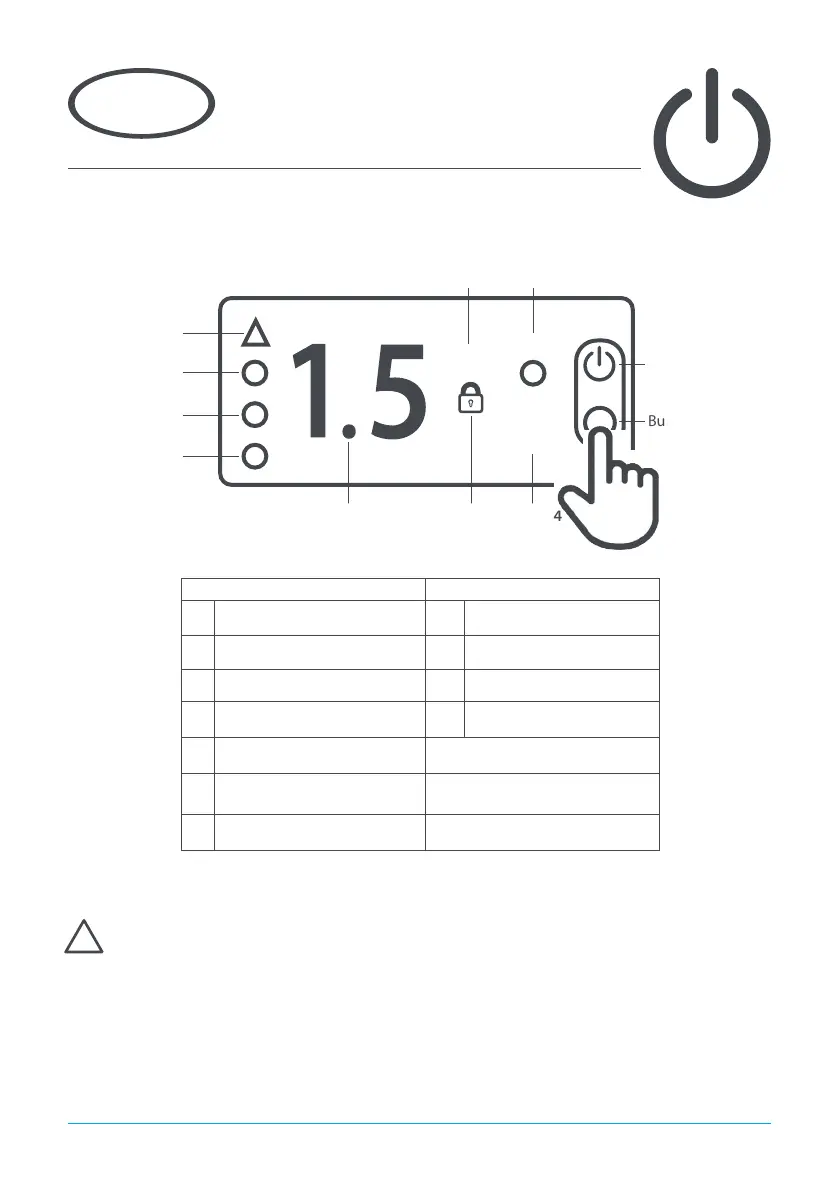
Display Icons and Buttons
Using the appliance
3
Standby
Pressing button 1 for 3 seconds will turn the unit on or into standby. When in standby the display will only
display ‘ - ‘. The remainder of the display will be blank. When operating normally, the display will show the
internal temperature of the cabinet.
Note - Icons a, b, c, d are only visible after pressing either buttons 1, 2, 3 or 4.
These are located behind the left hand door of the appliance.
The appliance is designed for the storage of product at the appropriate temperature. It is not
designed to chill product from a higher temperature. Using the appliance in this manner may
result in malfunction, damage and invalidate the warranty.
>
>
C
º
Icon Button
a Compressor on / Alarm 1 On / O / Standby
b Evaporator fans on 2 Up / Increase value
c Defrost on 3 Back / Exit / Light on/o
d 2nd operating function on 4 Down / Decrease value
e °C / User menu active
f
Keypad locked / Service
function active
g Decimal point / Defrost active
Icon a
a
b
c
i
Icon b
Icon c
Icon d
Icon g Icon f
Icon e
Button 1
Button 3
Button 2
Button 4
!



 To Next Page