4
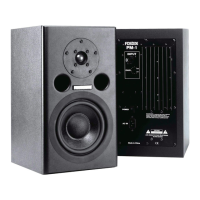
Part names and functions
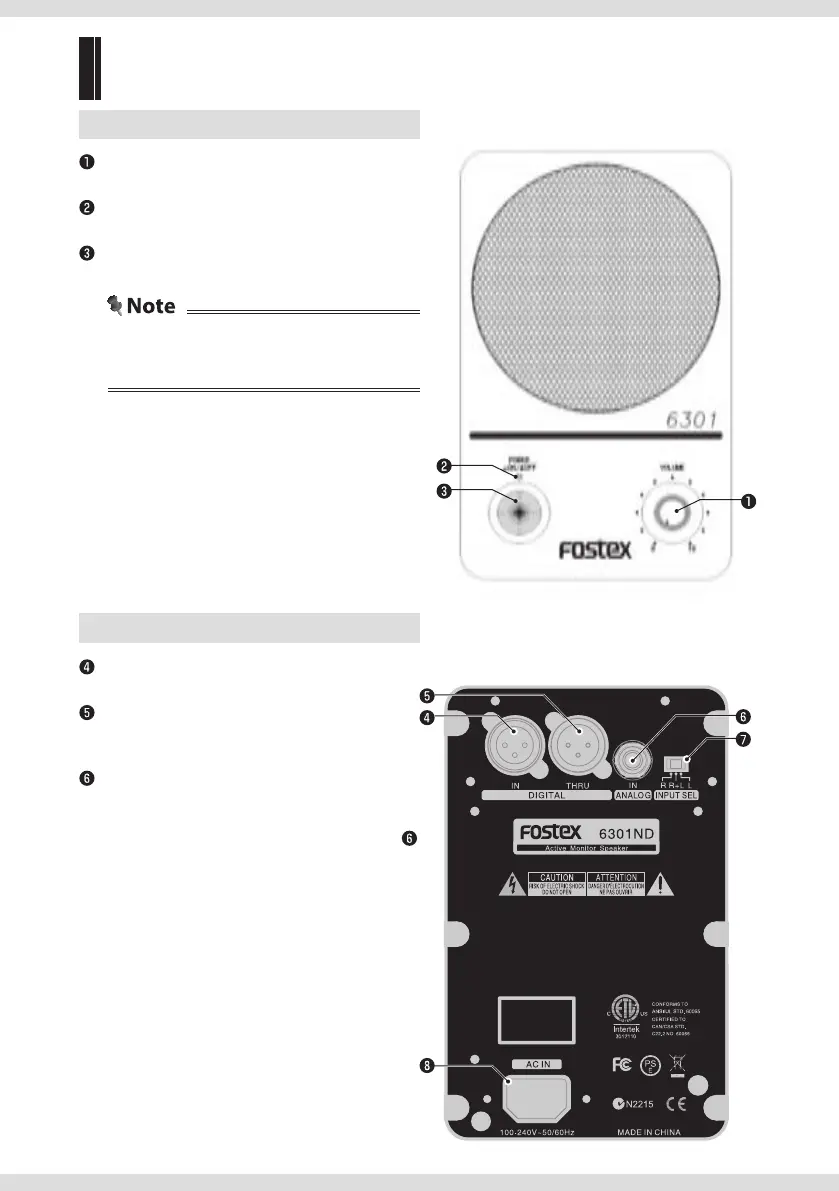
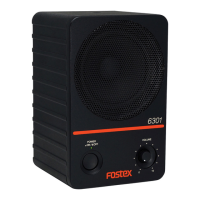
Front
(same for 6301ND/NX/NE/NB)
[VOLUME]
Adjusts the volume.
[POWER] indicator
Lights to indicate the state of the unit.
[ON/OFF] button
Turns the unit on/off.
• Use a standard AC outlet.
• Disconnect the plug from the outlet when the
unit will not be used for a long time.
Back
[DIGITAL IN] terminal
AES/EBU-compliant digital input terminal.
[DIGITAL THRU] terminal
Directly outputs the signal from the [DIGITAL IN]
terminal.
Analog input terminal (phone)
φ6.3 mm (1/4") TS phone unbalanced analog
input terminal.
Inputs connected to the analog input terminal
are prioritized over inputs to other terminals.
6301ND: [ANALOG IN]
6301NX/NE: [INPUT UNBALANCED]
6301NB: [INPUT]
6301ND


 To Next Page