13
Model D2424LV Quick Operation Guide
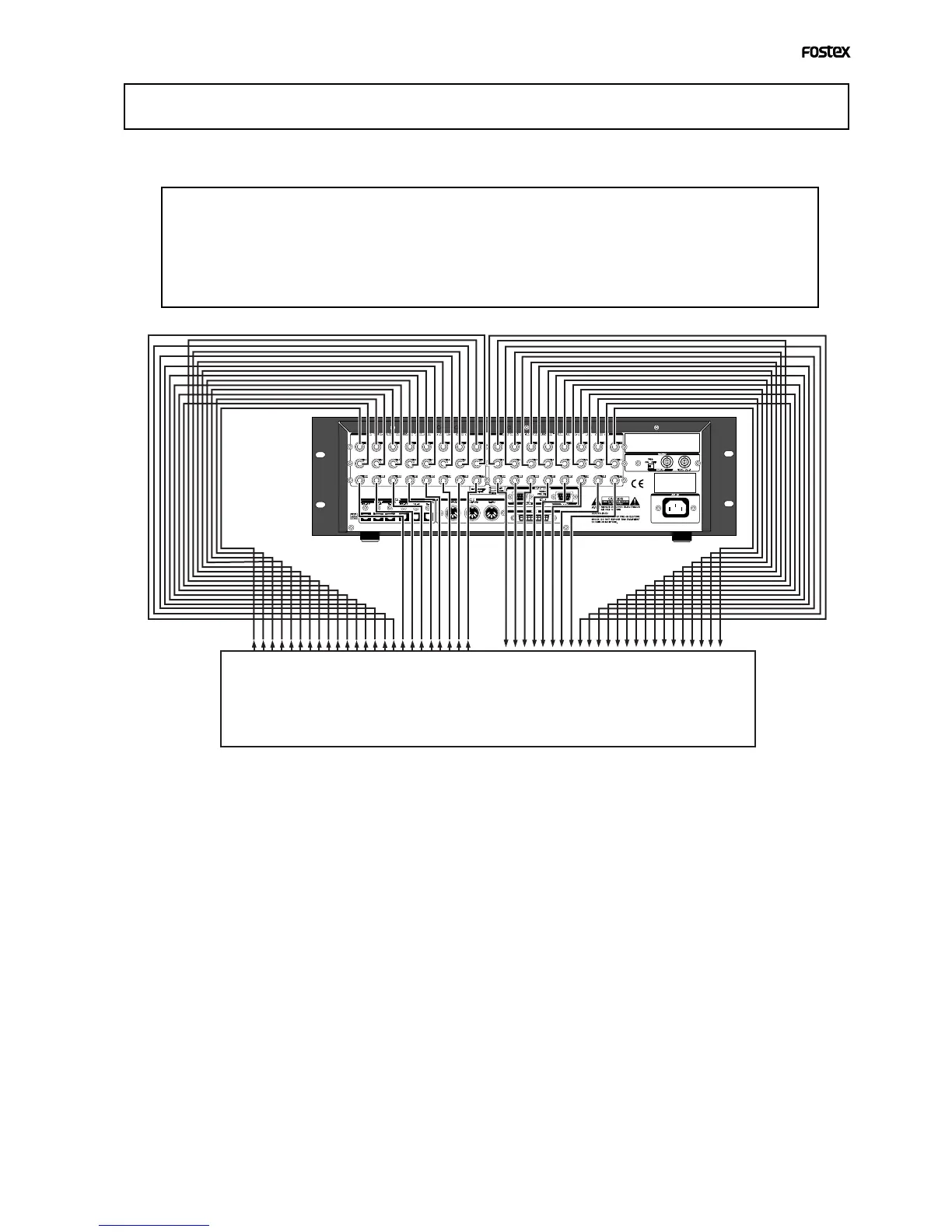
Connecting a analog mixer
<Notes>
• At making connections with the mixer, switch off power to this unit and the mixer.
• Analog input/output ports of D2424LV are set to "
unbalanced input/output
" in the initial state.
These can be changed to "balanced input/output" by the "BAL (+4dBu)/UNBAL (-10dBV) setup menu" in
the SETUP mode in accordance to the application. For details on setup, refer to the separate "Reference
Manual."
The D2424LV is equipped with 24 [ANALOG INPUT] and 24 [ANALOG OUTPUT] connectors, allow-
ing up to 24-channel input/output connection, which may be powerful for live recording, etc.
Analog mixer


 To Next Page