- 30 - - 31 -
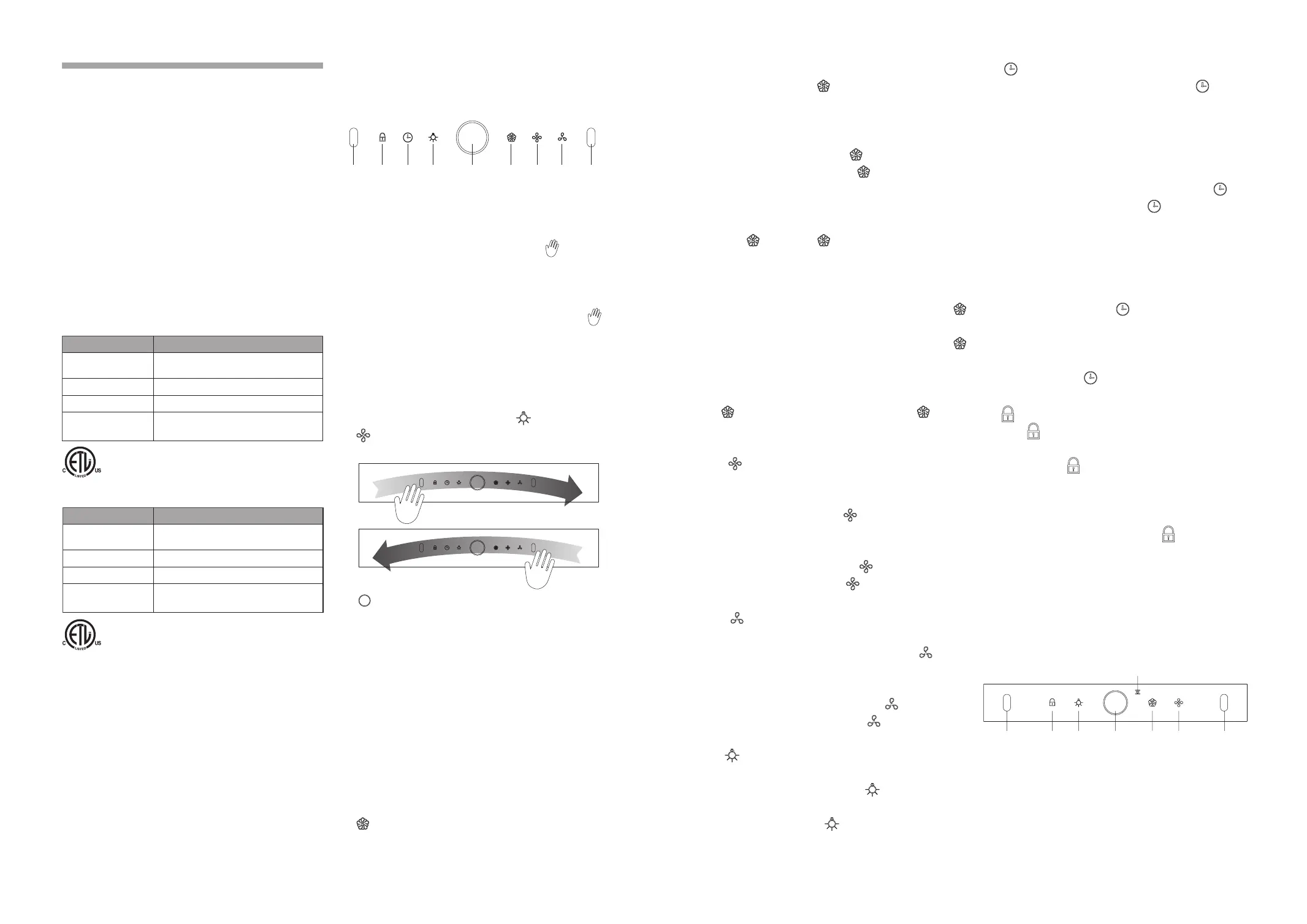
(1)GESTURE function: Wave hands quickly
through the sensor windows at two sides, the
smoke bafe plate will automatically open, the
range hood is operated on high-setting and
the lights will be turned on; wave hands
quickly through the sensor windows at two
sides again, all functions of range hood will
be turned off, the button indicator will be
turned off, the smoke baffle plate will be
closed automatically and the range hood is
off.When switching off, press
Lighting and
Medium-setting Fan at the same time for 5
seconds to turn on/off the GESTURE function.
(2) POWER button: Once you press the
POWER button, the range hood will be
activated, the button will fully illuminate and the
other buttons on the control panel will display
low illumination. Lightly press the POWER
button again to turn off the range hood in the
working conditions. Once the range hood is
off, all functions are off, all buttons will cease
to illuminate, and the smoke bafe plate will be
closed automatically.
With the exception of the LOCK SCREEN
button, the other buttons will only work when
the POWER button is active.
(3) HIGH-SETTING/SUPER-HIGH-SETTING
FAN: Lightly press the button, the smoke bafe
Operation
(JQG7505/JQG7505-W/JQG9006/
JQG9006-W)
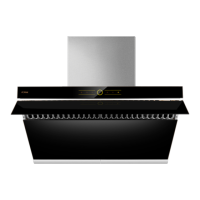
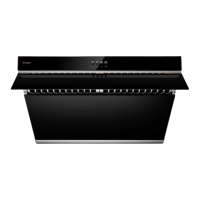
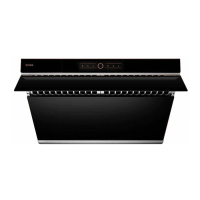
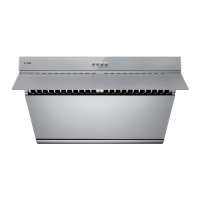
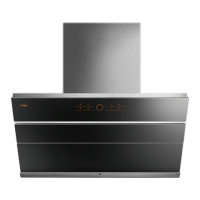
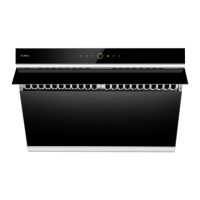
1. Fotile Range Hood Control Panel
2. Operation Procedure
Power
Sensor
Window
Lock
Screen
Delay
Lighting
High-setting/
Super-high-
setting Fan
Medium-
setting
Fan
Low-
setting
Fan
Sensor
Window
Model JQG9006/JQG9006-W
Produce size
L*D*H
35 7/8 × 18 7/16 × 17 7/16 "
(910 × 467 × 442 mm)
Net weight 70.1 lbs(31.8Kg)
Voltage/Frequency 120V/60Hz
Rated power input
of the range hood
210 W (light power included 3W × 2 )
(7) DELAY: Press the key lightly while the
range hood motor is working, the delay
indicator will fully illumination, and a two-minute
delay is activated; 2 minutes later, all functions
will turn off, the smoke baffle plate will be
closed automatically, and the range hood will
turn off.
During the delay, if you press the DELAY
button lightly once, the delay will be
stopped, the delay indicator will return to low
illumination, and the range hood will remain the
current working state.
Lightly press the any control panel button other
than the DELAY button once during the delay
to exit the delay, the DELAY indicator will
return to low illumination, and the function of
the pressed button operates.
When the range hood is not working, the
DELAY button is not working, and if the
button is pressed, an alarm sound will engage.
(8)
LOCK SCREEN button: Once pressed and
held for 2 seconds when the range hood
fan is not operating, you will hear a “beep”
sound, the LOCK SCREEN button will
fully illuminate, all buttons will be locked, and
any pressing will be invalid; in order to unlock
the control panel, you must press and hold
the LOCK SCREEN button for another
2 seconds. When the range hood fan is in
operation, the LOCK SCREEN button is not
working, if the button is pressed, an alarm
sound will engage.
Operation
(JQG7507-Y)
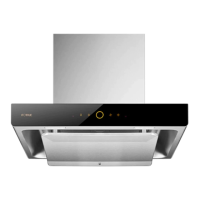
1. Fotile Range Hood Control Panel
Sensor
Window
Sensor
Window
Lock
Screen
LightingP ower/
Delay
High-setting/
Super-
high-
settin
Fan
Low-setting/
Medium-
setting
Fan
ynchronous
unction indicator
2. Operation Procedure
(1)Gesture control function: Wave your hand
quickly above the induction windows at
both ends so that the smoke shield will start
OPERATION
Warning
1. Do not use excessive force to press buttons
on the control panel.
2. Turn off gas burners without any cookware
placed on them.
3. Do not disassemble the appliance with power
on and/or without complying with instructions.
4. Clean the Grease Cup frequently to prevent
overow and a potential re.
5. Disassembly and/or servicing of the range hood
must be performed by qualied technicians.
6. Do not let the stove re burn the range hood directly.
Product Information
Model JQG7505/JQG7505-W/JQG7507-Y
Produce size
L*D*H
29 7/8 × 18 7/16 × 17 7/16 "
(758 × 467 × 442 mm)
Net weight 64.6 lbs(29.3 Kg
)
Voltage/Frequency 120V/60Hz
Rated power input
of the range hood
210 W (light power included 3W × 2 )
plate will open automatically, and the fan will
start up, while the HIGH-SETTING/SUPER-
HIGH-SETTING indicator will fully illuminate
and the range hood will be operated on high-
setting; press the HIGH-SETTING/SUPER-
HIGH-SETTING FAN lightly again, the
motor will stop, and the HIGH-SETTING/
SUPER-HIGH-SETTING FAN indicator will
return to low illumination; press the HIGH-
SETTING/SUPER-HIGH-SETTING FAN and
hold for 2s, the HIGH-SETTING/SUPER-
HIGH-SETTING indicator will fully illuminate
in green, and the range hood is operated on
SUPER-HIGH-SETTING;Press the HIGH-
SETTING/SUPER-HIGH-SETTING FAN
again and hold for 2s, the range hood can be
operated on the HIGH-SETTING and the
HIGH-SETTING/SUPER-HIGH-SETTING
indicator will fully illuminate; lightly press the
HIGH-SETTING/SUPER-HIGH-SETTING FAN
again, the motor will stop, and the HIGH-
SETTING/SUPER-HIGH-SETTING indicator
will return to low illumination.
(4)
MEDIUM-SETTING FAN: Press the
MEDIUM-SETTING FAN lightly, the smoke
bafe plate will open automatically and the fan
will start up; while the MEDIUM-SETTING
indicator will fully illuminate, the range hood
is operated on medium-setting;press the
MEDIUM-SETTING FAN lightly again, the
motor will stop, and the MEDIUM-SETTING
indicator will return to low illumination.
(5)
LOW-SETTING FAN: Press the button
lightly, the smoke baffle plate will open
automatically, the fan will start up, the LOW-
SETTING indicator will fully illuminate, and the
range hood will be operated on low-setting;
press the LOW-SETTING FAN lightly again,
the motor will stop, and the LOW-SETTING
indicator will return to low illumination.
(6)
LIGHTING: The LIGHTING button opens
the smoke baffle plate and turns on the
lights. Once pressed, the button will fully
illuminate. Press the button again and the light
will turn off and the LIGHTING indicator will
return to low illumination.


 To Next Page