33
To move to the next horizontal parameter press the button
:
To move to the next horizontal parameter press the button
:
At this point the horizontal menu “GSM Modem Setting” has been fully programmed and it’s possible to proceed to the
next menu.
To go back to the horizontal menu press the button
, we are back to horizontal menu “GSM Modem Setting”:
Press again the button
to move to next horizontal menu “Alarms Setting”
Connection Test
SMS number 1
Telefono n.3
+XXXXXXXXXX
Connection Test
SMS number 2
Connection Test
SMS number 1
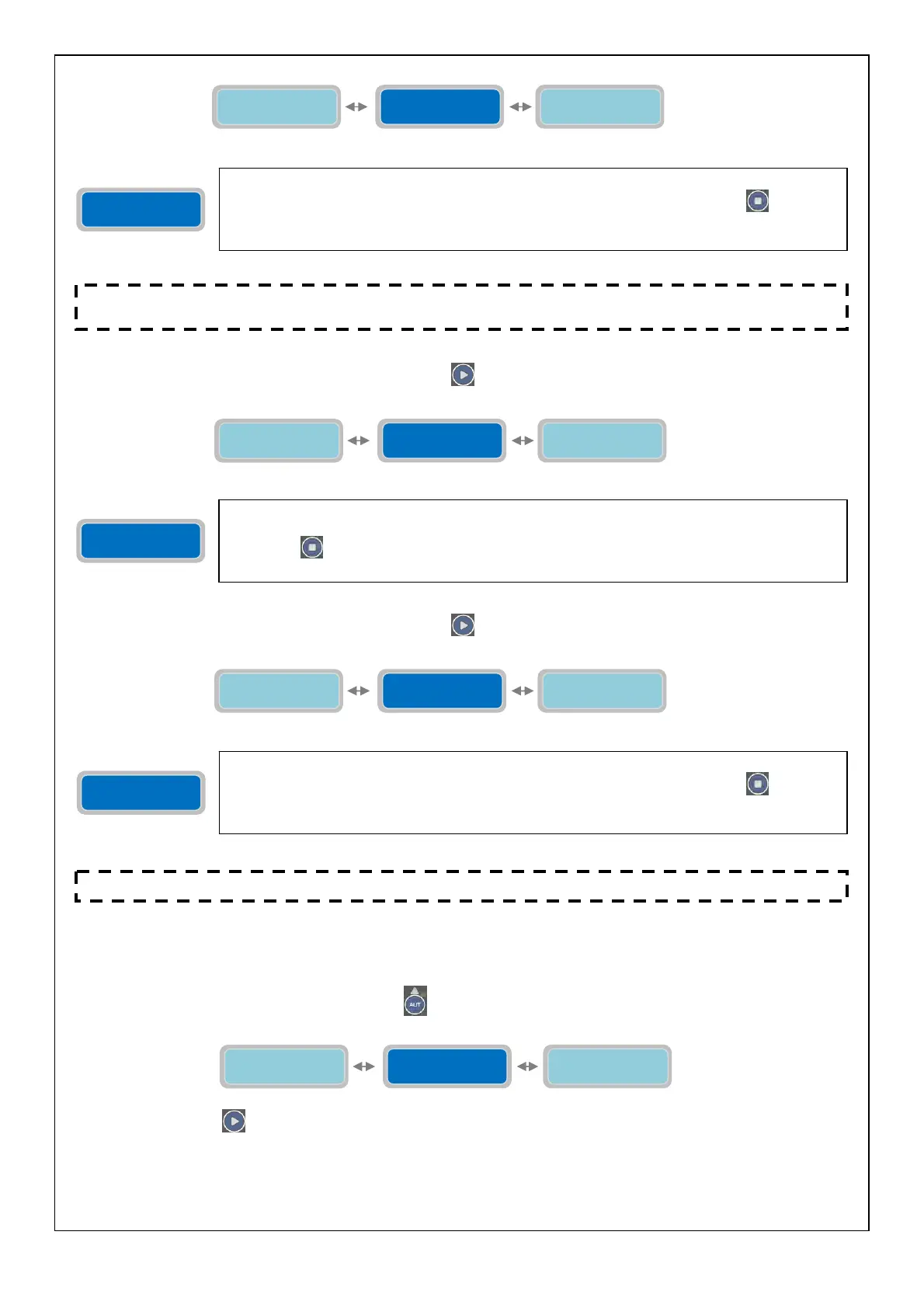
The parameter “Connection Test SMS number 1” will verify that the communication between
the modem GSM and the “Phone nr.1” is working. To verify it, press the button
which will
send an SMS message immediately from the modem GSM. The text of the message is described
in setting “Station Name”.
Connection Test
SMS number 2
Connection Test
SMS number 1
Connection Test
SMS number 3
Connection Test
SMS number 2
Similarly to the previous parameter, “Connection Test SMS number 2” will verify that the
communication between the modem GSM and the “Phone nr.2” is working. To verify it, press
the button
which will send an SMS message immediately from the modem GSM. The text of
the message is described in setting “Station Name”.
Connection Test
SMS number 3
Connection Test
SMS number 2
Station Name
XXXXXXXXXXX
The parameter “Connection Test SMS number 3” will verify that the communication between
the modem GSM and the “Phone nr.3” is working. To verify it, press the button
which will
send an SMS message immediately from the modem GSM. The text of the message is described
in setting “Station Name”.
NOTE: when the setting to enable/disable the modem GSM is changed (change of parameter “Enable
Modem”
it is necessar
to exit the
ro
rammin
and re-enter
rior to test the connections.
NOTE: the GSM card has an LED to verify the network operator presence (see chapter “GSM” on page 40).
Connection Test
SMS number 3
GSM Modem
Setting
Operating
Programs
Alarms
Setting



 To Next Page