37
To move to the next horizontal parameter press the button
:
NOTE: to set the GSM alarm output please refer to the sound alarm output configuration setting section
To go back to the horizontal menus press the button
and the “Alarms Setting” menu will be displayed again
Press again the button
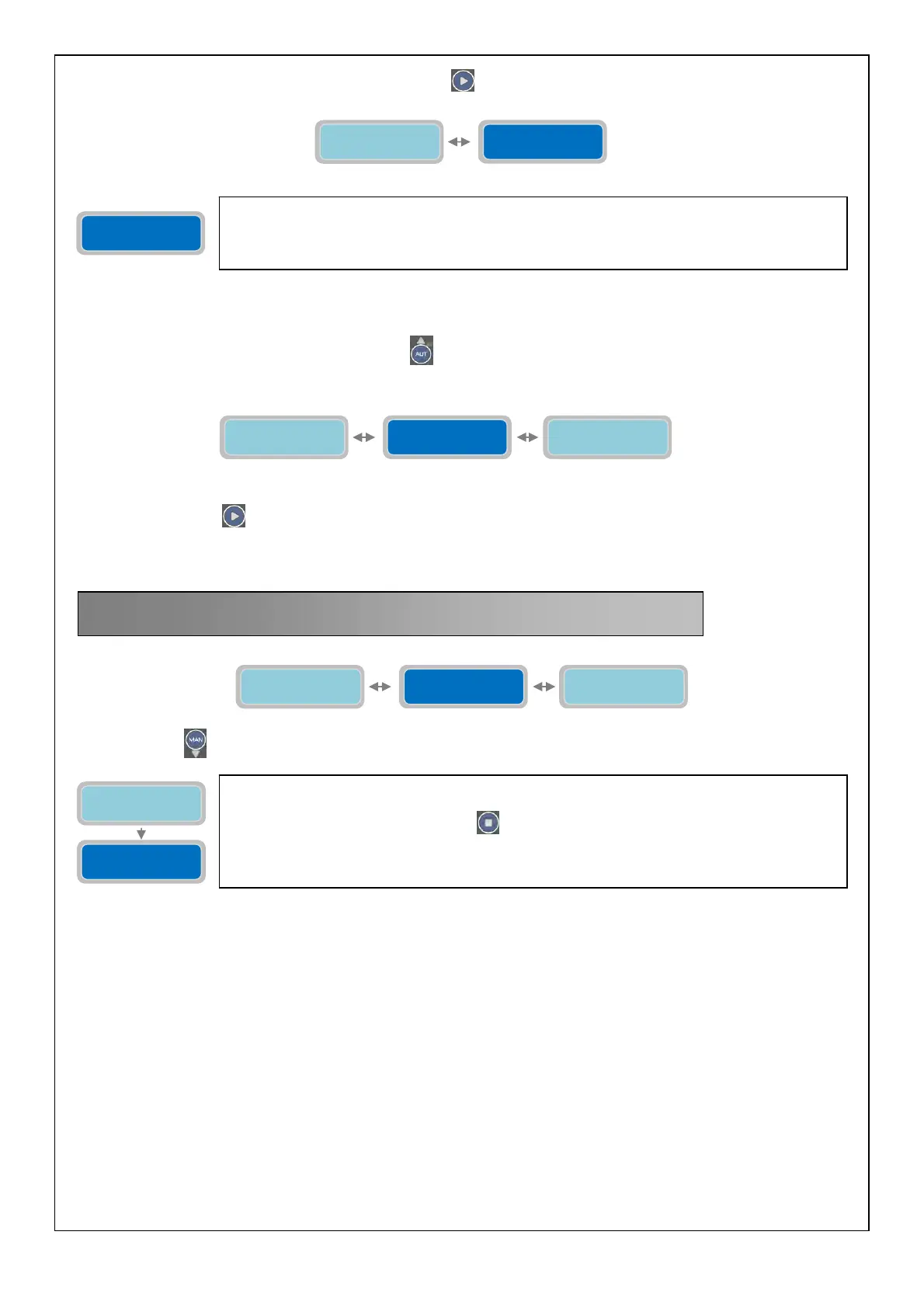
to move to next horizontal menu “Restore Settings”
Press the button
to display the vertical parameter:
15. RESTORE SETTINGS
Configuration
XXXXXXXXXXXXXXX
Mode
1=Tel1 2=Tel2 X
Configuration
XXXXXXXXXXXXXXX
With the parameter “Configuration” GSM Model alarm output is possible to set which alarms will
trigger the sending of the SMS messages (with the Mode previously described)
The “X” indicates the setting of the parameter to modify.
Factory default setting: 000000000000000.
Alarms
Setting
GSM Modem
Setting
Restore
Settings
Restore
Settings
Press Enter to
confirm
Restore
Settings
Alarms
Setting
Press Enter to
Set-up Exit
On the "Enter to confirm" can be performed restore all the programming parameters to the
default status that is the initial factory settings.
To confirm, simply press the button
to which will correspond an instant restart of the
software.
This option is particularly useful if it is desired to change the parameters of the system without
having to control all of.



 To Next Page