22
3
► TPM SUPPORT
This item is used to decide whether to support TPM (Trusted Platform Module) device function.
Default option is [Disabled]. If you want to support TPM, rst you need to install a TPM device
on the motherboard and set this item to [Enabled], then save changing and reset your compu-
ter, otherwise the operation system can not show the relative information.
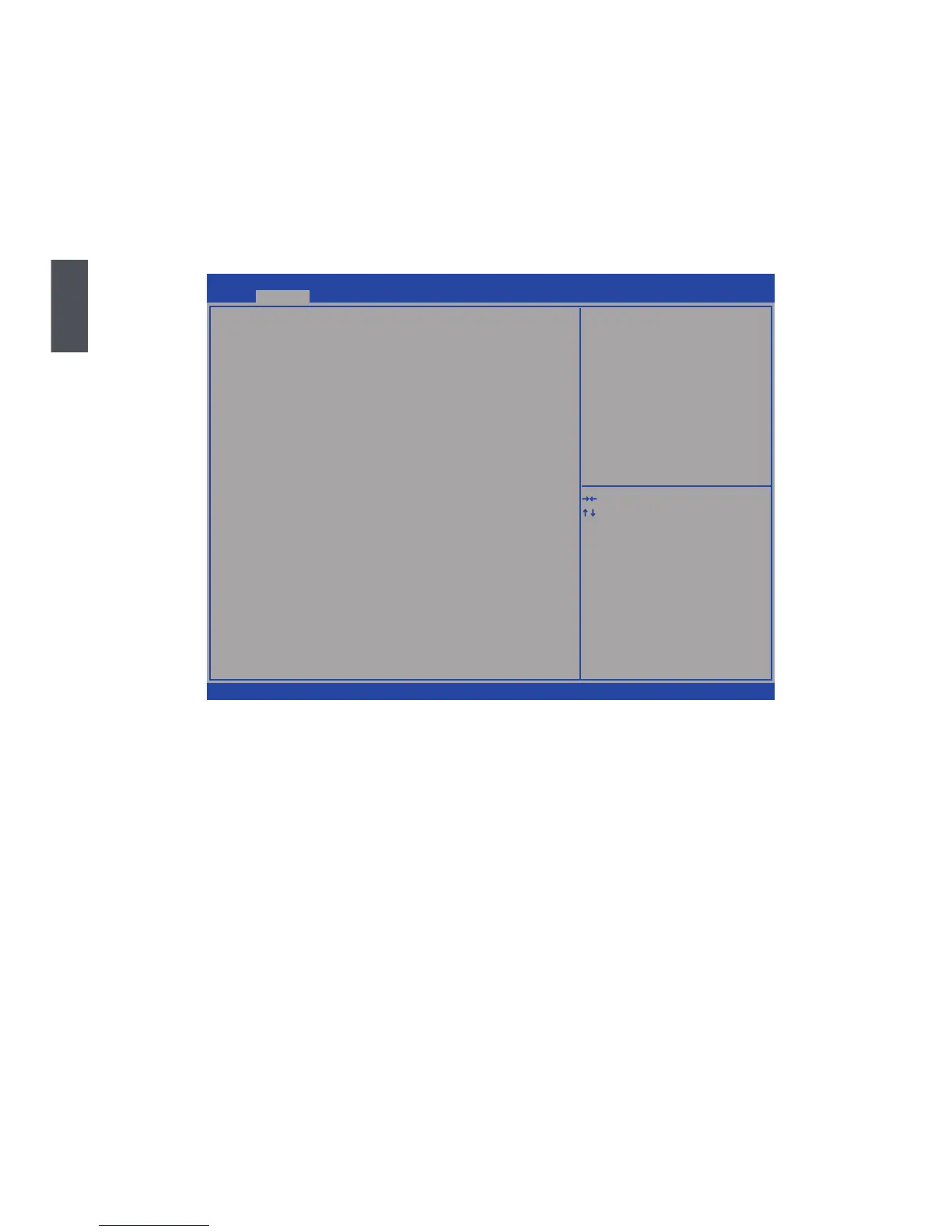
North Bridge
Version 2.13.1216. Copyright (C) 2011 American Megatrends, Inc.
Aptio Setup Utility - Copyright (C) 2010 American Megatrends, Inc.
North Bridge Configuration
Memory Information
Total Memory 2048 MB (��R3 1067)
Memory Slot1 Not Present
Memory Slot2 2048 MB (��R3 1067)
Memory Configuration
Integrated Graphics [Auto]
IG� Memory [256MB]
�VMI/FIXE� Memory [256MB]
→ ←: Select Screen
↑ ↓: Select Item
Enter: Select
+/-: Change Opt.
F1: General Help
F2: Previous Values
F3: Optimized �efaults
F4: Save & Exit
ESC: Exit
Keep IG� enabled based on the
setup option
Advanced
Memory Information
► Total Memory
This item displays the current memory size. The size is depending on how many memory mod-
ules are installed in your system before powering on.
► Memory Slot 1/2
These items display the memory size installed on each slot.
ay time (in clock cycles).
►Integrated Graphics
This item is used to set the mode of the Integrated Graphics.
► IGD Memory
This item is used to select the IGD(Integrated Graphics Device) share memory size. Default
value is [256MB].
► DVMT/FIXED Memory
Select graphics memory size for Fixed or DVMT usage.


 To Next Page