34
7. Operations on the FoxEssUS App
7.1 App Overview
• Function
The FoxEssUS app is a mobile phone app that locally communicates with the hybrid inverter to allow for
querying alarms, configuring parameters, and performing routine maintenance, and commissioning.
• Connection Method
After the DC or AC side of the hybrid inverter is energized, the app can connect to the hybrid inverter in
either of the following ways:
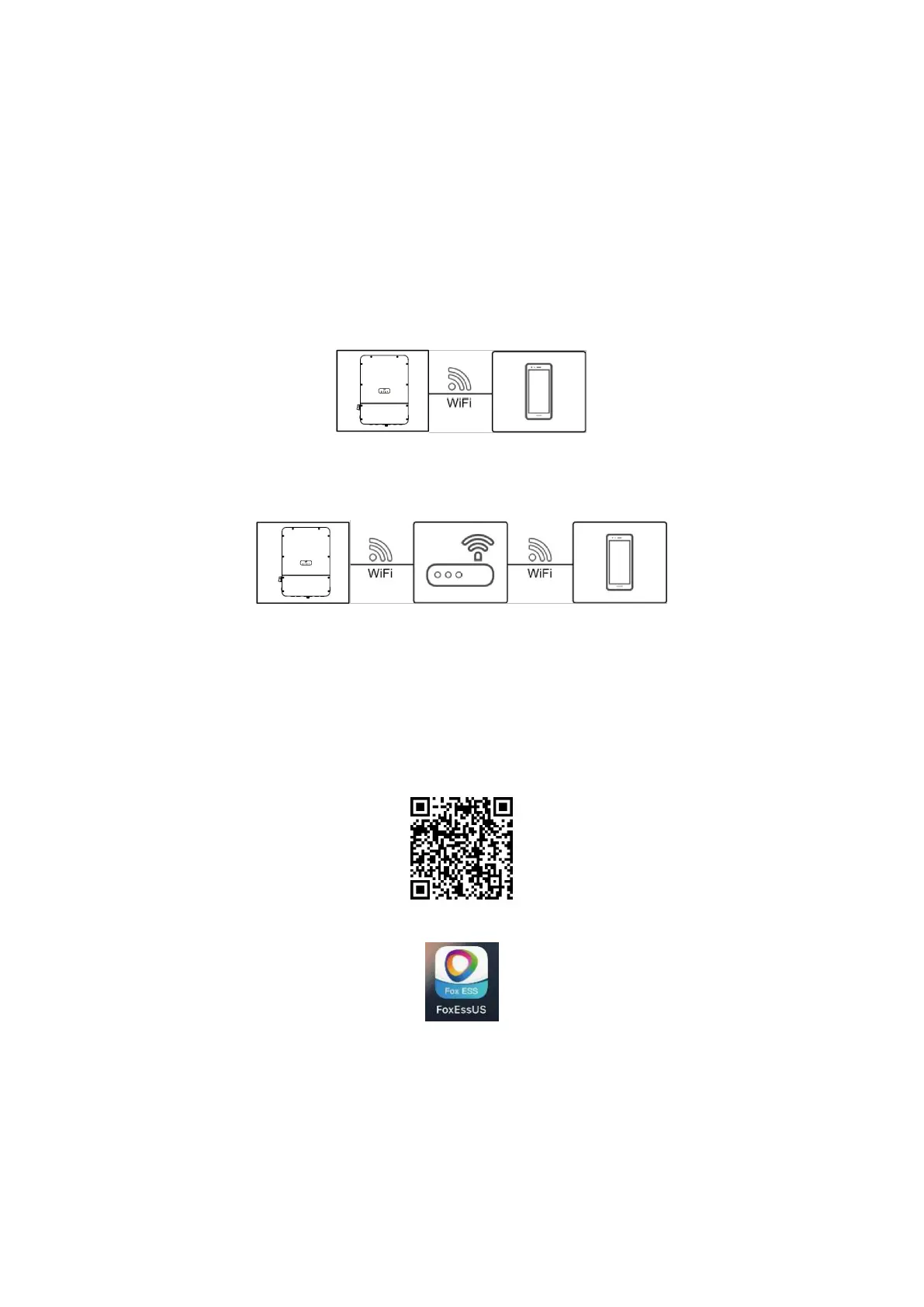
Method 1: The mobile phone connects to the hybrid inverter directly.
Figure 7-1 Mobile phone connecting to the hybrid inverter directly
Method 2: The mobile phone connects to the hybrid inverter through a router. Ensure that the hybrid
inverter has connected to the router if you need to use this method.
Figure 7-2 Mobile phone connecting to the hybrid inverter through a router
7.2 Downloading and Installing the App
Search for FoxEssUS from one of the following app stores in the following list, download the installation
package, and install the FoxEssUS app by following the instructions.
• Google Play (Android)
• App Store (iOS)
Or, scan the following QR code to select the corresponding store to download the installation package.
After the app is installed, the FoxEssUS icon is displayed on the home screen.
7.3 Registering the App
Step 1 Tap “Sign Up”, enter the installer/end user’s desired information, check User Agreement, tick the
box, and finally tap “Register”.


 To Next Page