EasyManua.ls Logo

Foxpro Inferno - Getting Started; Inferno: First Glance

Foxpro Inferno
12 pages
Print Icon
To Next Page IconTo Next Page
To Previous Page IconTo Previous Page
Loading...
4
Getting Started
Congratulations on your purchase of the FOXPRO Inferno digital game call! To avoid personal injury and
product damage, be sure to read all operating instructions before operating.
1-1 Inferno: First Glance
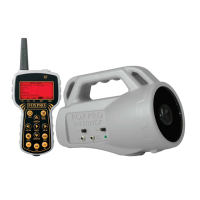
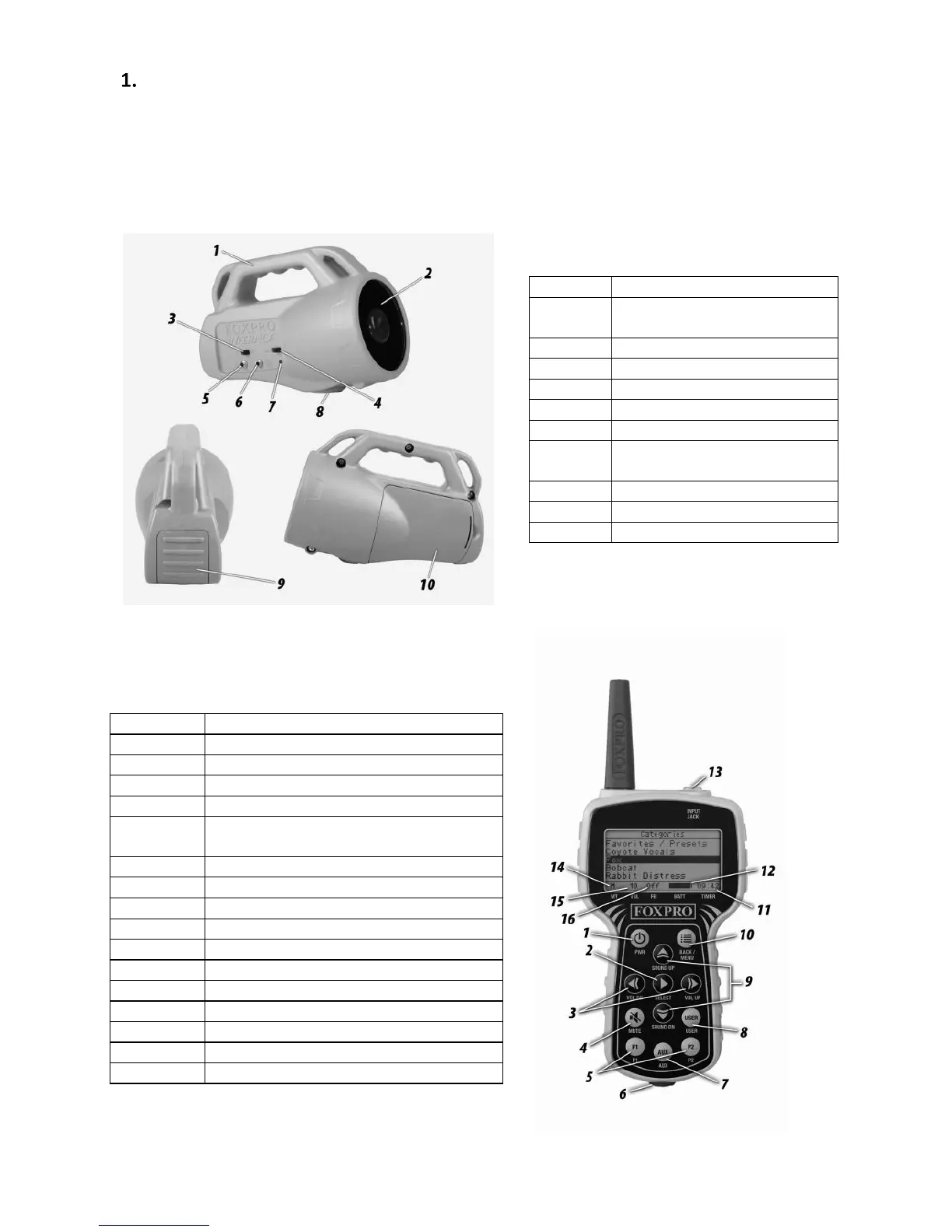
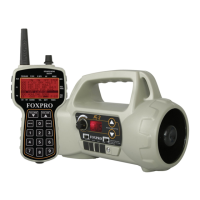
The images below, and their corresponding charts, highlight notable elements of the Inferno game call and
remote.
Table 1: Inferno Overview
Table 2: Inferno Transmitter Overview

NUMBER
DESCRIPTION
1
Power on/off
2
Select
3
Volume up/down
4
Mute
5
Quick access buttons for preset 1 and
preset 2
6
Lanyard loop
7
Auxiliary button
8
User button
9
Sound up/down
10
Back/Menu
11
Timer
12
Battery indicator
13
Sound upload jack (may be black or gray)
14
Mute status indicator
15
Volume level indicator
16
FOXBANG indicator
NUMBER
DESCRIPTION
1
Rugged injection molded ABS
housing
2
Horn speaker
3
Power on/off slide switch
4
Speaker on/off slide switch
5
Auxiliary device jack
6
External speaker jack
7
Pilot lamp/low battery
indicator
8
Tripod mount
9
USB port access door
10
Battery compartment

Related product manuals