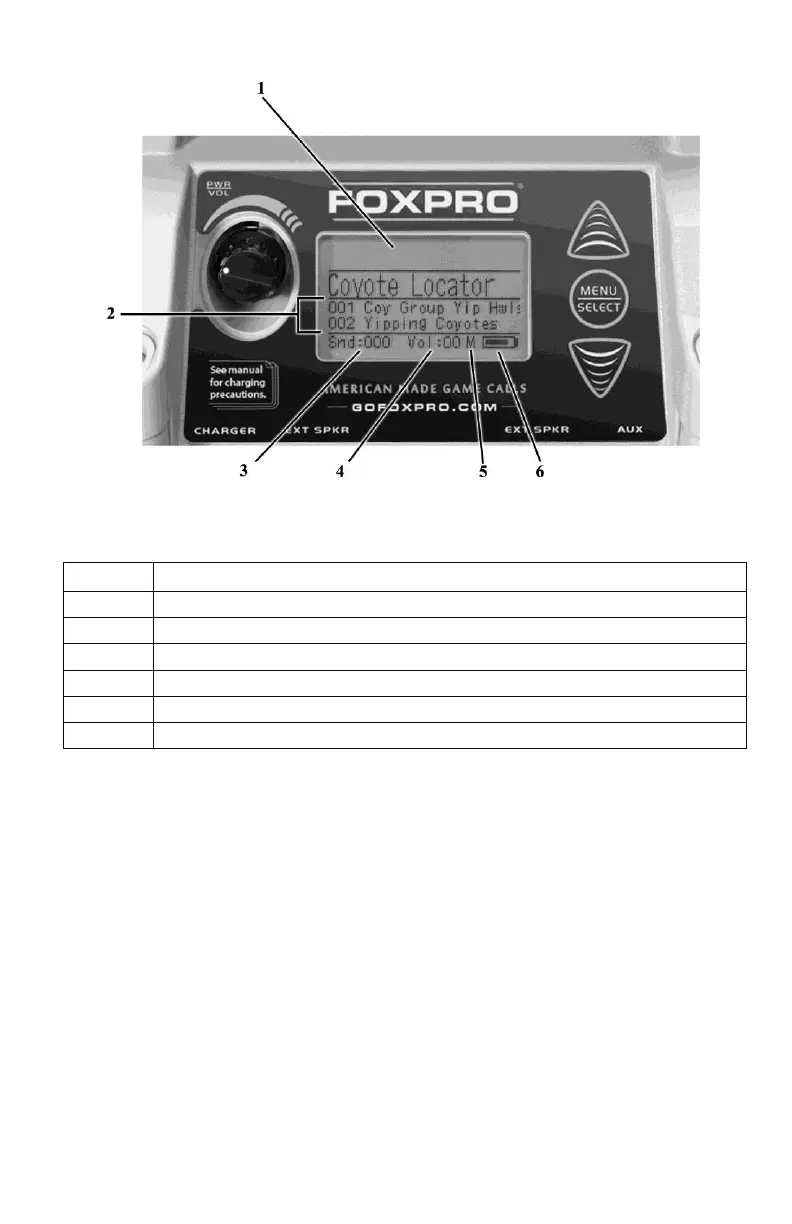
3-3 Navigating the XWave
The up and down scroll buttons (located to the right of the on-board display) allow you to step
through your sound list and menu options. The “Menu/Select” button provides triple function
operation. It is used for starting sound playback, muting sound playback, and entering the
XWave menu.
3-4 Playing Sounds Manually
Scroll through the sound list using the scroll buttons. The current sound will be in a larger font
than the rest and it will have a horizontal bar above and below the name. Select the sound you
wish to play and then push the “Menu/Select” button. Notice the volume level indicator on the
screen—as soon as the “Menu/Select” button is pushed; the selected sound will begin playing
at the volume level indicated. Use the volume knob to increase or decrease the volume level.
The displayed volume level will rise or fall in response to the knob movement. To pause or



 To Next Page