19
NT630 Pro ABS & Airbag Reset Tool Manual_English_V1.01
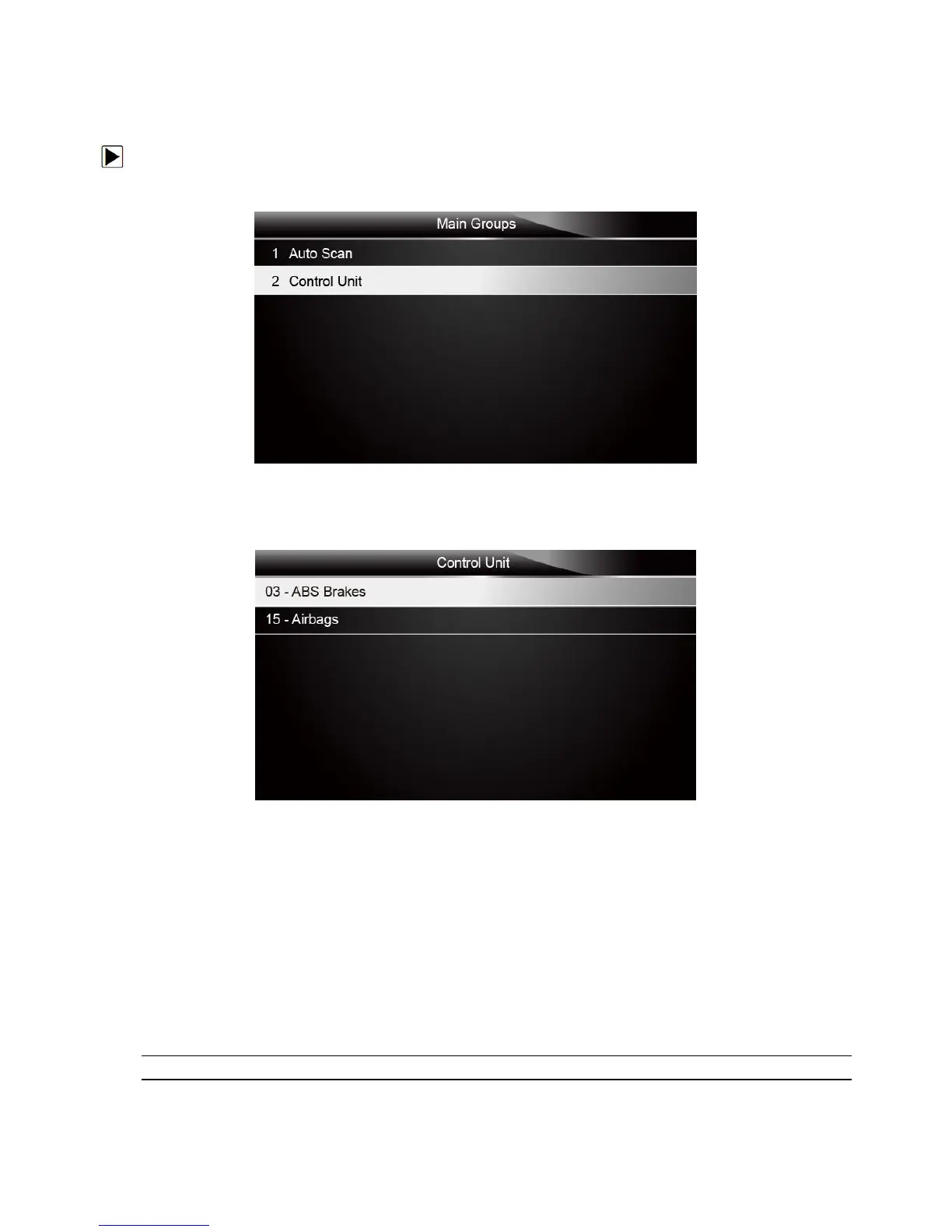
Control Unit screen displays all controllers available of the vehicle manufacturer. The controllers
listed on the menu do not mean that they are installed on the vehicle.
To select a system for testing:
1. Scroll with the arrow keys to highlight Control Unit from the menu and press the ENTER key. A
controller menu displays.
Figure 4-18 Sample Control Unit Menu Screen
2. Select the system you would like to test. When the scanner has established connection with the
vehicle, the Function Menu displays.
Figure 4-19 Sample Common menu screen
4.3 Diagnostic Function Selection
After a system is selected and the scanner establishes communication with the vehicle, the
Function Menu displays. The menu options may include:



 To Next Page