52
NT630 Pro ABS & Airbag Reset Tool Manual_English_V1.01
Figure 7-11 Sample Tool Information Screen
3. Press the Back key to exit and return to the Setup menu.
7.7 Configure Shortcut Keys
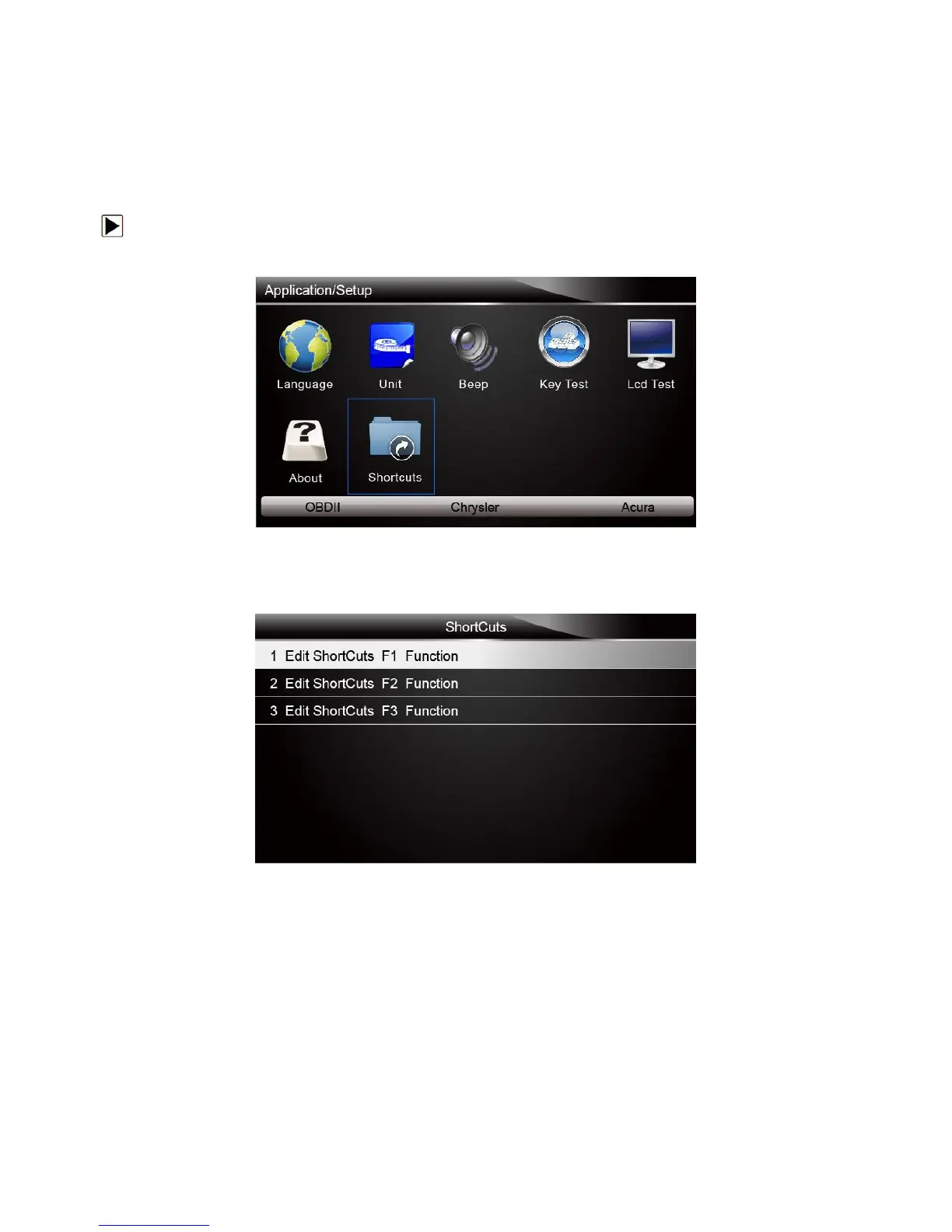
Selecting Shortcuts option lets you to change the functionality of the shortcut buttons.
To assign a function to a shortcut button:
1. Scroll with the arrow keys to highlight Shortcuts from Setup menu and press the ENTER key.
A screen with available shortcut keys displays.
Figure 7-12 Sample Setup screen
2. Press the UP/DOWN arrow key select an shortcut key and press the ENTER key. A screen with
a list of loaded applications displays.
Figure 7-13 Sample ShortCuts Screen
3. Scroll with the UP/DOWN arrow keys to highlight an application and press the ENTER key to
assign the application to the shortcut key.
4. Press any key to exit and return.
The scanner can be updated to keep you stay current with the latest development of diagnosis.
This section illustrates how to register and update your scan tool.



 To Next Page