EasyManua.ls Logo

FRAM FDU-M12 - User Manual

Default Icon
80 pages
Print Icon
To Next Page IconTo Next Page
Loading...
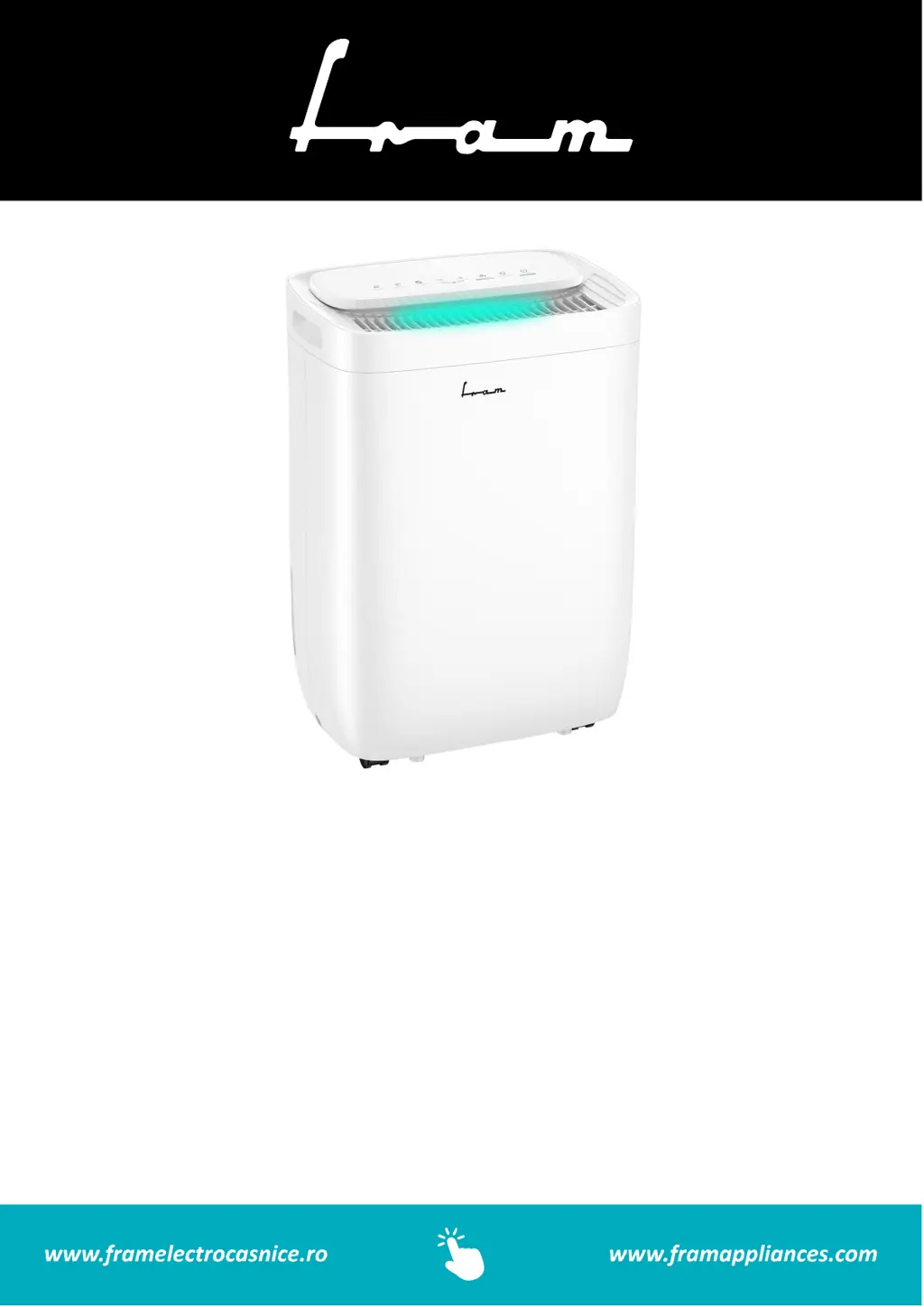
FDU-M12
Dehumidifier
Dehumidifying capacity: 12L
Color: white

Questions and Answers

  • C
    Colton WillisAug 11, 2025
    What to do if FRAM FDU-M12 Dehumidifier does not dry the air?
    • M
      Melissa HayesAug 11, 2025
      If your FRAM Dehumidifier isn't drying the air as expected, consider these points: * Ensure sufficient time has passed for moisture removal. * Check that curtains, blinds, or furniture aren't blocking the front or back of the unit. * Verify the humidity control is set appropriately low. * Confirm all doors, windows, and openings are securely closed. * Ensure the room temperature is not below 5°C (41°F). * Make sure there isn't a kerosene heater or another source of water vapor in the room.
  • D
    Dennis SnyderAug 21, 2025
    Why FRAM FDU-M12 won't start?
    • J
      Jordan CarrollAug 22, 2025
      If your FRAM dehumidifier isn't starting, try these solutions: * Ensure the dehumidifier plug is fully inserted into the outlet. * Check the house fuse or circuit breaker box. * The dehumidifier might have reached its preset level, or the bucket could be full. Empty the bucket or adjust the settings. * Make sure the water bucket is correctly positioned.
  • T
    Tim PaulAug 31, 2025
    Why is my FRAM FDU-M12 Dehumidifier making a loud noise?
    • M
      Melinda OliverAug 31, 2025
      If your FRAM dehumidifier is operating loudly, consider the following: 1. Check if the air filter is clogged and clean it if necessary. 2. Ensure the unit is upright and not tilted. 3. Verify the floor surface is level.

FRAM FDU-M12 Specifications

General IconGeneral
BrandFRAM
ModelFDU-M12
CategoryDehumidifier
LanguageEnglish