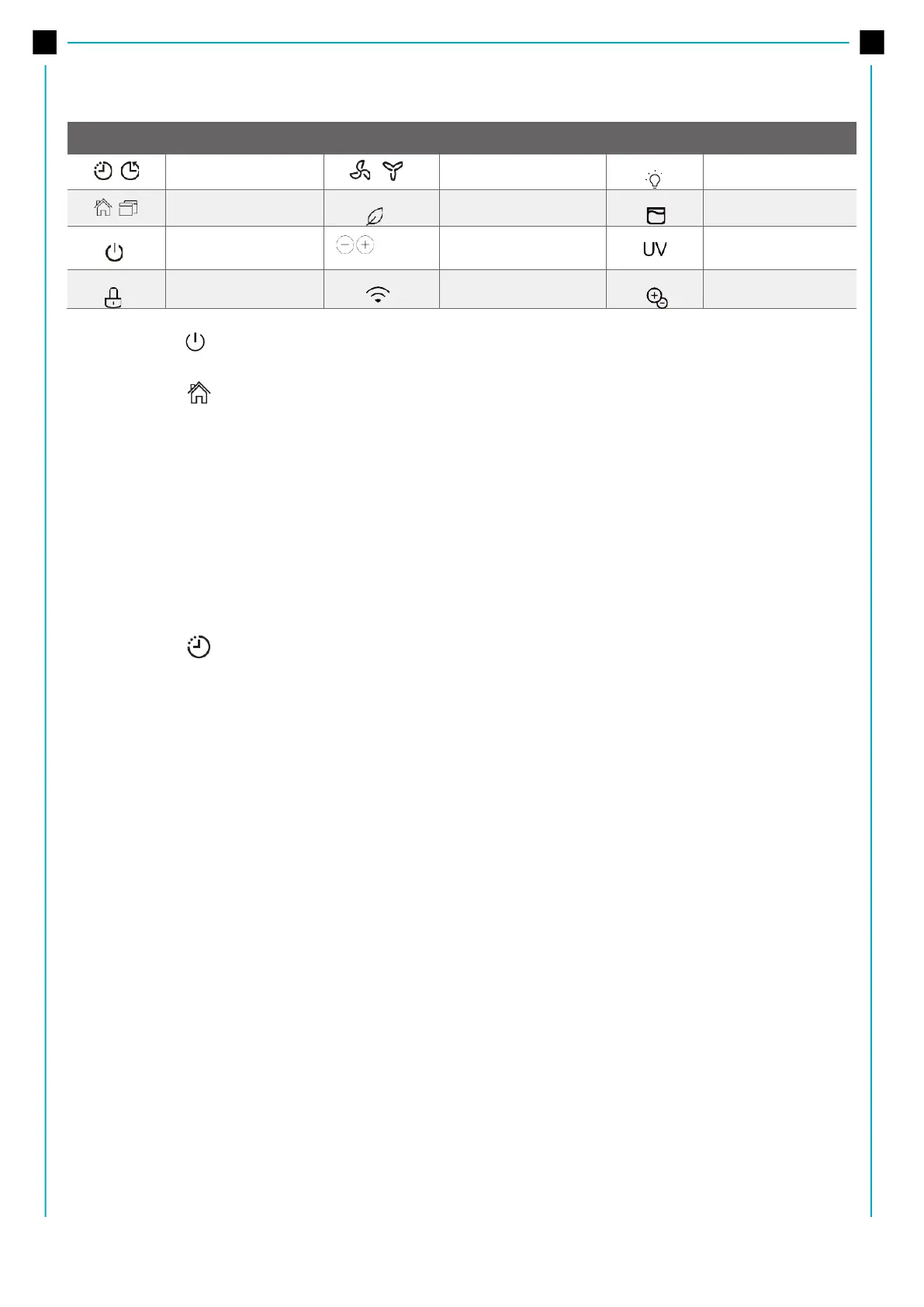
Power buton
Press to turn the dehumidifier on and off.
Mode button
• Press to select the desired operation mode from Setting dehumidifying, Dryer model, Smart
dehumidifying, Continuous dehumidifying and Fan mode (on some models).
• In Setting dehumidifying mode, the set indicator light illuminates.
Note: In Continuous dehumidifying, Dryer and Smart dehumidifying modes, the humidity setting can‘t be
adjusted.
In Fan mode the unit do not dehumidify.
Install the HEPA (High Efficiency Particulate Air), the unit cannot adjust mode and the HEPA light will
illuminate.
Timer button
• Press to initiate the Auto start or Auto stop feature, in conjuction with the + and – buttons. When
the unit is on, press the Timer button to activate the Auto stop feature. When the unit is off, press
this button to activate the Auto start feature.
• Press or hold the + and - button to change the Auto time by 0.5 hour increments, up to 10 hours,
then at 1 hour increments up to 24 hours.
• The control will count down the time remaining until start.
• The selected time will register in 5 seconds and the system will automatically revert back to display
the previous humidity setting.
• Turning the unit ON or OFF at any time or adjusting the timer setting to 0.0 will cancel the Auto start
or Auto stop feature.
• When LED display window displays the code of P2, the Auto start or Auto stop feature will also be
cancelled.
Up (+)/Down (-) buttons
• Humidity Set Control buttons
The humidity level can be set within a range of 35% RH (Relative Humidity) to 85%RH (Relative
Humidity) in 5% increments. For drier air, press the - button and set to a lower percent value (%). For
damper air, press the + button and set a higher percent value (%).
• TIMER Set Control buttons
Use the Up/Down buttons to set the Auto start and Auto stop time from 0.0 to 24.



 To Next Page