Frama Matrix F32/F42/F62
14
2.3. Making connections
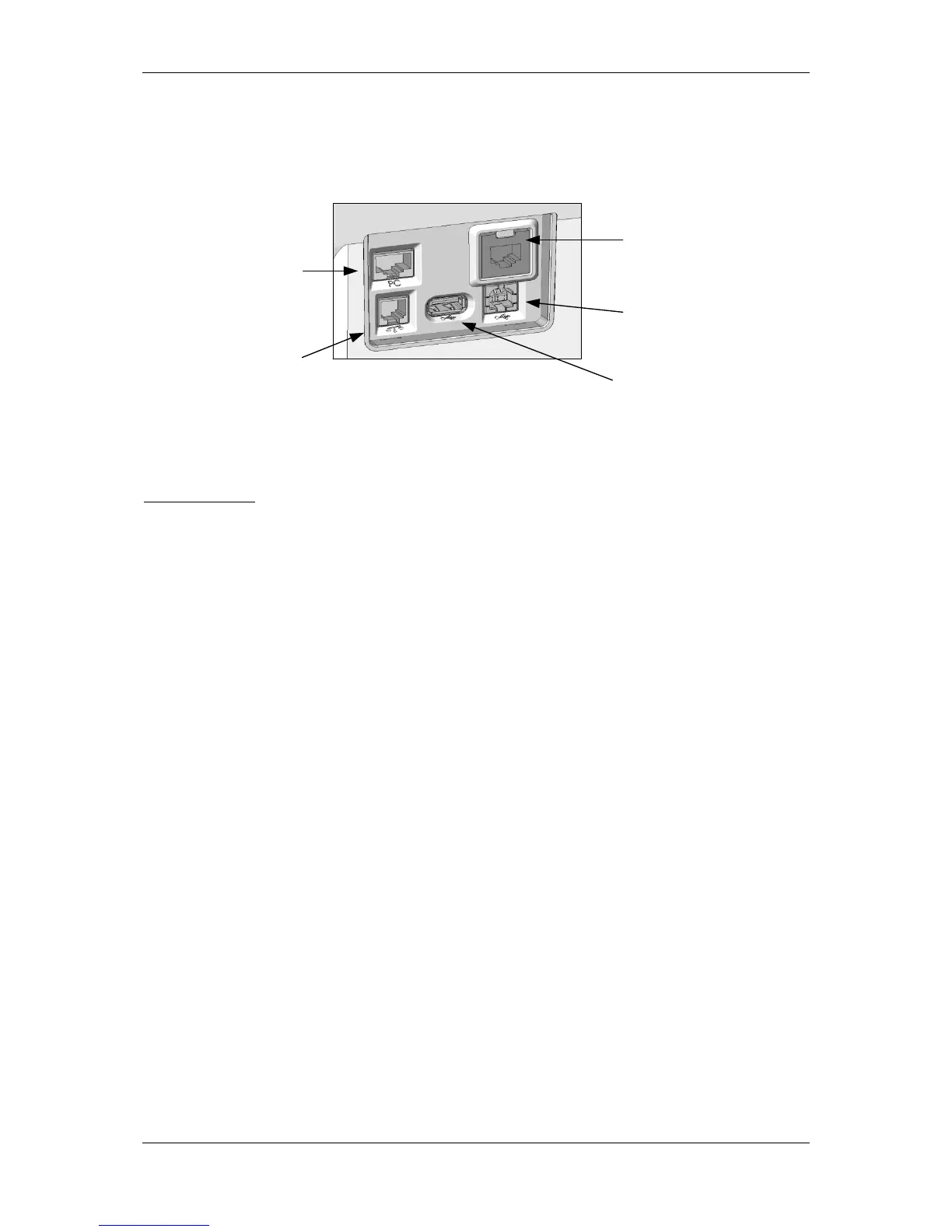
The figure below shows the location of the interfaces on the rear of the Matrix franking system's
housing (connection panel).
2.3.1. Make communications connection (communications module)
The connection of the relevant cable differs depending on the communications module used.
Ethernet (green): Plug the network cable (RJ45) into this socket. Plug the network cable into your
network.
2.3.2. Connecting the scales (optional)
Plug the scales cable into the scales socket.
2.4. Filling the sealing system (optional on the Matrix F62)
A letter sealing system optionally fitted to your franking system must be supplied with water. Follow
the instructions on page 33 to fill the water tank.
2.5. Insert label box (franking labels) (not on Matrix F32)
Fit the label box carrying the franking labels in accordance with the instructions on page 32.



 To Next Page