Frama Matrix F32/F42/F62
61
9.7. SmartShop
SmartShop allows you to order frequently required accessories directly through your franking sys-
tem.
Call up the SmartShop by pressing its key. The subsequent figures may differ depending on your
country. The prices are shown for illustration purposes only.
9.7.1. Order accessories/options
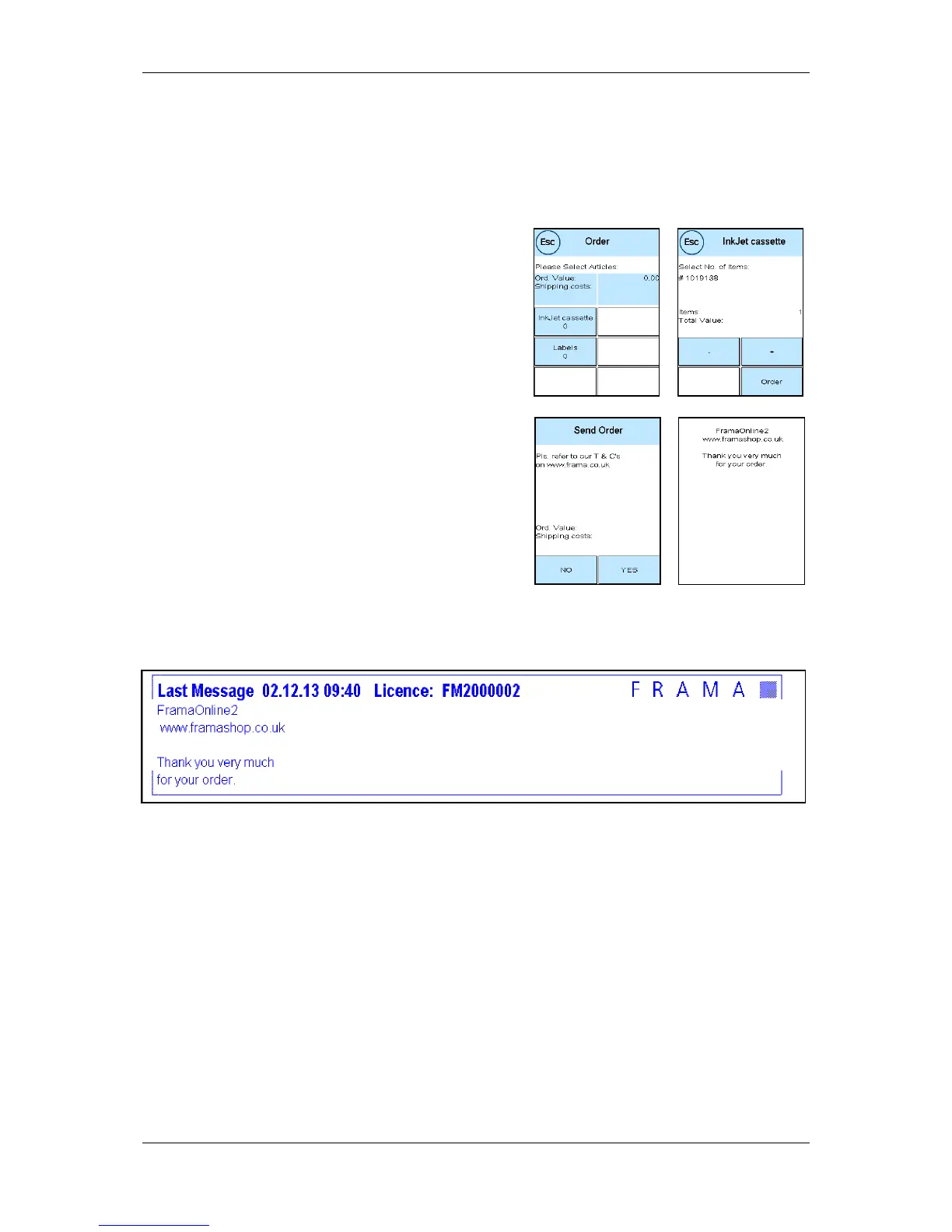
Select the item required by pressing the relevant key.
Select the desired quantity of the item using the - and +
keys. Press the Order key again to confirm the item se-
lection.
Continue in the same way for further items.
9.7.2. Send Order
Press the ENTER key to confirm the full order. Press YES
in the Send Order menu to send a binding order. The
franking system contacts the FramaOnline2 data centre.
A successful transmission is indicated in a summary.
You may print out a receipt – while the summary is displayed – by feeding an envelope or similar:
You will be supplied and invoiced by your local Frama Sales and Service organization.



 To Next Page