Frama Matrix F32/F42/F62
42
5.2.3. Printing message and text simultaneously
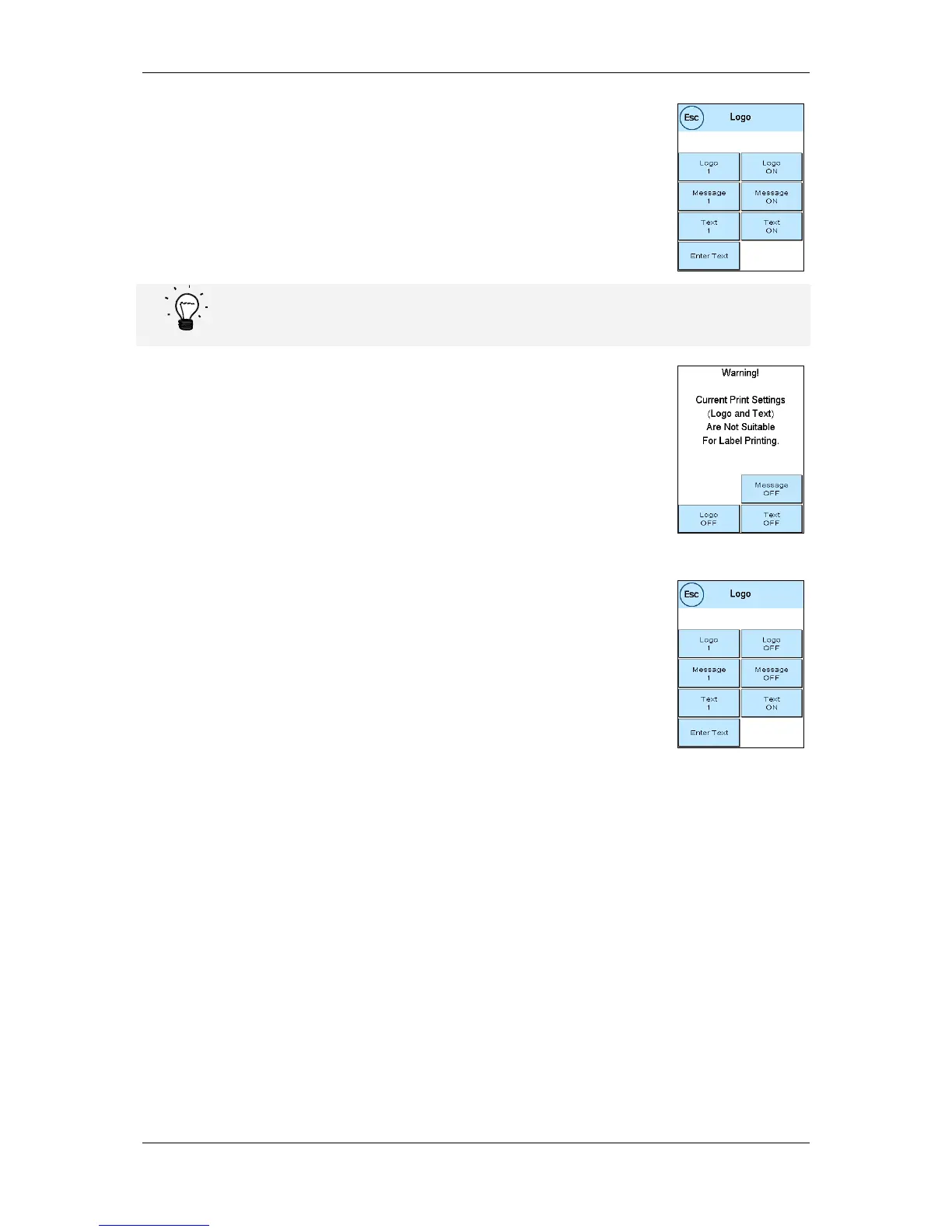
Your Frama Matrix franking system gives you the possibility of printing your
own text in addition to the selected message. You can set this function by
pressing Message & Text.
Caution If franking labels are used, only restricted utilization of this function is possible. Your
Frama Matrix franking system checks the length of the franking mark and will give you a cue
if the permissible total length is exceeded.
Press Message OFF to suppress printing of the message for the franking label
mark. As a result, the franking mark shows only the text message. Using the
same procedure, you can cancel printing of the text for the franking label
mark.
This setting is valid only for the process being carried out at the time.
5.2.4. Switching the message off
You can switch off the message by pressing the Message ON/OFF key if you
wish to frank your mail without any message or text.
Press the key again to switch the function back on.



 To Next Page